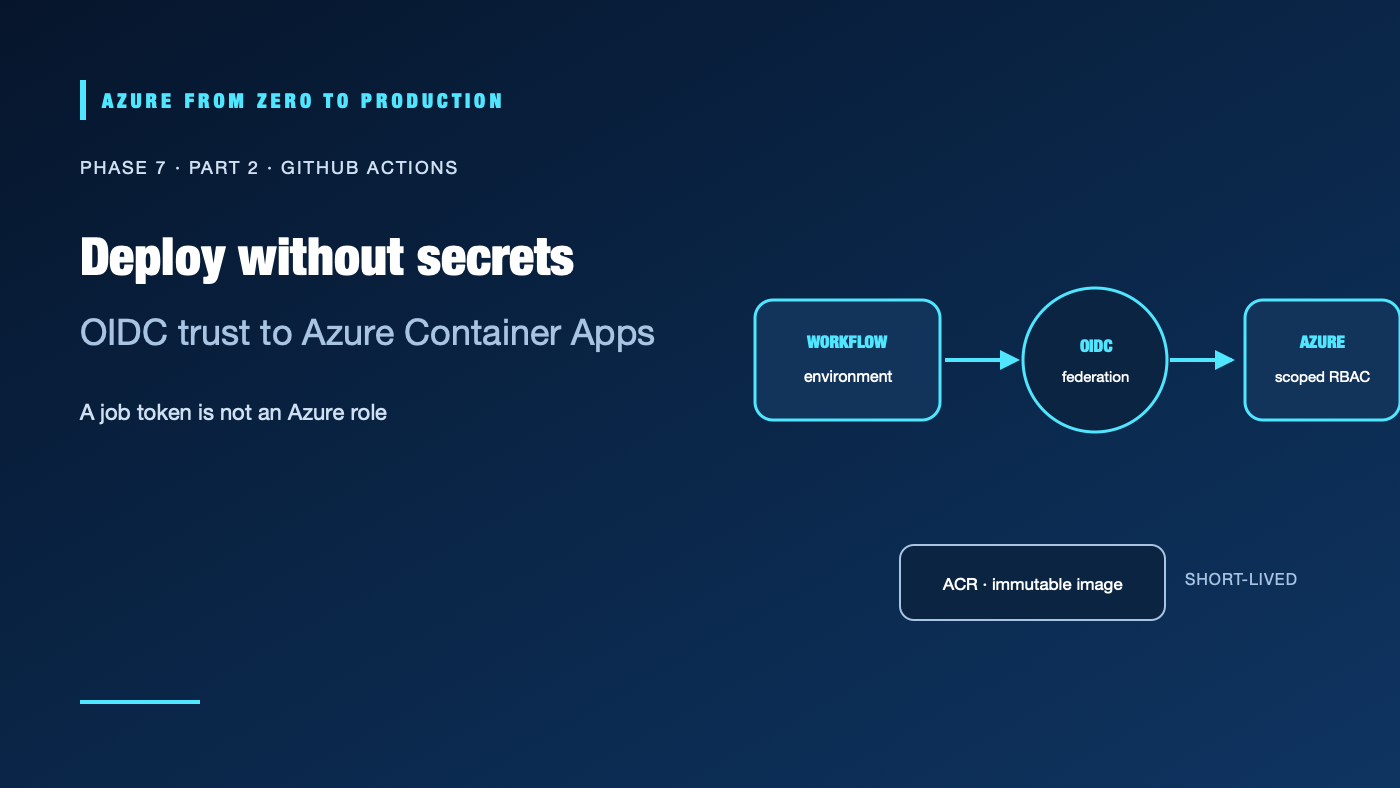
A repository secret feels convenient until it becomes a long-lived credential shared across workflows. GitHub Actions can instead request a signed OpenID Connect (OIDC) token, and Microsoft Entra ID can exchange that token for a short-lived Azure access token. The trust is safe only when the subject, workflow permissions, environment protections, and Azure role scope are all intentional.
What you’ll learn
- Configure a GitHub Actions job to request an OIDC token for Azure.
- Explain the issuer, audience, and subject checks in a federated identity credential.
- Separate pull-request validation from jobs that can deploy to Azure.
- Build and push a container image to Azure Container Registry (ACR), then deploy it by immutable digest.
- Gate a production promotion with an environment and preserve a rollback digest.
Prerequisites
- Git, YAML, Docker, and Azure resource-group basics.
- A GitHub repository with Actions enabled and permission to configure environments and variables.
- Azure CLI 2.91.0+ on a GitHub-hosted Ubuntu runner, Azure Login, and an existing Container App and ACR.
- An Azure identity with a GitHub federated credential,
AcrPushon the registry, and only the deployment role/scope needed by the app. - No resources are created by the exercise; GitHub runner minutes, registry storage, and deployed Azure resources may incur charges.
How GitHub OIDC reaches Azure
GitHub job in a protected environment
       | signed token: issuer + subject + audience
       v
Microsoft Entra ID validates a federated credential
       | short-lived Azure access token
       v
Azure role assignment authorizes a scoped operation
       | image push or app update
       v
ACR and Azure Container Apps
id-token: write lets a job request a GitHub OIDC token; it does not grant Azure permissions. The federated credential checks the token issuer, subject, and audience. Azure RBAC then authorizes the resulting identity. The app’s own managed identity needs AcrPull for a private image; the pipeline’s AcrPush permission does not automatically make the app able to pull it.
When a job names a GitHub environment, the subject is environment-scoped. Environment branch rules and required reviewers are separate controls that must be configured in repository settings. For repositories created after July 15, 2026, GitHub’s default subject includes immutable owner and repository IDs. Existing repositories may retain the older format. Use the exact subject the repository issues; see the Phase 2 OIDC lab for a safe way to derive it.
Workflow boundaries
- Validate pull requests without Azure login, secrets, or write-capable self-hosted runners.
- Grant
id-token: writeonly to trusted deployment jobs. - Reference
devorproductionenvironments and configure branch/reviewer protections outside YAML. - Pin third-party actions to reviewed full commit SHAs; a major-version tag can move.
- Use a unique commit identifier for image tags, then pass the registry digest between jobs.
- Serialize deployments to the same environment; do not cancel a production rollout midway.
The example assumes a Node.js API with a Dockerfile, an existing ACR, and a Container App. Environment variables are non-secret identifiers; the job exchanges OIDC instead of reading an Azure client secret.
Hands-on: validate and deploy a development image
This workflow validates pull requests and deploys a push to main. Configure dev as a GitHub environment and add the listed environment variables in Settings → Environments → dev. The client ID should identify an Azure identity whose federated credential matches this repository’s dev subject.
name: Validate and deploy to Azure

on:
  pull_request:
    branches: [main]
  push:
    branches: [main]

concurrency:
  group: azure-dev-${{ github.ref }}
  cancel-in-progress: ${{ github.event_name == 'pull_request' }}

permissions:
  contents: read

jobs:
  validate:
    runs-on: ubuntu-24.04
    steps:
      - uses: actions/checkout@3d3c42e5aac5ba805825da76410c181273ba90b1 # v7.0.1
      - run: npm ci
      - run: npm test
      - run: docker build --tag sample-api:test .

  deploy-dev:
    if: github.event_name == 'push' && github.ref == 'refs/heads/main'
    needs: validate
    runs-on: ubuntu-24.04
    environment: dev
    permissions:
      contents: read
      id-token: write
    env:
      AZURE_ACR_NAME: ${{ vars.AZURE_ACR_NAME }}
      AZURE_ACR_LOGIN_SERVER: ${{ vars.AZURE_ACR_LOGIN_SERVER }}
      AZURE_RESOURCE_GROUP: ${{ vars.AZURE_RESOURCE_GROUP }}
      AZURE_CONTAINER_APP: ${{ vars.AZURE_CONTAINER_APP }}
    steps:
      - uses: actions/checkout@3d3c42e5aac5ba805825da76410c181273ba90b1 # v7.0.1
      - uses: Azure/login@a641126d1b8aa4d1fa005f4f92df94a3a4c4c906 # v3.1.0
        with:
          client-id: ${{ vars.AZURE_CLIENT_ID }}
          tenant-id: ${{ vars.AZURE_TENANT_ID }}
          subscription-id: ${{ vars.AZURE_SUBSCRIPTION_ID }}
      - name: Build, push, and deploy the commit image
        shell: bash
        run: |
          set -euo pipefail
          az version --output none
          acr_token="$(az acr login --name "$AZURE_ACR_NAME" --expose-token \
            --query accessToken --output tsv)"
          echo "::add-mask::$acr_token"
          printf '%s' "$acr_token" | docker login "$AZURE_ACR_LOGIN_SERVER" \
            --username 00000000-0000-0000-0000-000000000000 --password-stdin
          unset acr_token

          image_tag="${AZURE_ACR_LOGIN_SERVER}/sample-api:${GITHUB_SHA}"
          docker build --tag "$image_tag" .
          docker push "$image_tag"
          image_digest="$(az acr repository show --name "$AZURE_ACR_NAME" \
            --image "sample-api:${GITHUB_SHA}" --query digest --output tsv)"
          if [[ ! "$image_digest" =~ ^sha256:[a-f0-9]{64}$ ]]; then
            echo "ACR returned an invalid image digest: $image_digest" >&2
            exit 1
          fi
          image_ref="${AZURE_ACR_LOGIN_SERVER}/sample-api@${image_digest}"
          az containerapp update --name "$AZURE_CONTAINER_APP" \
            --resource-group "$AZURE_RESOURCE_GROUP" --image "$image_ref" \
            --output none
The full commit SHAs above were verified from the official action repositories on 2026-11-01. Re-check the upstream release and review its changes before updating a pin. az acr login --expose-token returns a short-lived registry token; the workflow masks it, streams it to Docker, and does not store it in GitHub settings.
Add a smoke-test step after deployment. Read the Container App hostname from Azure, then make a bounded HTTPS request to a health endpoint. A successful ARM update proves only that Azure accepted the update—not that the new process is healthy. Production promotion should use a separate protected environment and should deploy the same image digest that passed development checks.
✅ Checkpoint: Pull requests can run tests and build validation, but only a push to the protected main branch can request an Azure token. The Container App pulls from ACR with its own managed identity.
Versioning, provenance, and concurrency
Pin actions to full commit SHAs and review the action’s source and permissions before changing a pin. Pinning prevents a tag from silently moving; it does not make the pinned action trustworthy or automatically include security fixes. Pin base images and dependencies where reproducibility requires it, and schedule deliberate updates.
Build a release image from the commit SHA, query its digest, and pass the digest as a job output. Use artifact attestations when the repository plan and artifact type support them, and verify attestations at the consuming boundary. A provenance statement records claims about origin and build; it is not a vulnerability scan or a guarantee of harmless code.
Use workflow concurrency to avoid overlapping deployments. Keep production approvals in GitHub environment settings, not only in a YAML condition that the same contributor can edit. Never use pull_request_target to run untrusted pull-request code with repository write permissions or Azure credentials.
Troubleshooting
- Azure Login reports no matching federated credential: Compare issuer, audience, and the exact
subclaim, including the environment name and any immutable repository IDs. - Login succeeds, ACR push returns denied: Confirm
AcrPushis assigned to the pipeline identity at the correct registry and has propagated. - The app cannot pull a private image: Verify ARM-audience authentication is enabled on ACR, the app has the intended managed identity, and that identity has
AcrPull. - Fork pull requests can reach a privileged runner: Remove the public-repository self-hosted runner assignment or isolate ephemeral runners and disable deployments for untrusted events.
- A later run overwrites the release: A mutable tag was used. Deploy the digest and preserve its source commit.
- A production job starts without approval: Check that the job references the correct GitHub environment and that its required reviewers and branch restrictions are saved and available on the repository’s plan.
Security and cost
Use separate dev and production identities and federated credentials. Scope AcrPush to the registry and deployment permissions to the target resource group or app. Do not let the production identity manage role assignments or the state backend unless its task requires those capabilities. Use GitHub variables for public IDs and settings; do not print access tokens or put them in variables.
GitHub Actions minutes, ACR storage and operations, Container Apps replicas, logs, and outbound traffic can cost money. An idle registry still retains images. Set retention and remove lab resources after testing; a budget alert is not a spending limit.
Five-pillar readiness checklist
- Reliability: Promote only after a healthy dev deployment; keep a digest-addressed rollback.
- Security: Use environment-scoped OIDC, minimal job permissions, action SHA pins, and app-managed ACR pull.
- Cost Optimization: Bound replicas, job runtime, image retention, and log ingestion.
- Operational Excellence: Preserve the commit, image digest, approvals, and deployment result together.
- Performance Efficiency: Measure build time, cold start, and response latency before selecting runner or app sizes.
Cleanup
No Azure resources are created by the example. Remove workflow access, GitHub environment variables, and temporary images or app resources only if they were created for a lab; preserve shared production configuration.
Key takeaways
- OIDC removes long-lived Azure client secrets, not the need for precise trust conditions.
- Job token permissions, GitHub environment protections, federated credentials, and Azure RBAC all matter.
- Build once and deploy the image digest that passed tests.
- Keep pull-request validation separate from privileged deployment jobs.
- Verify application health and keep a rollback digest.
Next: Azure Pipelines and workload identity federation.
Series navigation: Previous: CI/CD fundamentals · Current: Phase 7, Part 2 · Next: Azure Pipelines