A developer needs to restart one virtual machine. An administrator gives them Contributor at subscription scope because it is quick. The immediate task works, but the developer can now modify or delete far more than that machine. Later, the team cannot tell whether the grant was temporary, whether it is still needed, or who approved it.
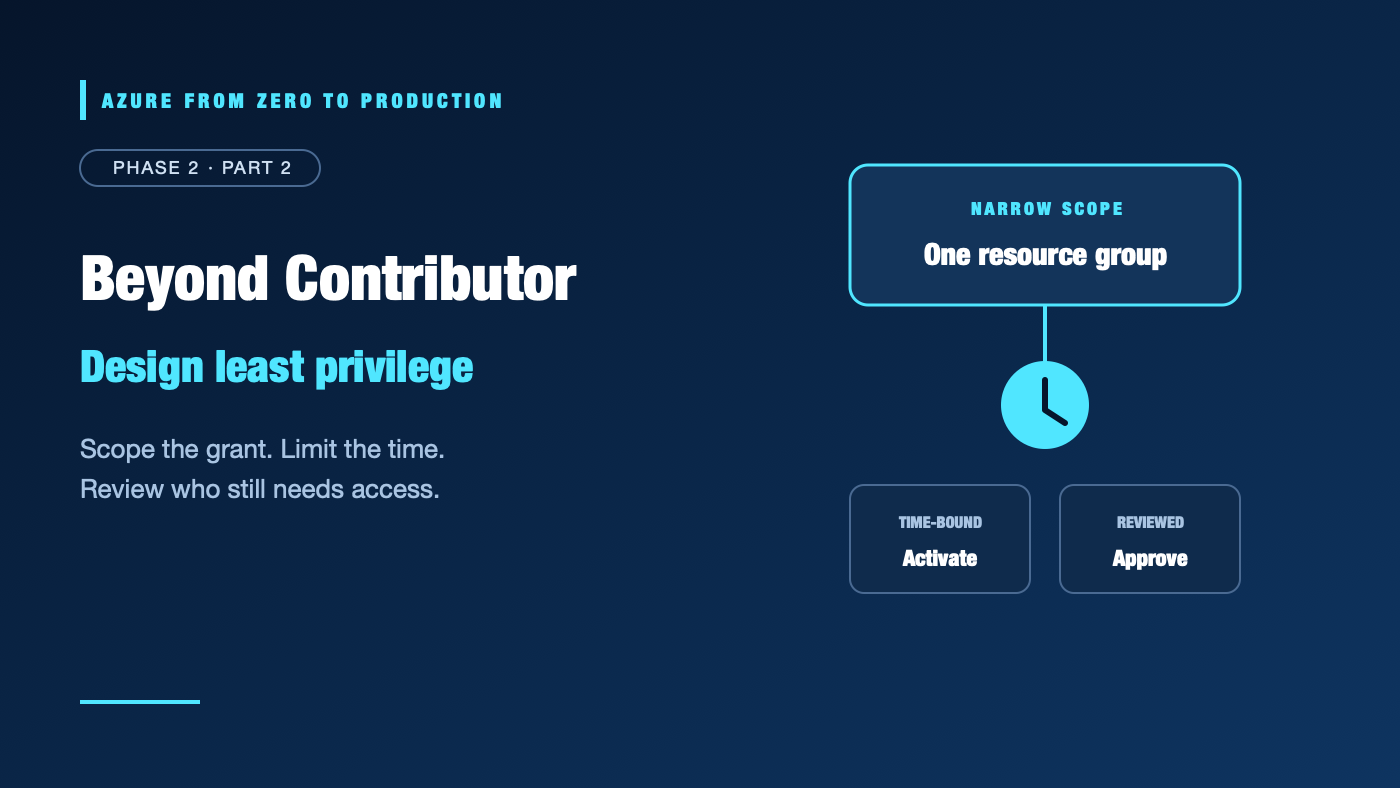
Least privilege is not just choosing a smaller role. It means choosing the right permission, principal, scope, duration, and review process—and making sure the access controls reinforce one another.
What you’ll learn
- Decide when a built-in role is safer than a custom Azure RBAC role.
- Distinguish an access scope from an access boundary.
- Explain how Privileged Identity Management and access reviews reduce standing access.
- Describe what Conditional Access and Azure RBAC conditions do—and do not do.
- Recognize deny assignments and cross-tenant Azure Lighthouse delegation.
- Inspect an existing role definition without creating or changing access.
Where this fits
This is Module 6 and Phase 2, Part 2. It builds on Microsoft Entra ID and Azure RBAC fundamentals. Next, Workload Identity Federation applies identity governance to automated deployments.
Prerequisites
- Knowledge: Azure RBAC roles, principals, and management-group, subscription, resource-group, and resource scopes.
- Azure access: Optional for the read-only CLI exercise; use a subscription you are authorized to inspect.
- Microsoft Entra roles: None for inspection. PIM, Conditional Access, and access review administration need appropriate directory roles and tenant licensing.
- Azure RBAC: Read access to a role definition is sufficient for the exercise. Creating custom roles and assigning roles require separate permissions.
- Tools: Azure CLI 2.91.0 or later.
- Estimated cost: No resources are created. PIM and some identity governance capabilities may require paid licensing; check current terms.
Least privilege is a design, not a role name
A role answers what operations a principal can perform. Scope answers where those operations apply. Neither answers when access should be active, whether it was reviewed, or whether the sign-in was acceptable.
A practical access decision specifies:
- Principal: a group, person, managed identity, or service principal with an accountable owner.
- Operations: the smallest useful built-in or custom role.
- Scope: the narrowest resource hierarchy level that supports the task.
- Duration: permanent only when justified; time-bound or eligible for elevated access when appropriate.
- Conditions: additional checks only where the service and permission support them.
- Review and evidence: a named approver, purpose, and schedule for checking continued need.
Azure RBAC grants can be additive. A narrowly scoped Reader role does not neutralize a broader Contributor assignment inherited from a subscription. Check effective access before concluding a new assignment has reduced permissions.
Use built-in roles first; custom roles only for a real gap
Built-in roles are maintained by Microsoft and are easier to compare against published documentation. Start by identifying the exact operations required, then look for the narrowest built-in role that includes them.
Create a custom Azure RBAC role when a built-in role consistently grants unnecessary permissions or omits a specific required operation. A role definition contains permitted management actions, excluded actions, data actions, excluded data actions, and assignable scopes. NotActions and NotDataActions subtract from the corresponding grant inside that definition; they are not global deny rules and do not cancel another assignment.
Before creating one:
- Enumerate operations from the resource provider’s permission reference and the workload’s actual needs.
- Avoid wildcard permissions unless the role’s purpose truly requires them.
- Separate management actions from data actions.
- Include read operations needed for the user experience, but avoid unrelated write permissions.
- Limit assignable scopes and test the role with representative success and denial cases.
- Assign the role at the narrowest practical scope; a custom role does not itself restrict access to a particular resource instance.
- Document ownership and a process for updating the role when service APIs change.
Custom roles are not a substitute for scope: a custom role containing Microsoft.Compute/virtualMachines/restart/action can still apply to every eligible VM at its assignment scope. A custom role also does not create a hard permission boundary if another role assignment grants more.
A read-only role-definition exercise
Choose a built-in role to inspect, such as Virtual Machine Contributor. The command only reads the role definition:
az role definition list \
  --name "Virtual Machine Contributor" \
  --query "[].{Name:roleName, Description:description, Permissions:permissions}" \
  --output json
Look for wildcard operations, data actions, and permissions beyond the task you had in mind. The result describes the role, not the effective access of any specific person. No resources or assignments are changed.
Privileged Identity Management: make high privilege temporary
Microsoft Entra Privileged Identity Management (PIM) supports eligible, time-bounded activation for supported Entra roles, Azure resource roles, and groups. An eligible assignment is not the same as an active grant. A person activates the role when needed, potentially meeting configured requirements such as multifactor authentication, justification, approval, or a time limit.
PIM helps reduce standing access, but it does not replace least privilege:
- Choose the correct role and scope before making it eligible.
- Keep activation duration and approval rules proportionate to the risk.
- Use separate administrator accounts and protected authentication where organizational policy calls for them.
- Monitor activation and audit events, and rehearse the recovery process if an approver is unavailable.
- Confirm the current license, role, and resource-scope requirements before designing PIM workflows.
Do not grant permanent Owner merely because an operator occasionally needs to create role assignments. Use an appropriate access-administration role and scope, and make its activation reviewable.
Access reviews: prove access is still needed
An access review asks designated reviewers to confirm whether a user, group member, guest, or role assignment still needs access. It can cover supported group membership, application access, or privileged assignments, depending on the configuration and licensing.
Reviews are most useful when they have an owner and an action. Define:
- What access is in scope and why it exists.
- Who can make an informed decision.
- How often the review occurs and what happens if a reviewer does not respond.
- Whether a review recommendation is applied automatically or requires an administrator.
- How exceptions and evidence are retained.
A review does not itself guarantee that all Azure permissions have been found. A user may get access from a nested group, an inherited Azure role, a second identity, or an external service permission.
Conditional Access: control sign-in conditions
Microsoft Entra Conditional Access evaluates supported sign-in signals and applies access requirements, such as requiring multifactor authentication or a compliant device. It is an identity-layer access policy, not an Azure RBAC role and not a replacement for resource scope.
Conditional Access policies need careful rollout:
- Exclude or protect emergency access accounts according to a tested process.
- Use report-only mode and sign-in logs to assess impact before enforcement when available.
- Avoid policies that lock out all administrators or break workload authentication.
- Understand which client types and identities the policy actually covers.
- Validate current licensing and applicable workload identity support.
A user who passes Conditional Access can still lack Azure RBAC permissions. A workload with an Azure role can still fail authentication or be blocked by another policy.
Azure RBAC conditions and deny assignments
Azure attribute-based access control (ABAC) lets a role assignment filter some granted permissions using request or resource attributes. Conditions narrow permissions only for supported role actions and services. They are not a general deny mechanism, and a condition does not remove permissions granted by another applicable assignment.
Use a condition when the requirement is attribute-based and the target operation is explicitly supported. Keep the condition readable, test both matching and non-matching cases, and document who maintains the attributes it depends on.
A deny assignment blocks specified operations at a scope, including for principals who might otherwise receive an allow. Azure commonly creates and manages deny assignments to protect resources managed by certain Azure features. They are not an ordinary, general-purpose replacement for a custom role, and users typically cannot create arbitrary deny assignments for their own access design.
When diagnosing a denied action, inspect the assignment, condition, scope, and any relevant deny assignment instead of assuming grants alone determine the result.
Azure Lighthouse: delegated administration across tenants
Azure Lighthouse lets a service provider or managing tenant operate on explicitly delegated Azure scopes in a customer tenant. Customer resources remain in the customer’s subscription; delegated access is visible and governed using Azure’s cross-tenant delegation model.
Lighthouse is intended for managed-service and multi-tenant operations, not as a shortcut around tenant boundaries. Define the allowed principals and roles narrowly, limit delegated scopes, document the customer’s revocation path, and review the delegation regularly. It does not merge Entra directories or grant access to unrelated tenant resources.
Cost implications
The role-definition exercise is read-only and creates no billable resources. Custom roles do not run compute, but PIM, access reviews, and some identity governance capabilities require licenses; access logging and audit retention can also have operational or storage costs. Confirm current licensing and retention charges before rolling out organization-wide governance.
Troubleshooting least-privilege access
- A custom role cannot be assigned at the intended scope: Confirm its assignable scopes include that scope and that the caller has role-assignment write permission. A role definition’s assignable scopes differ from the scope of an individual assignment.
- A user still has more access than expected: Check inherited assignments, group memberships, nested memberships, and multiple identities; Azure grants can add together.
- An ABAC condition has no effect: Confirm the action and service support conditions and that the condition is attached to the correct role assignment. Conditions filter a grant; they do not override a separate grant.
- An eligible administrator cannot activate a role: Check eligibility status, activation requirements, approval configuration, license, assignment scope, and sign-in logs.
- An access review is complete but access remains: Check whether the review action was applied, whether another group or assignment grants the same access, and whether the target assignment type is covered.
- Conditional Access blocks a valid workload: Review sign-in diagnostics and the policy’s target identities and client conditions. Do not solve an identity-policy issue by granting wider Azure RBAC permissions.
- A cross-tenant operator cannot see delegated resources: Verify the Lighthouse registration, authorized principals, delegated scope, supported role, and the operator’s home-tenant context.
Production-readiness checklist
- Reliability: Keep a tested emergency access path and avoid policies that depend on one approver or one administrator.
- Security: Prefer built-in roles; time-bound privileged access; scope custom roles and delegated administration narrowly; review overlapping grants.
- Cost Optimization: Confirm licensing and service charges before enabling optional governance or security capabilities; eliminate unused privileged assignments.
- Operational Excellence: Version and document custom role definitions; record approvals, owners, review cadence, and remediation outcomes.
- Performance Efficiency: Keep role definitions and conditions focused so operational teams can understand and troubleshoot access quickly.
Cleanup
The exercise only reads a built-in role definition. It creates no Azure resources, role definitions, assignments, PIM activations, access reviews, or cross-tenant delegations. No cleanup is required.
Key takeaways
- Least privilege combines principal, operations, scope, duration, and review.
- Built-in roles are the starting point; custom roles require testing and ownership.
- Custom roles and ABAC conditions do not override separate grants.
- PIM reduces standing privilege; access reviews make continued need explicit.
- Conditional Access protects supported sign-in flows but does not grant Azure permissions.
- Azure Lighthouse delegates carefully scoped management across tenants; it does not merge them.
Quick self-check
- Does a custom role assignment at subscription scope affect every eligible resource in that subscription?
- Can an ABAC condition remove access granted by a separate role assignment?
- Does Conditional Access give a user the Azure RBAC permissions to deploy?
- Why is a PIM-eligible assignment different from a permanent active role?
Answers
- Yes, subject to the role’s allowed operations and other controls.
- No. It filters the permissions of its own assignment.
- No. It controls supported sign-in conditions, not Azure resource authorization.
- Eligible access can require activation and can be time-limited, reducing standing privilege.
References
- Azure custom roles — Microsoft Learn
- Azure ABAC conditions overview — Microsoft Learn
- What is Privileged Identity Management? — Microsoft Learn
- What are access reviews? — Microsoft Learn
- What is Conditional Access? — Microsoft Learn
- What is Azure Lighthouse? — Microsoft Learn
What’s next
Next, Stop Storing Client Secrets: Azure Workload Identity Federation shows how an external workload can exchange a short-lived OIDC token for an Azure token without a stored client secret.
Series navigation
- ← Previous: Access Denied? Understand Microsoft Entra ID and Azure RBAC
- → Next: Stop Storing Client Secrets: Azure Workload Identity Federation
- 📚 Full series roadmap
Disclaimer: Azure services, roles, licensing, and feature support change over time. Verify current requirements before implementation.