AWS from Zero to Production — Phase 9, Part 6 of 11 · See the full series roadmap
Your Glue job processed 50 GB in eight minutes. Then the business grew. Now it’s 5 TB, the job runs for four hours, and one task out of two thousand takes three of those hours on its own.
More workers don’t help. The problem isn’t capacity — it’s how the work is divided.
Big data processing is less about big machines and more about understanding how Apache Spark splits, moves, and combines data. This article covers Amazon EMR — AWS’s managed platform for Spark and the Hadoop ecosystem — and the Spark tuning skills that apply wherever Spark runs, including Glue.
What you’ll walk away with
- 🐘 Hadoop ecosystem fundamentals
- ⚡ How Spark executes a job: stages, tasks, and shuffles
- 🖥️ EMR on EC2, EMR Serverless, and EMR on EKS
- 🔀 Partitioning, shuffles, and data skew
- 🧠 Memory management
- 💸 Spot Instances for EMR
- 🪜 Steps, logging, and troubleshooting
Hadoop ecosystem fundamentals
Apache Hadoop introduced the ideas modern big data still uses:
- HDFS — a distributed file system across many machines. On AWS, S3 usually replaces it for durable storage.
- YARN — a resource manager that allocates CPU and memory to applications across the cluster.
- MapReduce — the original batch processing model, now largely replaced by Spark.
The wider ecosystem includes Hive (SQL on Hadoop and the metastore that inspired the Glue Data Catalog), Presto and Trino (interactive SQL — the engine behind Athena), HBase (wide-column storage), Flink (streaming), and Hudi and Iceberg (table formats).
EMR can run all of them. Most new work uses Spark.
How Spark works
A Spark application has:
- A driver — plans the work and coordinates.
- Executors — run tasks in parallel on worker nodes, each with CPU cores and memory.
Your code builds a plan of transformations. Nothing runs until an action — like write or count. Then Spark splits the plan into stages at every shuffle, and each stage into tasks — one per data partition.
read (2,000 files) -> filter -> groupBy(customer_id) -> write
|------------- stage 1 -------------|  shuffle  |------ stage 2 ------|
       2,000 tasks                                 200 tasks (default)
Two numbers drive performance:
- How many partitions — too few and cores sit idle; too many and overhead dominates.
- How much data is shuffled — moving data across the network between stages is the most expensive thing Spark does.
EMR deployment options
EMR on EC2
A cluster of EC2 instances running Spark, Hive, Trino, and other applications.
- Primary node — coordinates the cluster.
- Core nodes — run tasks and store HDFS data.
- Task nodes — run tasks only, with no HDFS. Ideal for Spot.
- Instance fleets — mix instance types and purchase options for capacity and price.
- Managed scaling — resizes the cluster based on workload.
- Transient clusters — created for a job, terminated when done — or long-running clusters for interactive work.
Best for: full control, custom configurations, many applications, and steady heavy use.
EMR Serverless
- Submit Spark or Hive jobs to an application; EMR provisions and scales workers automatically.
- Pay for vCPU, memory, and storage used while jobs run.
- Pre-initialized capacity removes start-up time for latency-sensitive jobs.
Best for: most new batch Spark jobs — no clusters to manage.
EMR on EKS
- Runs Spark jobs on your existing Amazon EKS cluster, alongside other workloads.
Best for: organizations standardized on Kubernetes that want to share infrastructure.
Where Glue fits
AWS Glue also runs serverless Spark, with the catalog, bookmarks, and Data Quality built in. Rough guide:
- Glue: ETL pipelines tightly integrated with the catalog, with minimal tuning.
- EMR Serverless: custom Spark at larger scale, more configuration control, and other frameworks.
- EMR on EC2: maximum control, long-running clusters, and the widest application choice.
Partitioning and shuffling
Input partitions
Spark creates partitions from input files — roughly one per file, or per chunk of a large splittable file. Thousands of tiny files mean thousands of tiny tasks (the small-file problem from Part 2).
Shuffle partitions
After a shuffle — from groupBy, join, distinct, or repartition — the number of partitions is set by spark.sql.shuffle.partitions (default 200).
- 200 partitions for 5 TB means huge partitions that spill to disk.
- 200 partitions for 50 MB means 200 nearly empty tasks.
Adaptive Query Execution (AQE) — on by default in modern Spark — fixes much of this at runtime: it coalesces small shuffle partitions, switches join strategies, and splits skewed partitions.
Avoid shuffles where you can
- Filter early and select only needed columns before joins.
- Broadcast joins: when one side is small, send it to every executor instead of shuffling both sides:
from pyspark.sql.functions import broadcast

enriched = orders.join(broadcast(products), "product_id")
- Partition output with
partitionByfor downstream pruning — and userepartitionon the partition column first to avoid many small files per partition.
Data skew
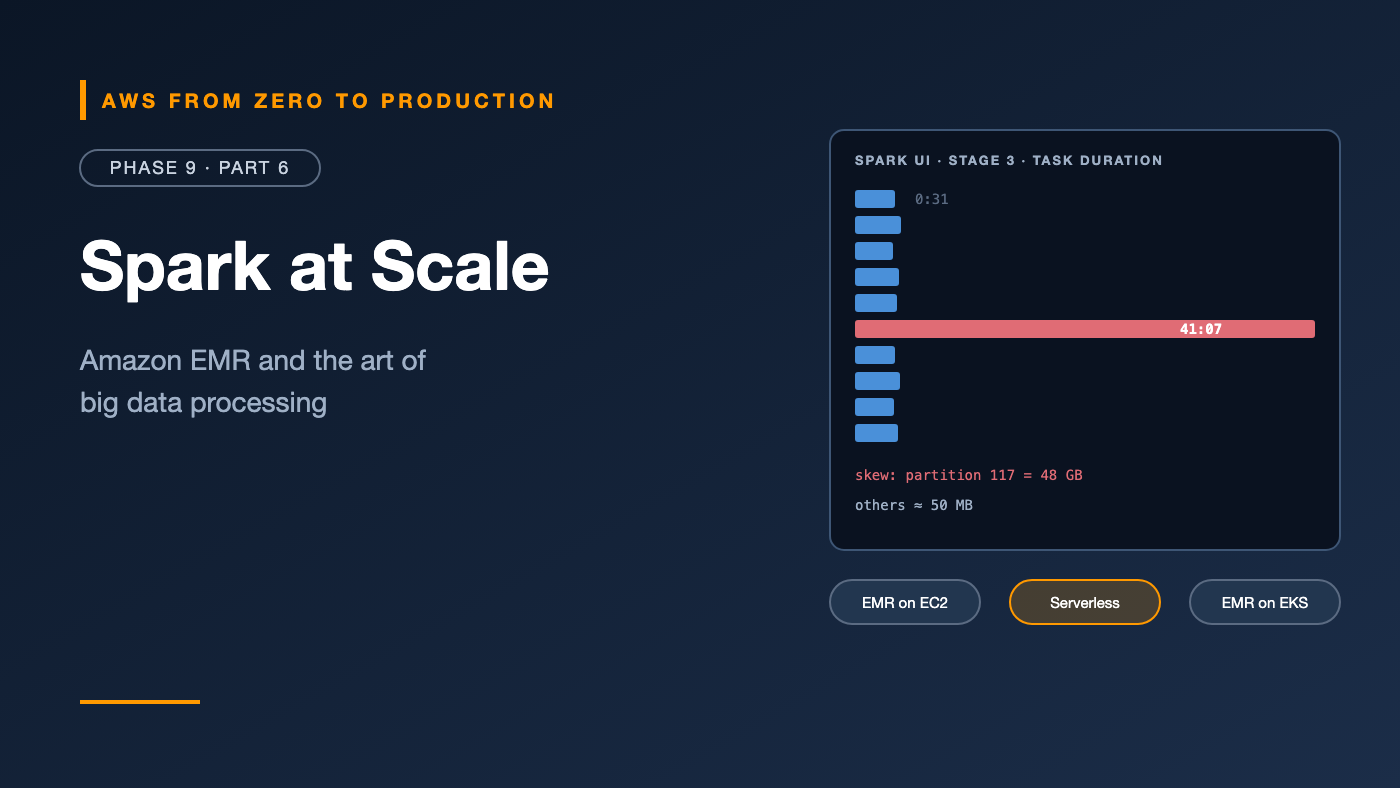
Skew is when a few partitions hold far more data than the rest. One task processes 50 GB while the others process 50 MB — and the whole stage waits for the slow one.
How to spot it
In the Spark UI, a stage where most tasks finish in seconds but a few take minutes — with much larger “shuffle read size.”
Common causes
- A few hot keys — one giant customer, or
NULLor empty values. - Joining on a key with a very uneven distribution.
Fixes
- AQE skew join handling — usually enough with modern Spark.
- Filter or handle nulls separately before joining.
- Broadcast the smaller side.
- Salting — add a random suffix to hot keys to spread them across partitions, then aggregate again:
from pyspark.sql import functions as F

salted = orders.withColumn("salt", (F.rand() * 16).cast("int"))
partial = salted.groupBy("customer_id", "salt").agg(F.sum("total").alias("t"))
result = partial.groupBy("customer_id").agg(F.sum("t").alias("total"))
Memory management
Each executor’s memory is split between execution (shuffles, joins, sorts, aggregations) and storage (cached data), plus overhead for the JVM and Python processes.
Symptoms of memory trouble:
- Spill to disk in the Spark UI — slow, but survivable.
OutOfMemoryErroror containers killed by YARN for exceeding memory limits.- Long garbage collection times.
Fixes, roughly in order:
- Reduce data early — filter rows, select fewer columns.
- Increase partitions so each task handles less data.
- Avoid
collect()andtoPandas()on large data — they pull everything onto the driver. - Avoid Python UDFs where built-in functions exist — they’re slower and use extra memory. Use pandas UDFs if you must.
- Give executors more memory — or overhead, for PySpark — or choose memory-optimized instances.
Spot Instances for EMR
Spot (Phase 4) can cut EMR compute costs substantially:
- Run task nodes on Spot — losing one loses only in-progress tasks, which Spark retries.
- Keep the primary node and usually core nodes On-Demand, especially if they hold HDFS data.
- Use instance fleets with many instance types, so EMR can find available Spot capacity.
- Use the capacity-optimized allocation strategy to reduce interruptions.
Step orchestration
On EMR on EC2, a step is a unit of work — a Spark application, Hive script, or custom JAR:
aws emr add-steps \
  --cluster-id j-ABC123 \
  --steps Type=Spark,Name=curate-orders,ActionOnFailure=CONTINUE,\
Args=[--deploy-mode,cluster,s3://acme-code/jobs/curate_orders.py,--date,2026-10-31]
- Transient clusters can run a list of steps and auto-terminate when done.
- On EMR Serverless, you submit job runs instead.
- For multi-step pipelines across services, orchestrate with Step Functions or MWAA (Part 8).
Logging and troubleshooting
- Logs to S3: configure a log URI so driver, executor, and step logs survive cluster termination.
- Spark UI and History Server: the most valuable tool — stages, tasks, skew, spills, and shuffle sizes. Available as a persistent UI for EMR clusters and EMR Serverless, and for Glue jobs.
- CloudWatch metrics: cluster and application metrics, and alarms on failures.
- EMR Studio: notebooks and debugging for interactive development.
A quick troubleshooting guide
- Job slow, all tasks similar: not enough parallelism, or too much data — filter earlier, add partitions or capacity.
- Job slow, a few tasks very long: skew — see above.
- Stage with huge shuffle: avoid the shuffle — broadcast, pre-aggregate, or filter.
- Executors lost: memory limits, or Spot interruptions — check YARN and EMR events.
- Thousands of tiny output files:
repartitionorcoalescebefore writing.
Common mistakes
- Running a long-lived cluster for one nightly job. Use transient clusters or EMR Serverless.
- Core nodes on Spot with HDFS data.
- Default shuffle partitions for every job size, with AQE disabled.
collect()on large DataFrames.- Python UDFs where built-in functions would do.
- No log URI, so evidence disappears when the cluster terminates.
Key takeaways
- Spark splits jobs into stages at shuffles, and stages into tasks per partition.
- EMR runs on EC2, Serverless, or EKS; Glue is another serverless Spark option.
- Minimize shuffles, broadcast small tables, and let AQE adjust at runtime.
- Detect skew in the Spark UI, and fix it with AQE, null handling, broadcasting, or salting.
- Use Spot for task nodes with diverse instance fleets.
- Always ship logs to S3, and learn to read the Spark UI.
Quick self-check
Test yourself before moving on:
- What triggers a new stage in Spark?
- One task in a stage takes 40 minutes while others take 30 seconds. What’s likely wrong?
- Which EMR node type is safest to run on Spot?
- When does a broadcast join help?
Answers
- A shuffle — from operations like
groupBy,join, orrepartition. - Data skew — one partition has far more data than the others.
- Task nodes.
- When one side of the join is small enough to send to every executor, avoiding a shuffle of the large side.
What’s next
In Part 7, data stops waiting for a schedule: streaming with Kinesis Data Streams, Amazon Data Firehose, Managed Service for Apache Flink, and Amazon MSK — shards, checkpoints, delivery guarantees, windows, and late events.
What’s the worst Spark skew you’ve debugged? Share it in the comments.