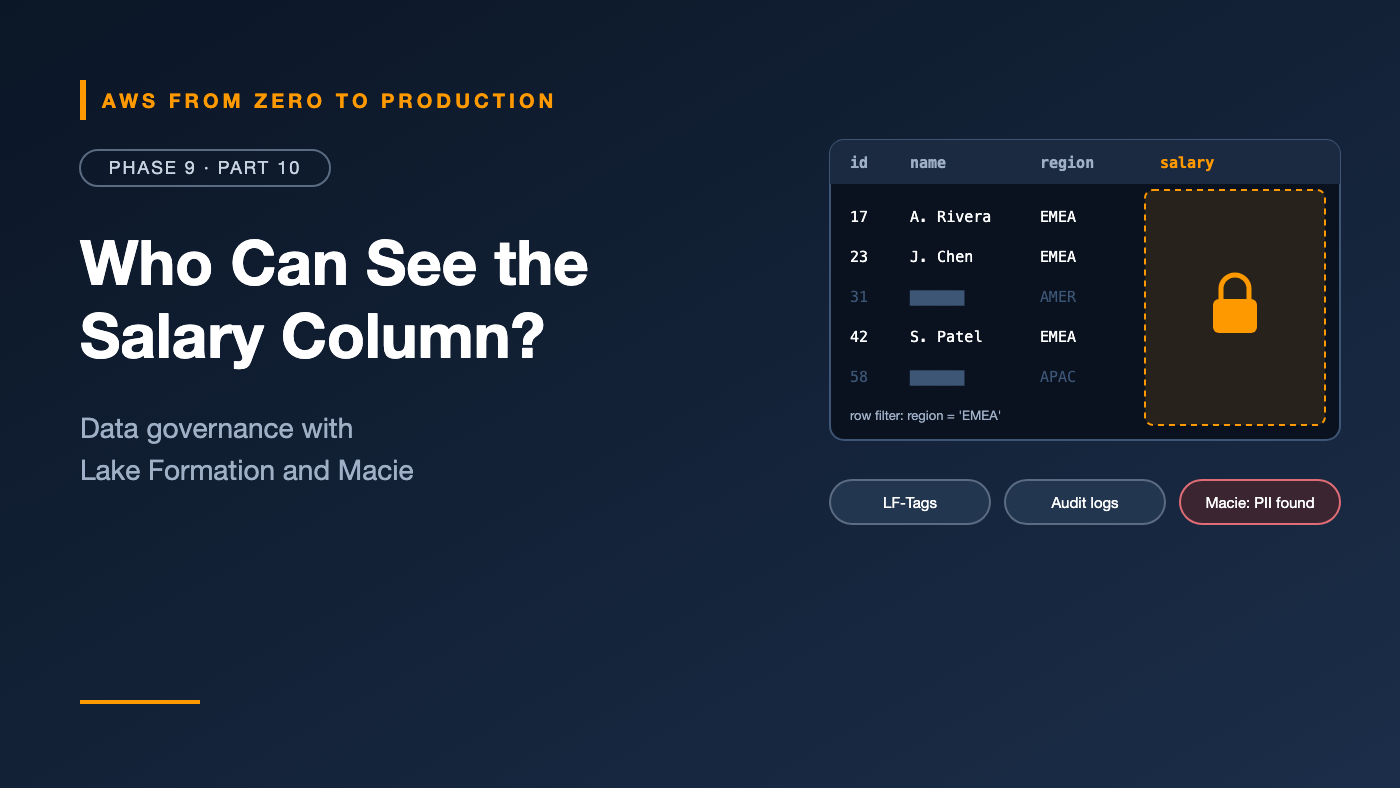
AWS from Zero to Production — Phase 9, Part 10 of 11 · See the full series roadmap
Your data lake is a success. Ten teams use it. Then three questions arrive in the same week:
- Legal: “Can the marketing team see customer email addresses?”
- Security: “Who queried the
employeestable last month?” - A customer: “Delete all my personal data, as required by law.”
If your answers are “probably,” “we don’t know,” and “we’d have to search every bucket,” your lake has a governance problem.
Governance isn’t about locking data away. Done well, it lets more people use data safely — because access is precise, sensitive data is known and protected, and everything is auditable. This article shows how to do it on AWS.
What you’ll walk away with
- 🏛️ AWS Lake Formation and data lake permissions
- 🔬 Database, table, column, row, and cell-level access
- 🏷️ LF-Tags for permissions at scale
- 🤝 Cross-account data sharing
- 🔐 IAM integration and KMS encryption
- 🕵️ Amazon Macie and PII detection
- 🎭 Masking, retention, audit logging, lineage, and quality controls
The problem with S3 permissions alone
With IAM and bucket policies only, access is defined on S3 paths:
Allow s3:GetObject on arn:aws:s3:::acme-lake-curated/hr/employees/*
That’s all or nothing per file. You can’t say “everything except the salary column,” or “only rows for your own region.” And every engine — Athena, Redshift Spectrum, EMR, Glue — needs separately managed permissions.
AWS Lake Formation moves permissions up to the level people think in: databases, tables, columns, and rows — enforced consistently across integrated engines.
AWS Lake Formation
Lake Formation builds governance on top of the Glue Data Catalog and S3:
- Register S3 locations with Lake Formation.
- Grant permissions on catalog resources — databases, tables, columns — to IAM principals, IAM Identity Center users and groups, or other accounts.
- Integrated engines — Athena, Redshift Spectrum, EMR, Glue, and others — ask Lake Formation what the caller can see, and Lake Formation vends temporary credentials scoped to exactly that data.
aws lakeformation grant-permissions \
  --principal DataLakePrincipalIdentifier=arn:aws:iam::111122223333:role/analyst \
  --permissions SELECT \
  --resource '{
    "TableWithColumns": {
      "DatabaseName": "hr_curated",
      "Name": "employees",
      "ColumnNames": ["employee_id", "department", "hire_date"]
    }
  }'
The analyst can query employees — but only those three columns. salary doesn’t exist for them.
Permission levels
- Database: create tables, describe, drop.
- Table:
SELECT,INSERT,DELETE,ALTER,DESCRIBE,DROP. - Column: include or exclude specific columns.
- Row and cell: data filters combine a row filter expression with column restrictions.
Row-level and cell-level security
A data filter restricts rows — and optionally columns:
aws lakeformation create-data-cells-filter --table-data '{
  "TableCatalogId": "111122223333",
  "DatabaseName": "sales_curated",
  "TableName": "orders",
  "Name": "emea_only",
  "RowFilter": { "FilterExpression": "region = '\''EMEA'\''" },
  "ColumnWildcard": { "ExcludedColumnNames": ["customer_email"] }
}'
Grant SELECT on the filter, and the EMEA team sees only EMEA orders, without customer emails.
Hybrid access mode
Migrating an existing lake? Hybrid access mode lets you turn on Lake Formation permissions gradually, table by table and principal by principal, while existing IAM-based access keeps working.
LF-Tags: permissions at scale
Granting per table doesn’t scale to thousands of tables. LF-Tags let you grant by attributes:
Tags on resources:
  table hr_curated.employees            domain=hr,    sensitivity=confidential
  column employees.salary               sensitivity=restricted
  table sales_curated.orders            domain=sales, sensitivity=internal

Grants on tags:
  analysts      -> SELECT where sensitivity IN (public, internal)
  hr_analysts   -> SELECT where domain=hr AND sensitivity IN (internal, confidential)
  payroll       -> SELECT where domain=hr (all sensitivities)
New tables automatically become visible to the right people as soon as they’re tagged — this is tag-based access control (TBAC), the Lake Formation version of ABAC from Phase 2.
Data sharing
Lake Formation shares data across accounts without copying it:
- Grant permissions to an external account or an organizational unit; sharing is handled through AWS RAM.
- The consumer account creates a resource link in its own catalog and queries the shared table with its own Athena or Redshift.
- Column, row, and tag-based restrictions still apply.
This is the foundation of a data mesh: domain teams own and publish data products from their own accounts; consumers get governed, discoverable access.
For browsing, requesting, and approving access across an organization, Amazon DataZone adds a business data catalog and subscription workflow on top.
IAM integration
Lake Formation doesn’t replace IAM — they work together:
- IAM controls who can call Lake Formation, Glue, and Athena APIs at all.
- Lake Formation controls which data they can see.
- Lake Formation administrators and data lake administrators should be a small, controlled group.
- Service roles — like Glue job roles — need Lake Formation grants too, not just S3 access.
Watch out: If principals also have broad direct S3 permissions to registered locations, they may be able to bypass Lake Formation by reading files directly. Remove direct S3 access for users who should go through Lake Formation.
KMS encryption
From Phase 2 and Part 2:
- Encrypt sensitive zones with customer managed KMS keys.
- Lake Formation needs permission to use the key when vending credentials — through its service-linked role, or the role you registered the location with.
- Separate keys for highly sensitive domains give you an extra control and audit point — and the option to disable access in an emergency.
Amazon Macie: finding sensitive data
You can’t protect what you don’t know you have. Amazon Macie discovers sensitive data in S3:
- Managed data identifiers detect PII and financial data: names, addresses, emails, phone numbers, credit card numbers, bank account numbers, national ID numbers, credentials, and more.
- Custom data identifiers use regex and keywords for your own formats — like internal customer IDs.
- Automated sensitive data discovery samples your buckets continuously and builds a sensitivity map of your estate.
- Sensitive data discovery jobs do targeted, deep scans.
- Bucket inventory also flags public, unencrypted, or externally shared buckets.
- Findings flow to Security Hub and EventBridge.
Typical response: when Macie finds credit card numbers in a raw bucket that shouldn’t contain them, an EventBridge rule notifies the data owner — or triggers quarantine automation.
PII detection inside pipelines
Catch sensitive data before it spreads:
- AWS Glue Sensitive Data Detection — a transform that finds PII in columns during ETL, and can redact, hash, or partially mask it.
- Amazon Comprehend detects PII entities in free text (Phase 11).
- Write tests that fail the pipeline if PII appears in a dataset that’s meant to be anonymized.
Data masking
Not everyone needs raw values:
- Remove — drop the column from curated or consumption datasets entirely.
- Hash — replace emails with a consistent hash, so analysts can still count unique customers and join on it.
- Partial masking — show
****-****-****-4242. - Tokenize — replace values with tokens that only a protected service can reverse.
- Dynamic masking at query time — Redshift dynamic data masking, and Lake Formation column exclusions — so the same table shows different values to different roles.
Data retention
Keep data as long as it’s needed and allowed — then delete it:
- Policies by dataset: “raw clickstream: 13 months; orders: 7 years; support transcripts: 2 years.”
- S3 lifecycle rules to expire objects by prefix or tag.
- Object Lock where regulations require data to be undeletable for a period.
- Right-to-erasure requests — deleting one person’s data — are far easier with Iceberg (
DELETE ... WHERE customer_id = ...) than with immutable Parquet files you’d have to rewrite by hand. - Backups and snapshots count too — they’re part of retention.
Audit logging
Answer “who accessed what, and when?”:
- CloudTrail records Lake Formation permission grants and data access events — including the principal, table, and columns requested.
- Athena query history per workgroup, and Redshift audit logs.
- S3 data events in CloudTrail for direct object access.
- Centralize logs in a log archive account, and query them with Athena or CloudTrail Lake.
Data lineage
Lineage tracks how data moves and transforms:
orders (RDS) -> DMS -> raw.orders -> Glue job -> curated.orders -> Redshift.fact_orders -> revenue dashboard
On AWS:
- Amazon DataZone captures and visualizes lineage, including from Glue and Redshift, and accepts OpenLineage events from other tools.
- Airflow can emit OpenLineage events too.
- Even a well-maintained README per dataset with sources, owners, and consumers is a big improvement over nothing.
Data quality controls
Governance includes trust:
- Glue Data Quality rules on every curated table (Part 3).
- Quality gates in pipelines that stop bad data from reaching consumption.
- Published quality scores in the catalog, so consumers know what they’re getting.
- Owners who are alerted — and accountable — when quality drops.
A practical governance setup
Catalog:      Glue Data Catalog, one database per domain and zone
Permissions:  Lake Formation with LF-Tags (domain, sensitivity)
Sharing:      cross-account grants to consumer accounts
Encryption:   SSE-KMS, separate keys for restricted domains
Discovery:    Macie automated sensitive data discovery on all lake buckets
Pipelines:    PII detection and masking between raw and curated
Retention:    lifecycle rules per dataset; Iceberg for erasure requests
Audit:        CloudTrail org trail + Athena/Redshift logs in a log archive account
Quality:      Glue Data Quality gates; owners alerted on failures
Common mistakes
- Only bucket policies, with no column or row control.
- Leaving broad S3 access that bypasses Lake Formation.
- Granting per table forever instead of using LF-Tags.
- Never scanning for PII, then discovering it in a public-facing dataset.
- Copying data for every consumer instead of sharing it.
- No retention policy — keeping everything forever, including what you’re not allowed to keep.
- No owner for datasets, so nobody fixes quality issues.
Key takeaways
- Lake Formation governs data at the database, table, column, row, and cell level across engines.
- LF-Tags scale permissions to thousands of tables.
- Share data across accounts without copying; DataZone adds discovery and access workflows.
- Macie finds sensitive data; pipelines should detect and mask PII early.
- Retention, audit logging, lineage, and quality controls complete the picture.
Quick self-check
Test yourself before moving on:
- How do you let analysts query a table without seeing the
salarycolumn? - What’s the scalable alternative to granting permissions table by table?
- Which service scans S3 for credit card numbers and other PII?
- Why can broad S3 permissions undermine Lake Formation?
Answers
- Grant column-level
SELECTin Lake Formation that excludessalary— or a data filter. - LF-Tags — tag-based access control.
- Amazon Macie.
- Principals could read files directly from S3, bypassing Lake Formation’s checks.
What’s next
In Part 11, the Phase 9 capstone lab: build the end-to-end data platform — the orders database replicated by DMS into S3, transformed by Glue into curated Parquet, queried by Athena and Redshift, orchestrated by Step Functions, and monitored with CloudWatch and SNS.
How does your organization decide who gets access to sensitive data? Tell me in the comments.