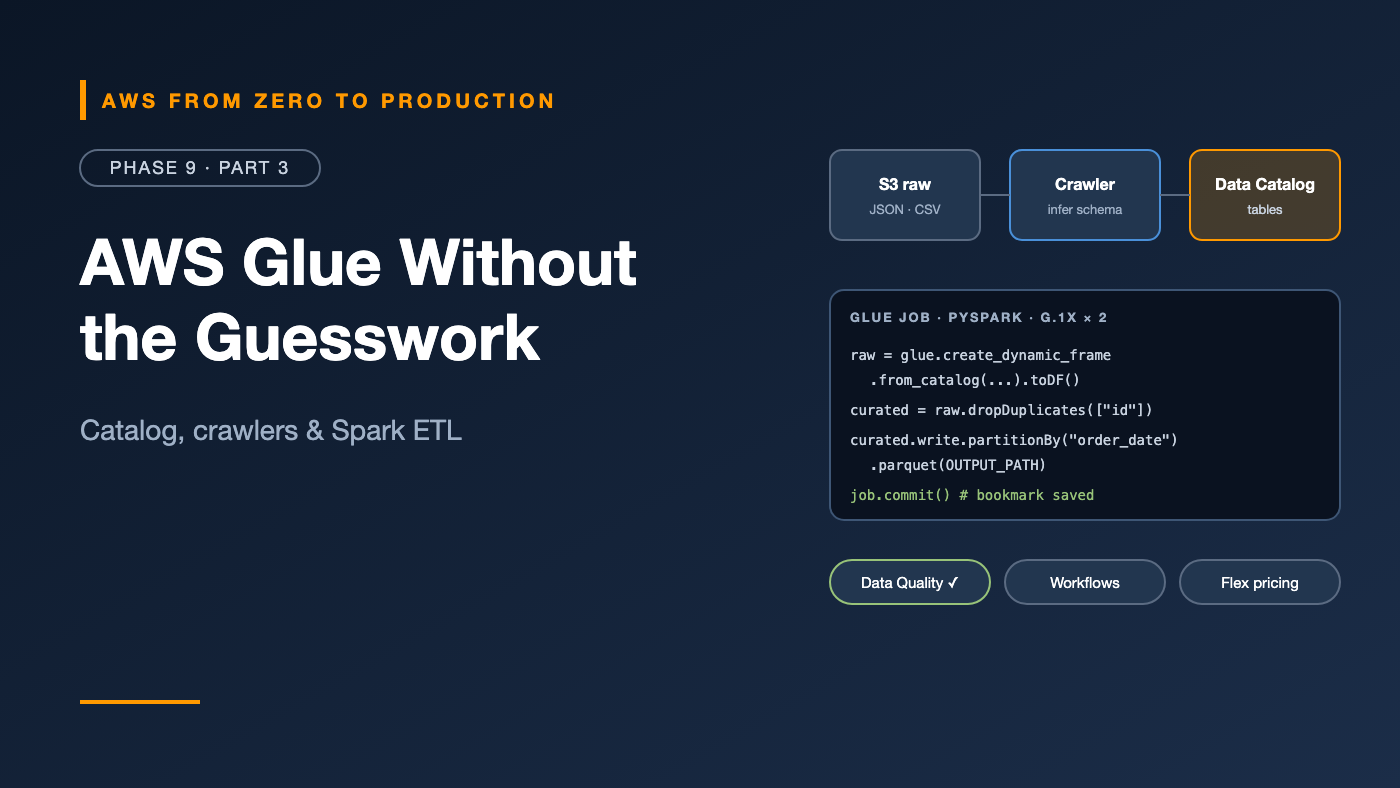
AWS from Zero to Production — Phase 9, Part 3 of 11 · See the full series roadmap
AWS Glue is one of those services people use for years without quite knowing what it is.
Is it a catalog? A crawler? A Spark service? A visual ETL tool? A data quality engine? A schema registry?
Yes. Glue is a family of capabilities that share one idea: make data in your lake discoverable and transformable without managing servers. The catalog part is used by almost every analytics service on AWS. The ETL part runs serverless Apache Spark.
This article untangles the pieces, then shows you how to write, run, and tune a real Glue job.
What you’ll walk away with
- 📚 The Glue Data Catalog: databases and tables
- 🕷️ Crawlers — and when not to use them
- ⚙️ Glue ETL jobs in PySpark
- 🧩 DynamicFrames vs. Spark DataFrames
- 🔖 Job bookmarks for incremental processing
- 🖥️ Worker types and Flex execution
- ⏰ Triggers and workflows
- ✅ Glue Data Quality, the Schema Registry, and Glue Studio
- 💸 Cost and performance optimization
The Glue Data Catalog
The Data Catalog is a central, Hive-compatible metadata store for your data:
- Databases — logical groupings, like
orders_rawandsales_curated. - Tables — metadata that points to data: S3 location, schema (columns and types), format, partition keys, and partitions.
- Partitions — each one maps a partition value to an S3 prefix.
The catalog stores metadata only. The data stays in S3.
Why it matters: Athena, Redshift Spectrum, EMR, Glue jobs, and Lake Formation all read the same catalog. Define a table once, and every engine can query it.
Crawlers
A crawler scans a data store — usually an S3 prefix — infers the schema, detects partitions, and creates or updates tables in the catalog.
aws glue create-crawler \
  --name orders-raw-crawler \
  --role GlueCrawlerRole \
  --database-name orders_raw \
  --targets '{"S3Targets":[{"Path":"s3://acme-lake-raw/orders_db/public/orders/"}]}' \
  --schema-change-policy UpdateBehavior=UPDATE_IN_DATABASE,DeleteBehavior=LOG

aws glue start-crawler --name orders-raw-crawler
When crawlers help
- Exploring data you’ve never seen.
- Raw landing data whose schema you don’t control.
- Picking up new partitions on a schedule.
When to skip them
- Curated tables you own. Define the schema explicitly — in Terraform, CloudFormation, or with
CREATE TABLEin Athena. You get exactly the types you want, and no surprises. - Adding partitions. A job can register partitions as it writes, or use Athena partition projection (Part 4).
Watch out: Crawlers sometimes guess wrong — splitting one dataset into many tables, or inferring
stringwhere you wantedtimestamp. Point each crawler at one table’s prefix, and check the result.
Glue ETL jobs
A Glue job runs your transformation code on serverless Apache Spark — or as a lightweight Python shell job for small tasks.
A typical PySpark job:
import sys
from awsglue.context import GlueContext
from awsglue.job import Job
from awsglue.utils import getResolvedOptions
from pyspark.context import SparkContext
from pyspark.sql import functions as F

args = getResolvedOptions(sys.argv, ["JOB_NAME", "OUTPUT_PATH"])
glue = GlueContext(SparkContext.getOrCreate())
spark = glue.spark_session
job = Job(glue)
job.init(args["JOB_NAME"], args)

orders = glue.create_dynamic_frame.from_catalog(
    database="orders_raw",
    table_name="orders",
    transformation_ctx="orders",
).toDF()

curated = (
    orders
    .withColumn("order_date", F.to_date("created_at"))
    .filter(F.col("item").isNotNull())
    .dropDuplicates(["id"])
)

curated.write.mode("append").partitionBy("order_date").parquet(args["OUTPUT_PATH"])

job.commit()
getResolvedOptionsreads job parameters, like--OUTPUT_PATH.job.initandjob.commitenable bookmarks (below).- You can mix Glue APIs with plain Spark DataFrames and Spark SQL.
Glue runs Spark 3.x. Pick the latest Glue version for new jobs — it brings newer Spark, Python, and performance improvements.
DynamicFrames vs. DataFrames
- A Spark DataFrame requires one schema for the whole dataset.
- A Glue DynamicFrame tolerates inconsistent schemas — like a field that’s sometimes a number and sometimes a string — representing them as choice types you can resolve explicitly.
dyf = dyf.resolveChoice(specs=[("price", "cast:double")])
df = dyf.toDF()
Use DynamicFrames at the edges — reading messy raw data and writing to catalog-managed targets. Convert to DataFrames for the transformation logic, where Spark’s full API and optimizer shine.
Job bookmarks: process only what’s new
Without bookmarks, a nightly job re-reads all the data every night.
Job bookmarks track what a job has already processed — for S3 sources, which files — so each run picks up only new data.
- Enable with
--job-bookmark-option job-bookmark-enable. - Requires
transformation_ctxon sources, plusjob.initandjob.commit. - Reset a bookmark to reprocess everything after a logic change.
Watch out: Bookmarks track files, not business keys. If a source rewrites existing files in place, or delivers updates to old records, you need a different strategy — like Iceberg
MERGE.
Worker types
Glue capacity is measured in DPUs (data processing units). You choose a worker type and number of workers:
- G.1X — 1 DPU per worker. A good default for most jobs.
- G.2X — 2 DPUs per worker. More memory for heavier transforms and joins.
- G.4X and G.8X — for very large or memory-intensive jobs.
- G.025X — a small worker for low-volume streaming jobs.
Other options:
- Auto Scaling — Glue adds and removes workers during the run, up to your maximum.
- Flex execution — runs non-urgent jobs on spare capacity at a lower price, with possibly longer start times. Great for nightly batch.
Glue bills per DPU-hour, per second, with a short minimum per run. Check current pricing.
Triggers and workflows
Triggers
Start jobs and crawlers:
- Scheduled — cron expressions.
- Conditional — when other jobs or crawlers succeed, fail, or finish.
- On-demand — manually or via API.
- EventBridge events — for example, when new data lands.
Workflows
A Glue workflow chains crawlers, jobs, and triggers into a visual DAG:
start (schedule) -> crawler: raw -> job: raw_to_curated -> job: curated_to_gold
Good for pipelines that live entirely inside Glue. For pipelines that span services — DMS, Lambda, Athena, Redshift, notifications — Step Functions or MWAA are usually better (Part 8).
Glue Data Quality
Glue Data Quality checks data with rules written in DQDL (Data Quality Definition Language):
Rules = [
    RowCount > 0,
    IsComplete "id",
    IsUnique "id",
    IsComplete "item",
    ColumnLength "item" <= 200,
    ColumnValues "created_at" <= now()
]
- Run rules on catalog tables, or inside ETL jobs as a transform.
- Get a score and per-rule results, published to CloudWatch and EventBridge.
- Fail the job, or route bad rows to a quarantine location.
- Rule recommendations analyze your data and suggest a starting rule set.
Glue Schema Registry
For streaming data, the Glue Schema Registry stores and versions schemas — Avro, JSON Schema, and Protobuf — and enforces compatibility rules:
- Producers register schemas; consumers fetch them.
- A producer that tries to publish a breaking change is rejected.
- Integrates with Kinesis, MSK, and Apache Kafka clients.
It’s how you stop one team’s schema change from silently breaking everyone else’s stream processing.
Glue Studio
Glue Studio is a visual editor for building jobs:
- Drag and drop sources, transforms, and targets.
- Generates PySpark code you can view and edit.
- Includes built-in transforms — joins, filters, PII detection, and data quality — plus job monitoring dashboards.
- Interactive sessions and notebooks let you develop jobs against real data.
Great for learning and simple pipelines. For production, keep job scripts in Git, and deploy them with IaC and CI/CD.
Cost and performance optimization
- Right-size workers: start with G.1X and a few workers; scale up only when metrics show memory pressure or slowness.
- Enable Auto Scaling, so idle workers are released.
- Use Flex for non-urgent batch jobs.
- Use bookmarks or incremental logic — don’t reprocess everything.
- Push filters down: filter on partition columns when reading from the catalog, with
push_down_predicate. - Write Parquet, with sensible file sizes — coalesce output partitions to avoid small files.
- Watch the Spark UI and job metrics for skew, spills, and long stages (Part 6 goes deep on Spark tuning).
- Use Python shell jobs for small tasks — a full Spark cluster is overkill for a 10 MB file.
orders = glue.create_dynamic_frame.from_catalog(
    database="sales_curated",
    table_name="orders",
    push_down_predicate="order_date >= '2026-10-01'",
)
Common mistakes
- Crawling everything and trusting every inferred type.
- Reprocessing all data every run.
- Oversized workers for small data.
- Thousands of tiny output files.
- Scripts edited only in the console, with no version control.
- No data quality checks between raw and curated.
Key takeaways
- The Glue Data Catalog is the shared metadata layer for Athena, Redshift Spectrum, EMR, and Glue.
- Crawlers are great for discovery; define curated tables explicitly.
- Glue jobs run serverless Spark; DynamicFrames handle messy schemas.
- Bookmarks make jobs incremental; Flex and Auto Scaling cut cost.
- Data Quality rules and the Schema Registry stop bad data and breaking changes.
Quick self-check
Test yourself before moving on:
- Where does the Data Catalog store the actual data?
- What do job bookmarks track for S3 sources?
- Which execution option lowers the cost of a non-urgent nightly job?
- How do you read only October’s partitions from a catalog table?
Answers
- It doesn’t — it stores metadata. The data stays in S3.
- Which files have already been processed.
- Flex execution.
- A
push_down_predicateon the partition column.
What’s next
In Part 4, we query the lake with plain SQL: Amazon Athena — external tables, partitions, partition projection, CTAS, views, workgroups, federation, Iceberg, and keeping costs under control.
Crawlers: love them or avoid them? Tell me in the comments.