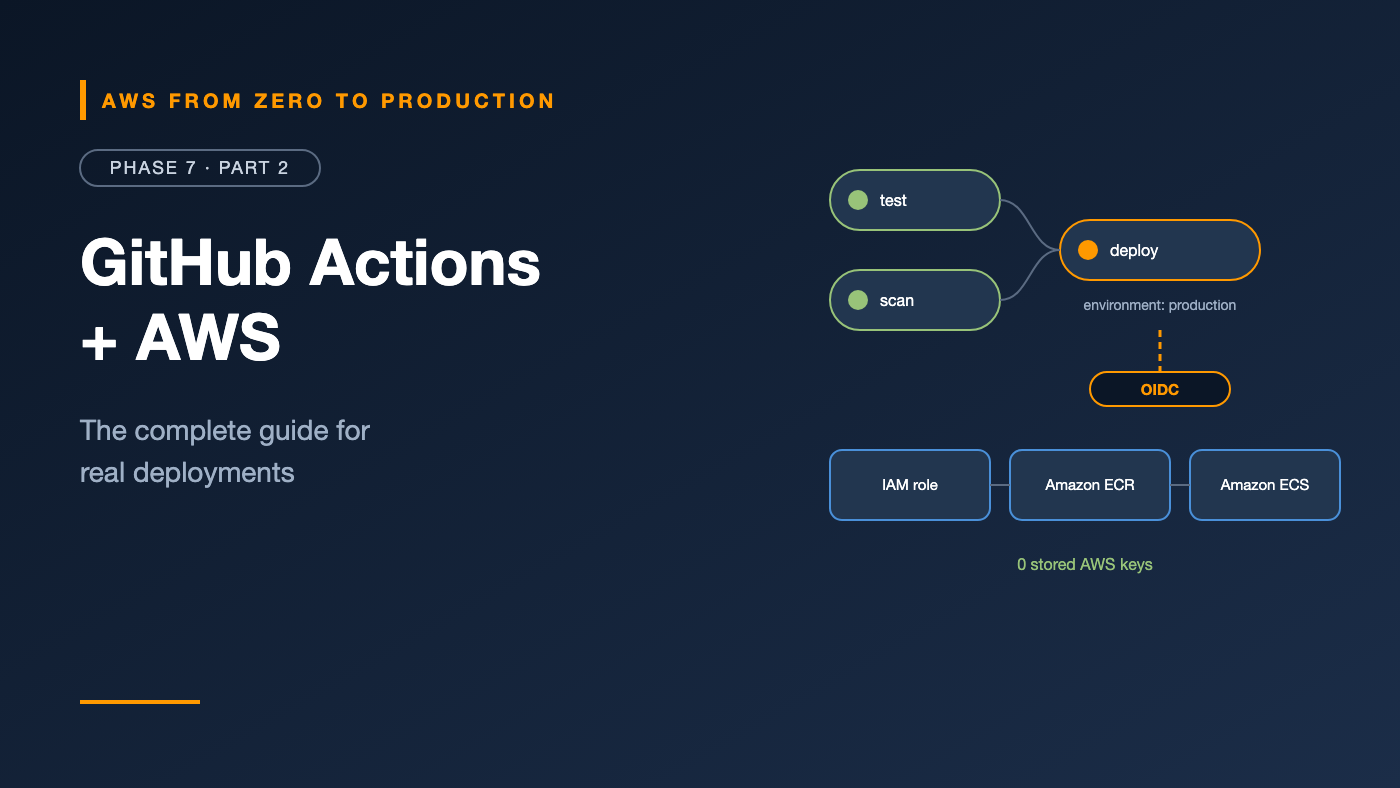
AWS from Zero to Production — Phase 7, Part 2 of 5 · See the full series roadmap
GitHub Actions is probably the most common way teams deploy to AWS today. It lives next to your code, it’s free to start, and there’s an action for almost everything.
It’s also easy to get wrong in ways that matter: long-lived AWS keys stored as secrets, workflows that any pull request can trigger with production credentials, third-party actions pulled from a moving tag, and jobs with far more permissions than they need.
This article covers the whole toolkit — and the security habits that should come with it. In Phase 2, you deployed to S3 with OIDC. Here, you’ll see the bigger picture, before building a complete pipeline in Part 5.
What you’ll walk away with
- 📝 Workflow syntax: triggers, jobs, steps, and dependencies
- 🖥️ GitHub-hosted vs. self-hosted runners
- 🔑 Variables, secrets, and GitHub Environments with approvals
- ♻️ Reusable workflows, matrix builds, artifacts, and caching
- 🔐 OIDC authentication to AWS
- 🐳 Docker build and push to ECR, ECS deployment, and S3 + CloudFront deployment
- 🛡️ Hardening your workflows
Workflow syntax
Workflows are YAML files in .github/workflows/:
name: ci

on:
  pull_request:
  push:
    branches: [main]

permissions:
  contents: read

concurrency:
  group: ci-${{ github.ref }}
  cancel-in-progress: true

jobs:
  test:
    runs-on: ubuntu-latest
    steps:
      - uses: actions/checkout@v5
      - uses: actions/setup-python@v6
        with:
          python-version: "3.12"
          cache: pip
      - run: pip install -r requirements.txt -r requirements-dev.txt
      - run: pytest -q

  build:
    needs: test
    runs-on: ubuntu-latest
    steps:
      - uses: actions/checkout@v5
      - run: docker build -t orders-api:${{ github.sha }} .
on— the triggers:push,pull_request,workflow_dispatch(manual),schedule,release, and more.jobs— run in parallel by default, each on a fresh runner.needs— makes a job wait for others.steps— eitherusesan action orruns a shell command.permissions— what the job’sGITHUB_TOKENcan do. Default to read-only.concurrency— cancels outdated runs, or prevents two deployments at once.
Runners
A runner is the machine that executes a job.
GitHub-hosted runners
- Fresh virtual machines for each job: Ubuntu, Windows, or macOS, in x64 and Arm.
- Preinstalled tools — including the AWS CLI, Docker, and common language runtimes.
- Larger runners offer more CPU, memory, or GPUs, at extra cost.
Self-hosted runners
- Your own machines — for example, on EC2, ECS, or EKS.
- Useful for private network access, special hardware, or cost at scale.
- You’re responsible for patching, isolation, and scaling.
Warning: Never use self-hosted runners on public repositories. Anyone can open a pull request that runs code on your machine. For private repositories, use ephemeral runners that are destroyed after each job.
Variables and secrets
- Variables (
vars.NAME) hold non-sensitive configuration: Region, role ARN, cluster name. - Secrets (
secrets.NAME) hold sensitive values. GitHub masks them in logs. - Both can be defined at the organization, repository, or environment level.
env:
  AWS_REGION: ${{ vars.AWS_REGION }}
With OIDC, you don’t need AWS secrets at all. The role ARN isn’t sensitive — the trust policy decides who can use it.
GitHub Environments and approvals
A GitHub Environment — like staging or production — adds controls to jobs that target it:
- Required reviewers: the job waits for approval.
- Wait timer: a delay before the job starts.
- Deployment branches and tags: only
main, for example, can deploy to production. - Environment-scoped variables and secrets.
- Deployment history in the repository UI.
deploy-prod:
  needs: deploy-staging
  runs-on: ubuntu-latest
  environment: production
  steps:
    - run: echo "Deploying..."
And, as you saw in Phase 2, the OIDC token’s sub claim includes the environment name — so your AWS trust policy can allow only the production environment to assume the production role.
Reusable workflows
Don’t copy the same deploy steps into every repository. Define them once:
# .github/workflows/deploy-ecs.yml  (in a shared repository)
on:
  workflow_call:
    inputs:
      environment:
        type: string
        required: true
      image:
        type: string
        required: true

jobs:
  deploy:
    runs-on: ubuntu-latest
    environment: ${{ inputs.environment }}
    permissions:
      id-token: write
      contents: read
    steps:
      - run: echo "Deploying ${{ inputs.image }} to ${{ inputs.environment }}"
Call it from any repository:
jobs:
  prod:
    uses: acme/platform-workflows/.github/workflows/deploy-ecs.yml@v3
    with:
      environment: production
      image: ${{ needs.build.outputs.image }}
Composite actions are the smaller-scale equivalent: a reusable bundle of steps, rather than whole jobs.
Matrix builds
Run the same job across combinations:
test:
  runs-on: ${{ matrix.os }}
  strategy:
    fail-fast: false
    matrix:
      os: [ubuntu-latest, ubuntu-24.04-arm]
      python: ["3.12", "3.13"]
  steps:
    - uses: actions/checkout@v5
    - uses: actions/setup-python@v6
      with:
        python-version: ${{ matrix.python }}
    - run: pytest -q
That’s four jobs from one definition — handy for testing libraries across versions and architectures.
Artifacts and caching
- Artifacts pass files between jobs or keep them after the run — test reports, build outputs, SBOMs:
- uses: actions/upload-artifact@v4
  with:
    name: test-report
    path: reports/
- Caching speeds up repeated work, like dependency downloads. Many
setup-*actions have built-in caching (cache: pip). For Docker layers, BuildKit can cache to GitHub’s cache backend.
Don’t confuse them: Artifacts are outputs you want to keep or pass on. Caches are speed-ups that may disappear at any time.
OIDC authentication to AWS
The pattern from Phase 2, in its minimal form:
permissions:
  id-token: write
  contents: read

steps:
  - uses: aws-actions/configure-aws-credentials@v6
    with:
      role-to-assume: ${{ vars.AWS_ROLE_ARN }}
      aws-region: ${{ vars.AWS_REGION }}
  - run: aws sts get-caller-identity
- No stored keys. Credentials are temporary and expire after the job.
- The trust policy checks the token’s
audandsub, so only the right repository and environment can assume the role. - Use separate roles for each environment, with least privilege.
Docker build and push to ECR
- uses: aws-actions/amazon-ecr-login@v2
  id: ecr

- uses: docker/setup-buildx-action@v3

- uses: docker/build-push-action@v6
  with:
    context: .
    platforms: linux/amd64
    push: true
    tags: ${{ steps.ecr.outputs.registry }}/orders:${{ github.sha }}
    cache-from: type=gha
    cache-to: type=gha,mode=max
The commit SHA becomes the image tag — immutable and traceable back to the exact code.
ECS deployment
The AWS-maintained actions render a new task definition and deploy it:
- run: |
    aws ecs describe-task-definition --task-definition orders-dev \
      --query taskDefinition > taskdef.json

- uses: aws-actions/amazon-ecs-render-task-definition@v1
  id: render
  with:
    task-definition: taskdef.json
    container-name: orders
    image: ${{ steps.ecr.outputs.registry }}/orders:${{ github.sha }}

- uses: aws-actions/amazon-ecs-deploy-task-definition@v2
  with:
    task-definition: ${{ steps.render.outputs.task-definition }}
    cluster: orders-dev
    service: orders
    wait-for-service-stability: true
wait-for-service-stability makes the job fail if the new tasks never become healthy — and with the ECS circuit breaker enabled, the service rolls itself back.
S3 and CloudFront deployment
For a static front end:
- run: npm ci && npm run build

- run: |
    aws s3 sync dist/ "s3://${{ vars.SITE_BUCKET }}/" --delete \
      --exclude index.html --cache-control "public,max-age=31536000,immutable"
    aws s3 cp dist/index.html "s3://${{ vars.SITE_BUCKET }}/index.html" \
      --cache-control "no-cache"

- run: |
    aws cloudfront create-invalidation \
      --distribution-id "${{ vars.CF_DISTRIBUTION_ID }}" \
      --paths "/index.html"
Hashed asset files are cached for a year; index.html is always revalidated. Only index.html needs invalidating.
Hardening your workflows
- Least-privilege
permissionsat the workflow level, and widen them per job only when needed. - Pin third-party actions to a full commit SHA, not a tag. Tags can be moved — and popular actions have been compromised this way, such as
tj-actions/changed-filesin March 2025. - Keep Dependabot updating action versions.
- Be careful with
pull_request_targetandworkflow_run. They run with elevated permissions in the context of the base repository; never check out and run untrusted pull request code in them. - Avoid script injection. Don’t put untrusted input like
${{ github.event.pull_request.title }}directly inrun:scripts. Pass it through an environment variable instead. - Separate roles per environment, and lock production roles to the
productionenvironment’ssub. - Require approvals on production environments.
# Risky
- run: echo "${{ github.event.pull_request.title }}"

# Safer
- env:
    PR_TITLE: ${{ github.event.pull_request.title }}
  run: echo "$PR_TITLE"
Common mistakes
- Long-lived AWS access keys stored as secrets.
- Write-all default permissions on every job.
- Actions pinned to
@mainor a mutable tag. - One AWS role for every environment.
- Self-hosted runners on public repositories.
- Rebuilding the image in each deployment job instead of promoting one artifact.
- Deploy jobs without
wait-for-service-stability, reporting success while the service is failing.
Key takeaways
- Workflows are YAML: triggers, jobs, steps, and
needsfor ordering. - Use variables for config, secrets for sensitive values — and OIDC instead of AWS keys.
- GitHub Environments add approvals and scope OIDC trust to a deployment target.
- Reusable workflows and composite actions keep pipelines consistent across repositories.
- Build once, tag with the commit SHA, and deploy that exact image.
- Harden workflows: least permissions, pinned actions, and no untrusted input in scripts.
Quick self-check
Test yourself before moving on:
- Which permission does a job need to request an OIDC token?
- Should the AWS role ARN be a variable or a secret?
- Why pin third-party actions to a commit SHA?
- What does
wait-for-service-stabilityadd to an ECS deployment?
Answers
id-token: write.- A variable — it isn’t sensitive; the trust policy controls access.
- Tags can be moved to malicious code; a commit SHA can’t.
- The job fails if the new tasks don’t become stable and healthy.
What’s next
In Part 3, we look at the AWS-native alternative: CodeBuild, CodeDeploy, and CodePipeline — including blue-green deployments for ECS and traffic shifting for Lambda.
What’s the one GitHub Actions trick that saved your team the most time? Share it in the comments.