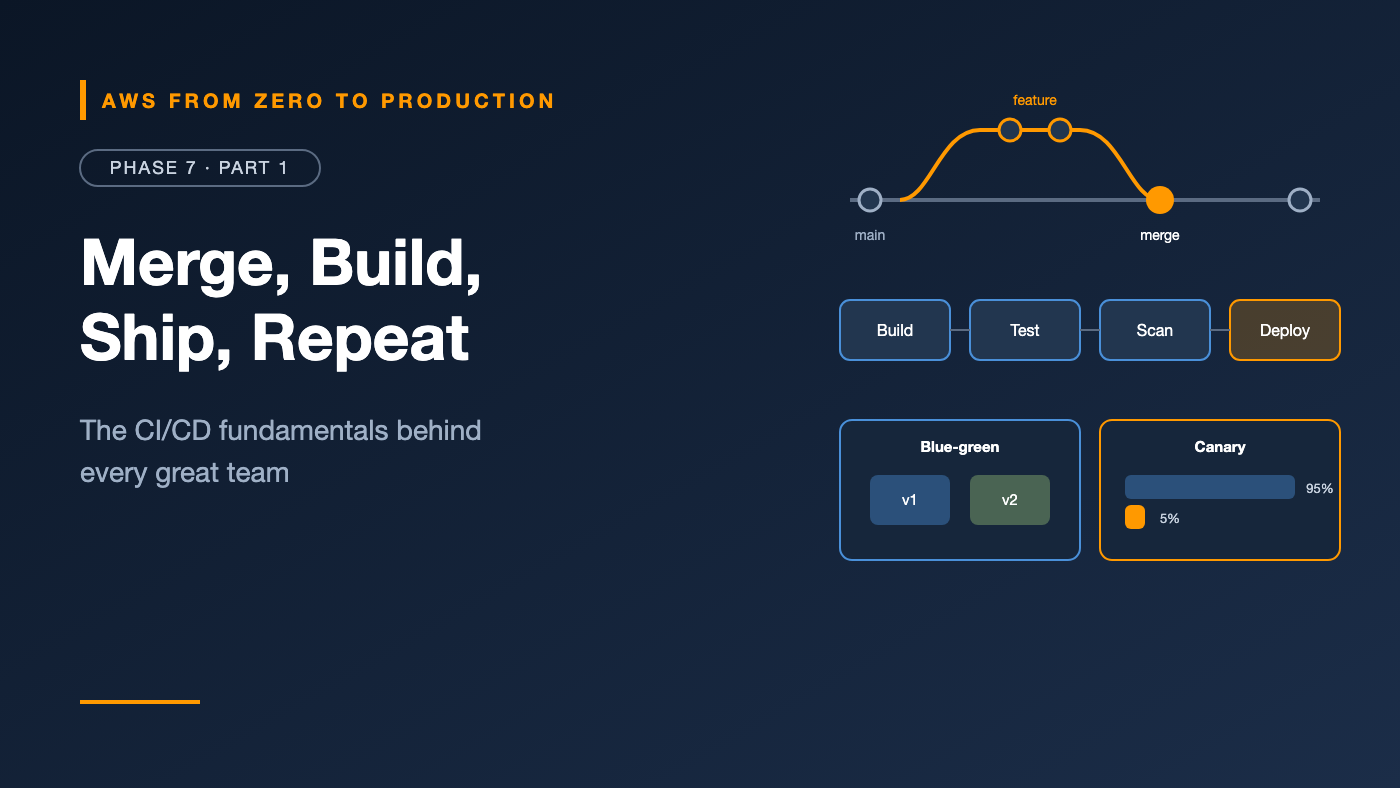
AWS from Zero to Production — Phase 7, Part 1 of 5 · See the full series roadmap
There are two kinds of teams.
The first deploys once a month. Releases are scheduled events. Everyone stays late. Something always breaks, and rolling back takes hours because nobody’s quite sure what changed.
The second deploys dozens of times a day. Each change is small. Every one is built, tested, scanned, and deployed automatically. When something breaks, they roll back in minutes — often before customers notice.
The second team isn’t braver or luckier. They’ve built a delivery system — and the ideas behind it aren’t complicated. This article covers them before we wire them into GitHub Actions and AWS.
What you’ll walk away with
- 🌳 Git workflows and branching strategies
- 🔍 Pull requests that actually protect
main - 🏷️ Semantic versioning
- 🏭 Pipeline stages: build, test, scan, deploy
- 🪜 Environment promotion and artifact management
- ⏪ Rollback strategies
- 🔵🟢 Blue-green and canary deployments
CI, CD, and CD
- Continuous integration (CI): every change is merged to the main branch frequently, and each merge is automatically built and tested.
- Continuous delivery: every change that passes the pipeline is ready to deploy to production — usually with a human approval.
- Continuous deployment: every change that passes goes to production automatically.
The goal of all three: small changes, fast feedback, low risk.
Why small changes matter: A deploy with 3 changes that breaks is easy to debug. A deploy with 300 changes that breaks is an investigation.
Git workflows and branching strategies
Trunk-based development
- Everyone commits to
main(the trunk) through short-lived branches — hours or a day or two. - Unfinished features hide behind feature flags.
mainis always deployable.
This is what high-performing teams most often use, and it pairs naturally with continuous delivery.
GitHub Flow
- Create a branch from
main, open a pull request, review, merge, deploy. - Simple, and close to trunk-based in practice.
GitFlow
- Long-lived
developandmainbranches, plusfeature/*,release/*, andhotfix/*. - Designed for scheduled, versioned releases — like packaged software or mobile apps.
- Heavy for web services that deploy continuously, and prone to painful merges.
Recommendation: For services you deploy yourself, use trunk-based development or GitHub Flow. Keep branches short-lived.
Pull requests that protect main
A pull request (PR) is where code gets reviewed and checked before it merges. Make main safe with branch protection or rulesets:
- Require a PR — no direct pushes to
main. - Require reviews — at least one approval, and code owners for sensitive paths.
- Require status checks — build, tests, and scans must pass.
- Require branches to be up to date before merging.
- Block force pushes and branch deletion.
Good PRs are small, have a clear description, and link to the ticket or issue. Reviewers focus on design, correctness, and risk — linters and formatters handle style.
Semantic versioning
Semantic versioning (SemVer) gives versions a meaning: MAJOR.MINOR.PATCH.
2.4.1 -> 2.4.2    PATCH: backward-compatible bug fix
2.4.2 -> 2.5.0    MINOR: backward-compatible new feature
2.5.0 -> 3.0.0    MAJOR: breaking change
- Libraries and public APIs must be careful with SemVer — other people depend on it.
- For internal services, many teams tag images with the Git commit SHA and use SemVer for releases people talk about.
- Tools like Conventional Commits (
feat:,fix:,feat!:) can calculate the next version automatically.
Pipeline stages
A typical pipeline runs these stages, failing fast:
1. Build     compile, install dependencies, build the container image
2. Test      unit tests, then integration tests
3. Scan      code, dependencies, container image, infrastructure code, secrets
4. Publish   push the versioned artifact to a registry
5. Deploy    to dev or staging -> verify -> to production
6. Verify    smoke tests, alarms, and metrics after each deploy
Fail fast: cheap checks — linting, unit tests — run first. Expensive checks run only if those pass.
Environment promotion
Changes move through environments in order, gaining confidence at each step:
commit -> build artifact abc123
              |
              +-> dev        automatic
              +-> staging    automatic, with integration tests
              +-> production approval, then deploy
Build once, deploy many
The same artifact — the same image digest — is promoted through every environment. You never rebuild for production.
- Differences between environments live in configuration: environment variables, parameters, and secrets.
- Rebuilding per environment means production runs something that was never tested.
Artifact management
An artifact is the output of a build: a container image, a ZIP file, a JAR, or a static site bundle.
- Store artifacts in a registry: Amazon ECR for images, S3 or AWS CodeArtifact for packages.
- Make them immutable — turn on ECR tag immutability.
- Make them traceable — tag with the commit SHA, and record which pipeline run produced them.
- Deploy by digest (
sha256:...) when you need an absolute guarantee of what’s running. - Clean up old artifacts with lifecycle policies.
Rollback strategies
Every deployment plan needs an answer to: what if this goes wrong?
- Redeploy the previous artifact. The simplest and most reliable rollback — possible only if artifacts are immutable and versioned.
- Automatic rollback. ECS circuit breakers, CodeDeploy alarms, and Lambda alias traffic shifting can roll back without a human.
- Feature flags. Turn off the broken feature without deploying anything.
- Roll forward. Ship a fix quickly. Sometimes the right call — but only with a fast pipeline.
The database problem
Code rolls back easily. Schema changes don’t. Use the expand and contract pattern:
1. Expand:   add the new column (old code ignores it)
2. Deploy:   new code writes both old and new columns
3. Migrate:  backfill data
4. Switch:   new code reads the new column
5. Contract: later, remove the old column
At every step, the previous version of the code still works — so you can always roll back.
Deployment strategies
Rolling
Replace instances or tasks a few at a time. The default for ECS. Simple, with no extra capacity, but old and new versions run side by side during the rollout.
Blue-green
Before:   users -> BLUE (v1)          GREEN (v2) being tested
Switch:   users -> GREEN (v2)         BLUE (v1) kept warm
Rollback: users -> BLUE (v1)          (instant)
- Run the new version (green) alongside the old (blue).
- Test green with test traffic, then switch all traffic.
- Keep blue running for a bake time, so rollback is a fast traffic switch.
- Costs extra capacity during the deployment.
Canary
5% of traffic   -> v2    watch errors and latency for 10 minutes
                         healthy? continue
100% of traffic -> v2
- Send a small percentage of real traffic to the new version first.
- Watch metrics and alarms. If they degrade, roll back automatically.
- Limits the blast radius of a bad release.
Linear deployments are similar, shifting traffic in equal steps — like 10% every minute.
On AWS: ECS supports rolling, blue-green, linear, and canary deployments; Lambda aliases and CodeDeploy shift traffic for functions; and Route 53 weighted records shift traffic at the DNS level.
Measuring delivery performance
The DORA metrics are a widely used way to measure delivery:
- Deployment frequency — how often you deploy.
- Lead time for changes — commit to production.
- Change failure rate — how often deployments cause problems.
- Time to restore service — how fast you recover.
Speed and stability aren’t trade-offs. Teams that deploy more often, in small changes, tend to fail less and recover faster.
Common mistakes
- Long-lived feature branches with painful merges.
- Rebuilding artifacts per environment.
- Mutable
latesttags in production. - No rollback plan, or one nobody has tested.
- Breaking schema changes deployed with code.
- Manual production steps hidden in a wiki.
- Deploying on Friday afternoon without automatic rollback. (Or at all, if you can avoid it.)
Key takeaways
- CI merges and tests constantly; CD keeps every change deployable.
- Use short-lived branches and protected
main. - Build once, promote the same immutable artifact everywhere.
- Plan rollbacks before you deploy — including the database.
- Blue-green gives instant rollback; canary limits the blast radius.
- Small, frequent changes are safer than big, rare ones.
Quick self-check
Test yourself before moving on:
- Why shouldn’t you rebuild the image for production?
- What’s the safest way to make a breaking schema change?
- What’s the main advantage of a canary deployment?
- Version
1.9.3gets a backward-compatible new feature. What’s the next version?
Answers
- Production would run an artifact that was never tested.
- Expand and contract — so old and new code both work at every step.
- It limits the blast radius: only a small share of users sees a bad release.
1.10.0.
What’s next
In Part 2, we build pipelines with GitHub Actions: workflow syntax, runners, secrets and variables, environments with approvals, reusable workflows, matrix builds, caching — and deploying to AWS with OIDC.
How often does your team deploy to production? Share your number in the comments.