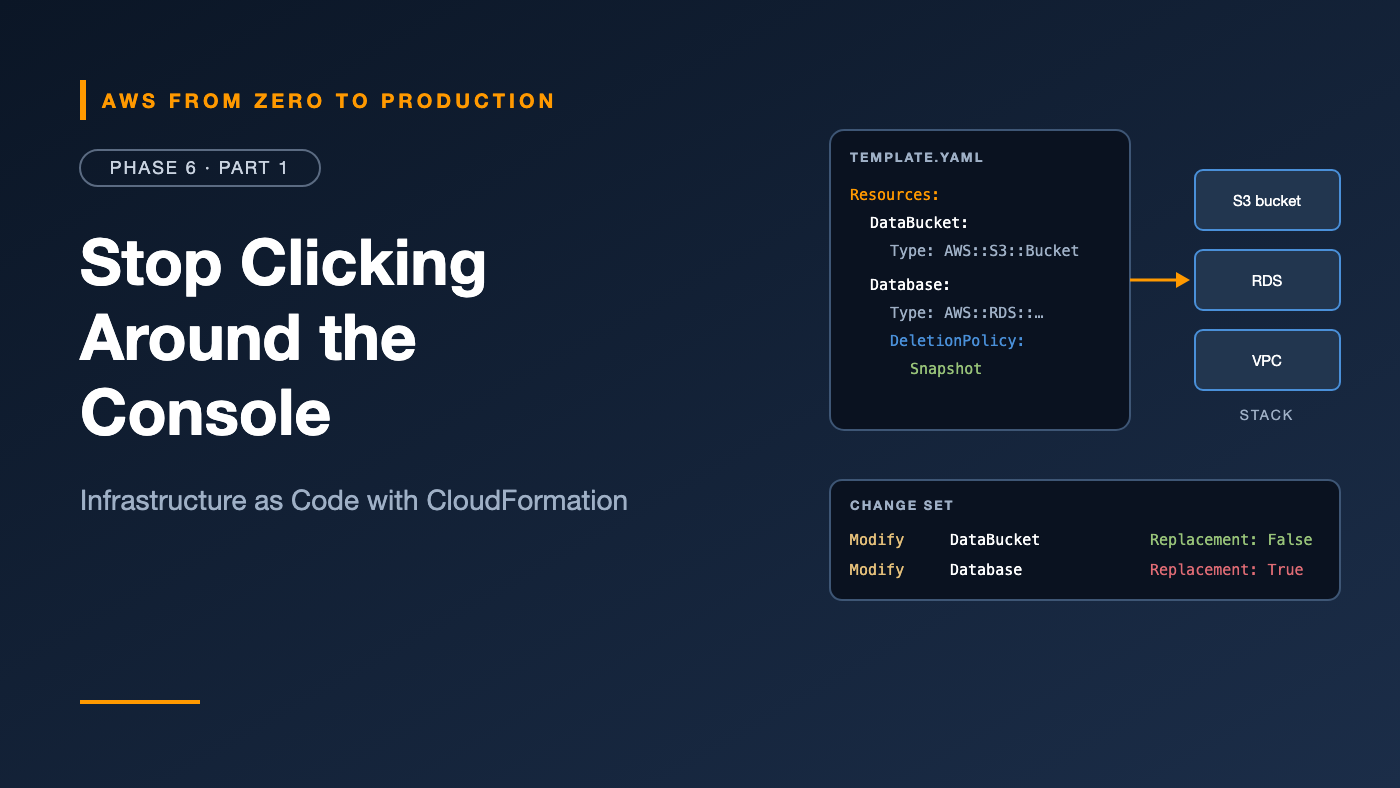
AWS from Zero to Production — Phase 6, Part 1 of 5 · See the full series roadmap
Quick question: if your production AWS account disappeared tonight, how long would it take to rebuild it?
If the honest answer involves screenshots, a wiki page last updated two years ago, and “I think Priya set that up,” you’re not alone. That’s what happens when infrastructure is built by clicking.
Over the last three phases, you built a VPC, load balancers, ECS services, a database, and IAM roles — mostly by hand or with one-off CLI commands. It worked. But you can’t review it, repeat it, version it, or roll it back.
Infrastructure as Code (IaC) fixes that. This phase covers three ways to do it on AWS — CloudFormation, Terraform, and the CDK — starting with the one built into AWS itself.
What you’ll walk away with
- 📜 Infrastructure as Code principles
- 🧱 CloudFormation template anatomy: parameters, resources, outputs, mappings, and conditions
- 🔧 Intrinsic functions like
!Ref,!GetAtt, and!Sub - 🔍 Stack creation, updates, and change sets
- 🧩 Nested stacks and StackSets
- 🧭 Drift detection and rollback behavior
Infrastructure as Code principles
- Declarative: describe what you want, not the steps to get there. The tool works out the steps.
- Version-controlled: infrastructure lives in Git, with history, blame, and pull requests.
- Reviewable: every change is a diff someone can read before it ships.
- Repeatable: dev, staging, and production come from the same code with different inputs.
- Idempotent: applying the same code twice gives the same result.
- Disposable: environments can be created and destroyed on demand.
The rule that makes it work: once something is managed by code, nobody changes it by hand. Manual changes create drift, and drift breaks trust in the code.
What is CloudFormation?
AWS CloudFormation provisions AWS resources from templates written in YAML or JSON.
- A deployed template is a stack.
- CloudFormation figures out the order: it creates the VPC before the subnet, and the subnet before the instance.
- If something fails, it rolls back automatically.
- There’s no additional charge for CloudFormation itself for AWS resource types; you pay for the resources it creates.
- State is managed by AWS — there’s no state file for you to store or lock.
Template anatomy
AWSTemplateFormatVersion: "2010-09-09"
Description: Orders API storage bucket

Parameters:
  Environment:
    Type: String
    AllowedValues: [dev, prod]
    Default: dev

Mappings:
  RetentionByEnv:
    dev:
      Days: 7
    prod:
      Days: 90

Conditions:
  IsProd: !Equals [!Ref Environment, prod]

Resources:
  DataBucket:
    Type: AWS::S3::Bucket
    DeletionPolicy: Retain
    Properties:
      BucketName: !Sub "orders-${Environment}-${AWS::AccountId}"
      VersioningConfiguration:
        Status: !If [IsProd, Enabled, Suspended]
      LifecycleConfiguration:
        Rules:
          - Id: expire-old-versions
            Status: Enabled
            NoncurrentVersionExpiration:
              NoncurrentDays: !FindInMap [RetentionByEnv, !Ref Environment, Days]
      PublicAccessBlockConfiguration:
        BlockPublicAcls: true
        BlockPublicPolicy: true
        IgnorePublicAcls: true
        RestrictPublicBuckets: true

Outputs:
  BucketName:
    Value: !Ref DataBucket
    Export:
      Name: !Sub "orders-${Environment}-bucket"
The sections
- Parameters: inputs supplied at deploy time, with types, defaults, and allowed values. Use the
AWS::SSM::Parameter::Value<String>type to read values from Parameter Store, like the latest AMI ID. - Mappings: static lookup tables, like settings per environment or per Region.
- Conditions: true or false values that decide whether a resource is created or which value a property gets.
- Resources: the only required section. Each resource has a logical ID, a type, and properties.
- Outputs: values to display, or to export for other stacks to import.
Resource attributes worth knowing
DeletionPolicy: Retainkeeps the resource if it’s removed from the template or the stack is deleted. Use it for data — buckets, databases, and KMS keys.DeletionPolicy: Snapshottakes a final snapshot first, for supported resources like RDS and EBS.UpdateReplacePolicydoes the same for updates that replace a resource.DependsOnforces an order CloudFormation can’t infer.
Intrinsic functions
Intrinsic functions compute values at deploy time:
!Ref— a parameter’s value, or a resource’s main identifier (a bucket name, a VPC ID).!GetAtt— a specific attribute:!GetAtt Database.Endpoint.Address.!Sub— string substitution:!Sub "arn:aws:s3:::${DataBucket}/*".!Joinand!Select— build and pick from lists.!GetAZs— the AZs in the current Region.!If,!Equals,!And,!Or,!Not— conditions.!FindInMap— look up a mapping.!ImportValue— use another stack’s exported output.
Pseudo parameters like AWS::AccountId, AWS::Region, and AWS::StackName let templates work in any account and Region without hard-coding.
Creating and updating stacks
aws cloudformation deploy \
  --template-file bucket.yaml \
  --stack-name orders-dev-storage \
  --parameter-overrides Environment=dev
deploy creates the stack if it doesn’t exist, or updates it if it does.
What happens to a resource on update
Each property change has an update behavior, listed in the docs:
- No interruption: changed in place.
- Some interruption: changed in place, with a brief disruption — like a reboot.
- Replacement: a new resource is created and the old one deleted. For a database, that can mean data loss.
Change sets: look before you leap
A change set shows exactly what an update will do before it happens:
aws cloudformation create-change-set \
  --stack-name orders-dev-storage \
  --change-set-name rename-bucket \
  --template-body file://bucket.yaml \
  --parameters ParameterKey=Environment,ParameterValue=dev

aws cloudformation describe-change-set \
  --stack-name orders-dev-storage \
  --change-set-name rename-bucket \
  --query 'Changes[].ResourceChange.[Action,LogicalResourceId,Replacement]'
If you see Replacement: True next to a database, stop and think.
Rule: In production, always review a change set before executing it.
aws cloudformation deploycreates one behind the scenes; add--no-execute-changesetto review it first.
Rollback behavior
- On create failure: CloudFormation deletes everything it created, and the stack ends in
ROLLBACK_COMPLETE. You must delete that stack before trying again with the same name. - On update failure: it rolls back to the last working state:
UPDATE_ROLLBACK_COMPLETE. UPDATE_ROLLBACK_FAILED: the rollback itself failed — often because something was changed by hand. Fix the cause, then use continue update rollback, optionally skipping stuck resources.- Preserve successfully provisioned resources: during development, you can tell CloudFormation not to roll back, so you can fix and retry faster.
Rollback triggers can watch CloudWatch alarms during an update and roll back automatically if one fires.
Protecting stacks
- Termination protection prevents a stack from being deleted.
- Stack policies prevent updates to specific resources, like the production database.
DeletionPolicy: Retainprotects data even if the stack is deleted.
Nested stacks
Large templates get unwieldy. Nested stacks split them into reusable pieces:
Resources:
  Network:
    Type: AWS::CloudFormation::Stack
    Properties:
      TemplateURL: https://s3.amazonaws.com/my-templates/network.yaml
      Parameters:
        CidrBlock: 10.0.0.0/16

  Database:
    Type: AWS::CloudFormation::Stack
    Properties:
      TemplateURL: https://s3.amazonaws.com/my-templates/database.yaml
      Parameters:
        SubnetIds: !GetAtt Network.Outputs.DataSubnetIds
The parent stack manages the children as a unit. Use aws cloudformation package to upload local child templates to S3 automatically.
Nested stacks or exports? Nested stacks are deployed together, as one unit. Cross-stack exports link independently deployed stacks — but an exported value can’t change while another stack imports it. Use exports sparingly, for stable values like VPC IDs.
StackSets: one template, many accounts and Regions
StackSets deploy the same stack across many accounts and Regions with one operation:
- Integrate with AWS Organizations to deploy automatically to every account in an organizational unit — including new accounts as they join.
- Control rollout speed with concurrency and failure tolerance.
Typical uses: a baseline IAM role in every account, AWS Config rules, CloudTrail settings, or a security tooling role.
Drift detection
Drift is the difference between what the template says and what’s actually deployed — usually because someone changed something by hand.
aws cloudformation detect-stack-drift --stack-name orders-dev-storage

aws cloudformation describe-stack-resource-drifts \
  --stack-name orders-dev-storage \
  --stack-resource-drift-status-filters MODIFIED DELETED
Fix drift by updating the template to match reality, or by redeploying to restore the template’s settings. Then find out why someone needed to change it by hand.
Linting and testing templates
cfn-lintcatches invalid properties and common mistakes before you deploy.cfn-guardchecks templates against your policy rules — “every bucket must block public access.”- CloudFormation Hooks enforce checks at deploy time, inside your accounts.
- The IaC generator can create templates from resources you already built by hand.
We’ll add template scanning to the pipeline in Phase 7.
Common mistakes
- Changing stack-managed resources in the console, then wondering why updates fail.
- Updating without a change set, and replacing a database by surprise.
- No
DeletionPolicyon data resources. - Hard-coding account IDs, Regions, and AMI IDs instead of pseudo parameters and SSM parameters.
- Giant single templates that take an hour to update and nobody understands.
- Overusing exports, making stacks impossible to change.
Key takeaways
- IaC makes infrastructure reviewable, repeatable, and versioned — if nobody changes it by hand.
- Templates have parameters, mappings, conditions, resources, and outputs.
- Intrinsic functions and pseudo parameters keep templates portable.
- Change sets show what will change — and what will be replaced — before it happens.
- Nested stacks split big templates; StackSets deploy across accounts and Regions.
- Drift detection finds manual changes;
DeletionPolicyprotects data.
Quick self-check
Test yourself before moving on:
- What’s the only required section in a CloudFormation template?
- How can you find out whether an update will replace your database?
- What does
DeletionPolicy: Retaindo? - You need the same IAM role in 40 accounts. What do you use?
Answers
Resources.- Create and review a change set, and look for
Replacement: True. - It keeps the resource when it’s removed from the stack or the stack is deleted.
- StackSets, integrated with AWS Organizations.
What’s next
In Part 2, we look at the most popular multi-cloud IaC tool: Terraform — providers, state, remote backends in S3, modules, workspaces, imports, and secrets.
Has a manual change ever broken your CloudFormation stack? Share the story in the comments.