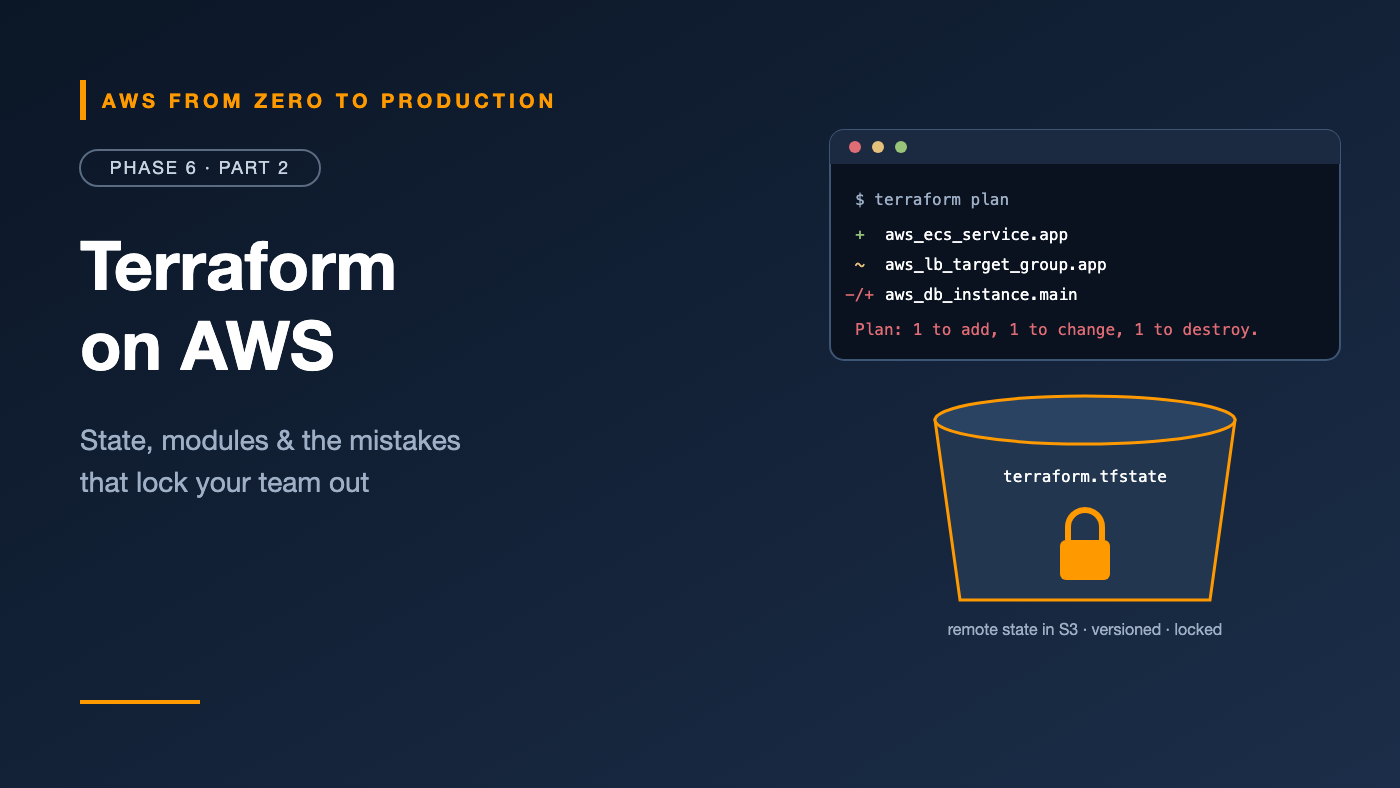
AWS from Zero to Production — Phase 6, Part 2 of 5 · See the full series roadmap
Every Terraform horror story starts the same way.
Two engineers run terraform apply at the same time, and the state file gets corrupted. Or someone keeps terraform.tfstate on their laptop, the laptop dies, and Terraform no longer knows what it manages. Or the state file gets committed to Git — along with the database password inside it.
Terraform is the most widely used infrastructure-as-code tool across clouds, and for good reason: a clean language, a huge provider ecosystem, and a fast plan-apply workflow. But its power comes from state, and state is exactly where teams get hurt.
This article covers the whole toolkit — with extra care on the parts that bite.
What you’ll walk away with
- 🔌 Providers, resources, and data sources
- 🎛️ Variables, outputs, and local values
- 🧩 Modules and reusable environments
- 🗄️ State, remote state in S3, and locking
- 🗂️ Workspaces — and when not to use them
- 📥 Importing existing resources
- 🔐 Handling secrets safely
- ▶️ The plan-and-apply workflow
The core building blocks
Providers
A provider is a plugin that talks to an API. The AWS provider turns Terraform resources into AWS API calls.
terraform {
  required_version = ">= 1.11"

  required_providers {
    aws = {
      source  = "hashicorp/aws"
      version = "~> 6.0"
    }
  }
}

provider "aws" {
  region = "us-east-1"

  default_tags {
    tags = {
      Project   = "orders"
      ManagedBy = "terraform"
    }
  }
}
Pin versions, and commit the .terraform.lock.hcl file, so everyone uses the same provider builds. default_tags tags every resource automatically — a big win for cost reporting.
Resources
A resource is something Terraform creates and manages:
resource "aws_s3_bucket" "data" {
  bucket = "orders-data-${var.environment}-${data.aws_caller_identity.current.account_id}"
}

resource "aws_s3_bucket_versioning" "data" {
  bucket = aws_s3_bucket.data.id

  versioning_configuration {
    status = "Enabled"
  }
}
Referencing aws_s3_bucket.data.id creates an implicit dependency, so Terraform creates the bucket first.
Data sources
A data source reads something that already exists, without managing it:
data "aws_caller_identity" "current" {}

data "aws_availability_zones" "available" {
  state = "available"
}

data "aws_ssm_parameter" "al2023" {
  name = "/aws/service/ami-amazon-linux-latest/al2023-ami-kernel-default-x86_64"
}
Variables, outputs, and locals
variable "environment" {
  type        = string
  description = "Deployment environment"

  validation {
    condition     = contains(["dev", "staging", "prod"], var.environment)
    error_message = "environment must be dev, staging, or prod."
  }
}

locals {
  prefix  = "orders-${var.environment}"
  is_prod = var.environment == "prod"
}

output "bucket_name" {
  value = aws_s3_bucket.data.bucket
}
- Variables are inputs. Set them in
terraform.tfvars, with-var, or withTF_VAR_nameenvironment variables. - Locals are computed names and values used internally — keep repeated expressions in one place.
- Outputs expose values to users, CI pipelines, or other configurations.
Modules
A module is a folder of Terraform files you can reuse with different inputs. Every configuration is already the root module; you call child modules from it:
module "vpc" {
  source  = "terraform-aws-modules/vpc/aws"
  version = "~> 6.0"

  name = local.prefix
  cidr = "10.0.0.0/16"
  azs  = slice(data.aws_availability_zones.available.names, 0, 2)

  public_subnets  = ["10.0.1.0/24", "10.0.2.0/24"]
  private_subnets = ["10.0.11.0/24", "10.0.12.0/24"]

  enable_nat_gateway = true
  single_nat_gateway = !local.is_prod
}
Sources can be local folders, Git repositories, or the Terraform Registry.
Reusable environment modules
A common, effective layout:
infra/
  modules/
    network/        (VPC, subnets, endpoints)
    service/        (ECS service, ALB target group, alarms)
    database/       (RDS, subnet group, security group)
  envs/
    dev/main.tf     -> calls modules with small sizes
    prod/main.tf    -> calls the same modules with prod sizes
Each environment has its own folder, state, and variables, but the same tested modules.
Engineer’s note: Pin module versions. An unpinned module that changes upstream can surprise you on the next plan.
State: Terraform’s memory
Terraform keeps a state file that maps your code to real resources: “aws_s3_bucket.data is the bucket orders-data-dev-1111....”
Without state, Terraform can’t know what it created, what changed, or what to delete.
State has three dangerous properties:
- It must be shared by everyone who runs Terraform.
- It must be locked so two runs can’t write at once.
- It can contain secrets — such as generated passwords and some resource attributes — in plain text.
Remote state in Amazon S3
Store state in a dedicated, locked-down S3 bucket:
terraform {
  backend "s3" {
    bucket       = "acme-terraform-state-111122223333"
    key          = "orders/dev/terraform.tfstate"
    region       = "us-east-1"
    encrypt      = true
    use_lockfile = true
  }
}
The state bucket should have:
- Versioning — to recover from corrupted or bad state
- Encryption, ideally with a KMS key you control
- Block Public Access
- A bucket policy that allows only your CI role and a small admin group
State locking
With use_lockfile = true, Terraform creates a lock file in S3 while it runs. A second run waits or fails instead of corrupting state.
Note: Older setups used a DynamoDB table for locking. Recent Terraform versions support S3-native locking, and DynamoDB-based locking is deprecated. If you inherit a DynamoDB lock table, plan a migration.
Rules for state
- Never commit state to Git. Add
*.tfstate*to.gitignore. - Never edit state by hand. Use
terraform state mv,terraform state rm, ormovedandremovedblocks. - Split state by environment and by component, so a mistake in one can’t destroy everything.
Workspaces
Workspaces give one configuration multiple state files:
terraform workspace new staging
terraform workspace select staging
Inside the code, terraform.workspace returns the current name.
They’re handy for short-lived copies, like feature-branch environments. But for long-lived environments like dev and prod, most teams prefer separate folders, backends, and often separate AWS accounts. Workspaces make it too easy to apply to the wrong one, and they all share one backend configuration.
Importing existing resources
Built something by hand? Bring it under Terraform with an import block:
import {
  to = aws_s3_bucket.legacy_logs
  id = "acme-legacy-logs"
}

resource "aws_s3_bucket" "legacy_logs" {
  bucket = "acme-legacy-logs"
}
terraform plan -generate-config-out=generated.tf
-generate-config-out writes a starting configuration for the imported resource. Review it, clean it up, and plan until there are no changes — then the resource is managed.
Secrets management
Keep secrets out of code and out of state as much as possible:
- Don’t generate database passwords in Terraform. Use RDS
manage_master_user_password = true, so the password lives only in Secrets Manager. - Don’t put secrets in
.tfvarsfiles committed to Git. - Pass secret ARNs, not secret values, to ECS task definitions and Lambda functions.
- Mark sensitive variables and outputs with
sensitive = true. It hides them in CLI output — but not in state. - Use ephemeral values and write-only arguments, in recent Terraform versions, for secrets that should never be stored in state.
- Protect the state bucket as if it were a secret — because it might contain some.
The workflow: init, plan, apply
terraform init        # download providers and modules, configure the backend
terraform fmt         # format code consistently
terraform validate    # catch syntax and reference errors
terraform plan -out=tfplan
terraform apply tfplan
Read the plan carefully. It uses symbols:
  + create
  ~ update in-place
  - destroy
-/+ destroy and then create replacement   <- read these twice
Rule: In CI, save the plan with
-out, have a human or a policy review it, then apply that exact plan. Phase 7 builds this pipeline.
Lifecycle settings
resource "aws_db_instance" "main" {
  # ...
  lifecycle {
    prevent_destroy = true
  }
}
prevent_destroy makes any plan that would destroy this resource fail. Use it on production data.
Terraform vs. CloudFormation
- CloudFormation: AWS-native, with state managed by AWS, no extra tools, and strong integration with StackSets and AWS Organizations. YAML can get verbose.
- Terraform: one language across AWS, other clouds, and SaaS tools like GitHub, Datadog, and Cloudflare. A fast plan workflow and a rich module ecosystem. You manage state yourself.
Both are excellent. Pick one per team, and be consistent. (OpenTofu, an open-source fork of Terraform, works with nearly identical code.)
Common mistakes
- Local state on someone’s laptop.
- No locking, and two concurrent applies.
- State committed to Git, with secrets inside.
- Unpinned providers and modules.
- One giant state for every environment and component.
- Workspaces for prod and dev, and an apply to the wrong one.
- Generating passwords in Terraform, putting them in state.
- Skimming plans and missing a
-/+on a database.
Key takeaways
- Providers talk to APIs; resources are managed; data sources are read-only.
- Variables in, locals inside, outputs out.
- Modules make environments consistent; pin their versions.
- Store state remotely in a versioned, encrypted, locked-down S3 bucket with locking.
- Prefer separate folders and accounts over workspaces for long-lived environments.
- Keep secrets out of code and state; let RDS and Secrets Manager handle passwords.
Quick self-check
Test yourself before moving on:
- Why must state be locked?
- What does
-/+mean in a plan? - How do you bring a hand-built bucket under Terraform?
- Why use
manage_master_user_passwordinstead of generating a password in Terraform?
Answers
- So two runs can’t write state at the same time and corrupt it.
- The resource will be destroyed and re-created — a replacement.
- With an
importblock, then plan until there are no changes. - So the password never lands in Terraform state.
What’s next
In Part 3, we write infrastructure in a real programming language with the AWS CDK — constructs, stacks, synth, diff, deploy, and CDK Pipelines.
What’s your worst Terraform state story? I promise you’re not alone — share it in the comments.