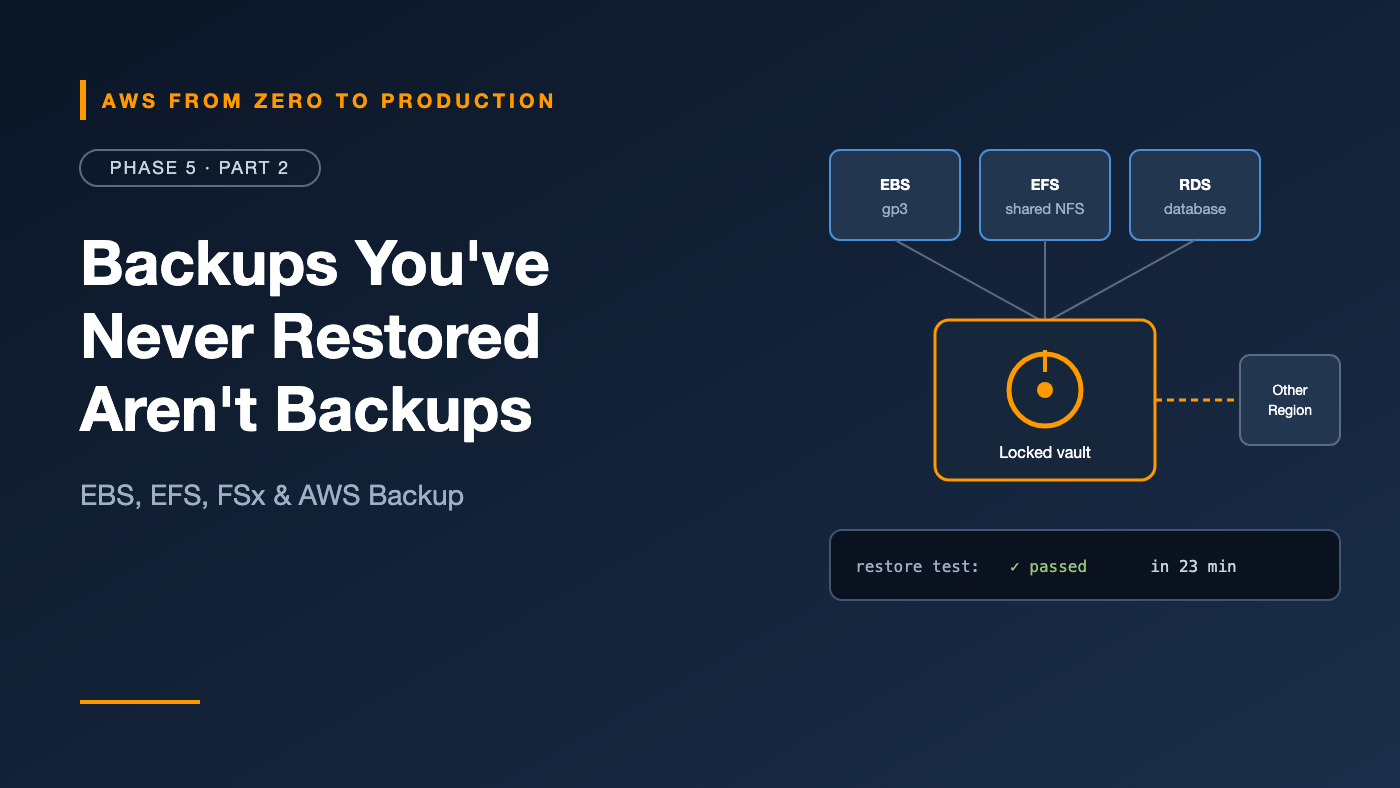
AWS from Zero to Production — Phase 5, Part 2 of 5 · See the full series roadmap
A team I know had backups. Nightly snapshots, retained for 30 days. Green checkmarks everywhere.
Then a bad migration corrupted their data, and they tried to restore. The snapshots were from the wrong volume. The ones that were right took hours to come back. And nobody had written down how to do it.
Backups you’ve never restored aren’t backups. They’re hopes.
This article covers the storage that servers and containers mount — EBS, EFS, and FSx — and how to protect all of it with AWS Backup, including the part that actually matters: proving you can get your data back.
What you’ll walk away with
- 💾 EBS volume types, and how to choose
- 📸 EBS snapshots and snapshot lifecycle policies
- 📁 Amazon EFS and Amazon FSx — shared file storage
- 🛡️ AWS Backup: plans, vaults, and Vault Lock
- 🌍 Cross-Region and cross-account backups
- 🧪 Restore testing
Three kinds of storage
- Object storage (S3): files over an API. Massive scale; no mounting.
- Block storage (EBS): a raw disk attached to one instance. Low latency, for operating systems and databases.
- File storage (EFS, FSx): a shared file system that many clients mount at once.
Amazon Elastic Block Store (EBS)
An EBS volume is a network-attached disk for an EC2 instance.
- Lives in one AZ, and attaches to instances in that AZ.
- Persists independently of the instance.
- Can be resized and change type while in use, with Elastic Volumes.
- Can be encrypted with KMS. Turn on EBS encryption by default for each Region.
Volume types
SSD-backed:
- gp3 — general purpose (the default): a baseline of 3,000 IOPS and 125 MiB/s at any size, and you can provision more IOPS and throughput independently of size. Right for most workloads.
- gp2 — previous generation: performance tied to size. Migrate to gp3; it’s usually cheaper.
- io2 Block Express — provisioned IOPS: for latency-sensitive, I/O-heavy databases that need consistent high performance and higher durability.
HDD-backed:
- st1 — throughput optimized: large, sequential workloads like big data and log processing.
- sc1 — cold HDD: the lowest cost, for infrequently accessed data.
HDD volumes can’t be boot volumes.
Quick win: Still on gp2? Switching to gp3 is an online change, and usually lowers cost at the same or better baseline performance.
EBS snapshots
A snapshot is a point-in-time backup of a volume, stored durably by AWS.
- Incremental: after the first, each snapshot stores only changed blocks. You can still restore any snapshot on its own.
- Regional: restore into any AZ in the Region, or copy to another Region.
- Crash-consistent by default. For databases, pause writes or use application-consistent options, or prefer the database’s native backups.
aws ec2 create-snapshot \
  --volume-id vol-0abc123 \
  --description "before schema migration" \
  --tag-specifications 'ResourceType=snapshot,Tags=[{Key=purpose,Value=pre-migration}]'
Restoring isn’t instant
A volume restored from a snapshot loads data lazily from storage. The first read of each block is slower. For volumes that must be fast immediately, use Fast Snapshot Restore (at extra cost) or pre-warm the volume.
Snapshot lifecycle policies
Amazon Data Lifecycle Manager creates and deletes snapshots on a schedule, based on tags:
Target:     volumes tagged backup=daily
Schedule:   every 24 hours at 03:00 UTC
Retain:     14 snapshots
Copy:       to us-west-2, retain 7
For organization-wide policy across services, AWS Backup is usually the better choice.
Cost tip: Old snapshots are a classic silent cost. Use the Archive tier for snapshots you must keep long term but rarely restore.
Amazon Elastic File System (EFS)
EFS is a managed NFS file system for Linux:
- Mounted by many EC2 instances, ECS tasks, EKS pods, and Lambda functions at once.
- Regional by default — data stored across multiple AZs.
- Elastic: grows and shrinks automatically; you pay for what you store.
- Storage classes: Standard, Infrequent Access, and Archive, with lifecycle management between them.
- Access points enforce a user identity and root directory for each application.
Use it for shared content, home directories, and containers that need shared persistent storage.
Engineer’s note: EFS isn’t a database. Lots of small random writes from many clients can be slow, and file locking across clients needs care.
Amazon FSx
When you need a specific file system, FSx provides fully managed ones:
- FSx for Windows File Server: SMB shares with Active Directory integration — for Windows workloads.
- FSx for Lustre: high-performance parallel file system for HPC and ML training, with S3 integration.
- FSx for NetApp ONTAP: NFS, SMB, and iSCSI with ONTAP features like snapshots and replication — popular for lift-and-shift from on-premises NetApp.
- FSx for OpenZFS: ZFS-based NFS with snapshots and cloning.
AWS Backup: one place for all backups
Every service has its own backup feature. AWS Backup centralizes them:
- Supports EBS, EC2, RDS, Aurora, DynamoDB, EFS, FSx, S3, and more.
- One policy applied across services, accounts, and Regions.
- One place to audit compliance.
Backup plans
A backup plan defines when to back up, how long to keep backups, and where to copy them:
Plan: production-daily
  Rule: daily
    Schedule:     every day at 05:00 UTC
    Retention:    35 days
    Move to cold storage after: 30 days (supported resources)
    Copy to:      vault in us-west-2, retain 35 days
  Resource assignment: all resources tagged backup=production
Tag-based assignment is the key. New resources tagged backup=production are protected automatically — no one has to remember.
Backup vaults
A backup vault stores recovery points, encrypted with a KMS key.
- Use vault access policies to stop anyone from deleting recovery points.
- AWS Backup Vault Lock makes retention immutable — like S3 Object Lock for backups. In compliance mode, nobody can delete backups early, which protects against ransomware and malicious insiders.
Cross-Region and cross-account backups
A backup in the same account and Region as the original doesn’t protect you from:
- A Regional outage
- A compromised account where an attacker deletes both data and backups
So copy backups:
- Cross-Region: to a vault in another Region, for disaster recovery.
- Cross-account: to a vault in a separate backup account in your AWS Organization. Even an admin in the production account can’t delete them.
Production account (us-east-1)
   -> backup vault
       -> copy to: backup account vault (us-east-1), Vault Lock
       -> copy to: backup account vault (us-west-2), Vault Lock
Restore testing
Here’s the step that separates real backups from hopes.
AWS Backup restore testing runs scheduled, automatic restores:
- Pick recovery points by resource type and selection criteria.
- AWS Backup restores them on a schedule.
- Optionally, run your own validation — for example, a Lambda function that queries the restored database.
- The restored resources are deleted after the test.
- You get a report: did it work, and how long did it take?
That duration is your real recovery time. Compare it to your Recovery Time Objective (Phase 8).
Engineer’s note: Also practice restores by hand, at least occasionally, with a written runbook. The middle of an incident is a terrible time to learn the restore process.
Common mistakes
- Never testing a restore.
- Backups only in the same account and Region as production.
- Still running gp2 volumes.
- Expecting a restored EBS volume to be fast immediately.
- Unbounded snapshot retention, quietly growing costs.
- Relying on crash-consistent snapshots for busy databases.
- Untagged resources that backup plans never select.
Key takeaways
- EBS is block storage for one instance; gp3 is the right default.
- Snapshots are incremental and Regional; automate their lifecycle.
- EFS gives shared NFS storage across AZs; FSx provides specialized file systems.
- AWS Backup centralizes backups with plans, tag-based assignment, and vaults.
- Copy backups to another Region and another account, and lock them.
- Test restores on a schedule — the restore time is your real RTO.
Quick self-check
Test yourself before moving on:
- Which EBS volume type should most workloads start with?
- Why might a freshly restored volume be slow?
- How do you protect backups from someone with admin access to the production account?
- What does restore testing tell you that backup success doesn’t?
Answers
- gp3.
- Data is loaded lazily from the snapshot on first read.
- Copy them to a separate backup account, with Vault Lock.
- Whether the backup actually restores — and how long it takes.
What’s next
In Part 3, we move to relational databases: Amazon RDS and Aurora — subnet groups, parameter groups, Multi-AZ, read replicas, backups, RDS Proxy, and Aurora Serverless.
When did your team last test a restore? Be honest in the comments.