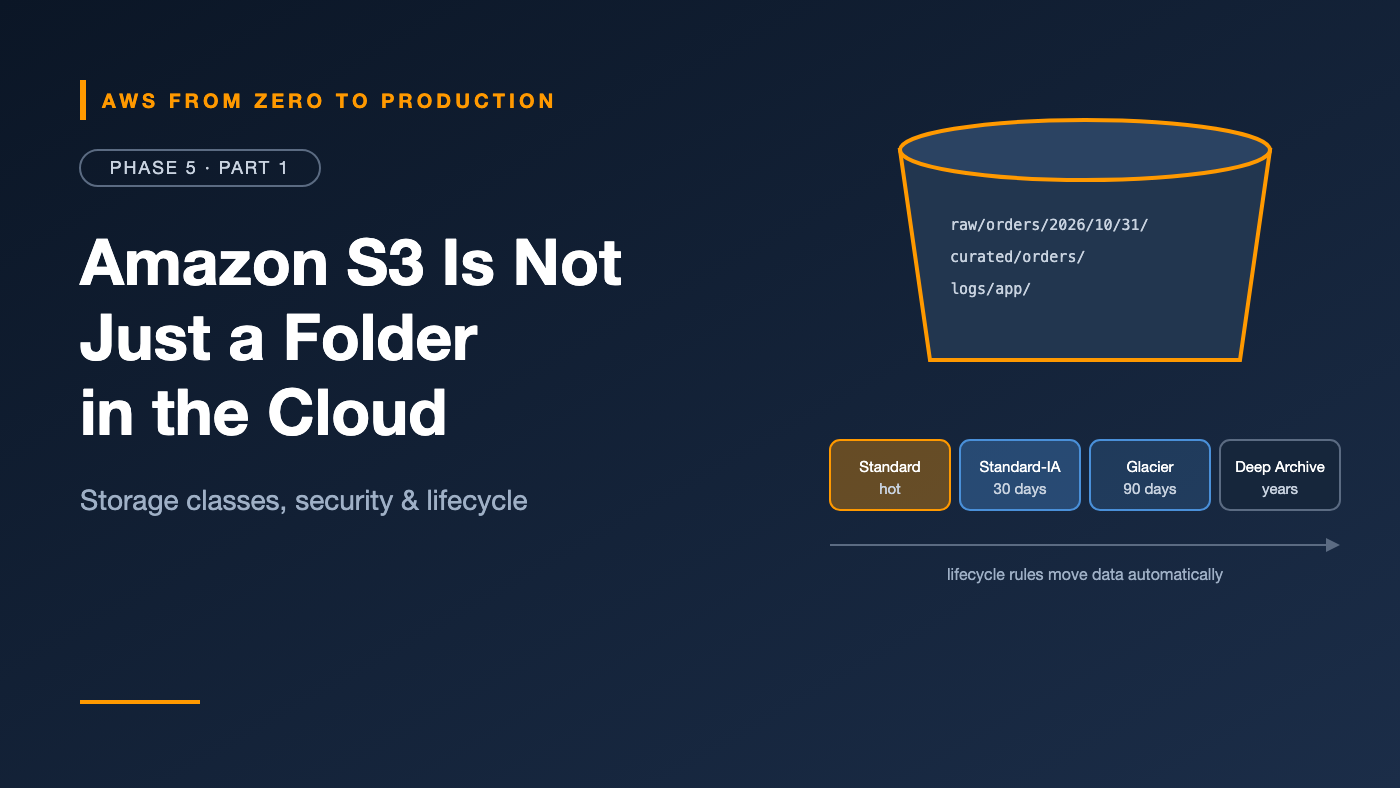
AWS from Zero to Production — Phase 5, Part 1 of 5 · See the full series roadmap
Amazon S3 looks simple. Create a bucket. Upload a file. Done.
Then the questions start. Why is this bucket costing so much? Who made it public? Can I get back the file someone just overwrote? Why does this “folder” not exist? How do I let a user upload directly without sending the file through my server?
S3 is one of the oldest AWS services, and still one of the most important. It stores website assets, backups, logs, data lakes, ML training data, and Terraform state. Phase 9 builds an entire data platform on top of it.
This article is everything you need to use it well.
What you’ll walk away with
- 🪣 Buckets, objects, and keys — and why there are no real folders
- 🧊 Storage classes and lifecycle policies
- 🕰️ Versioning, Object Lock, and replication
- 🔐 Bucket policies, access points, and Block Public Access
- 📣 Event notifications and multipart uploads
- 🔗 Static website hosting, presigned URLs, and Origin Access Control
Buckets, objects, and keys
- A bucket is a container for objects. Bucket names are globally unique and live in one Region.
- An object is a file plus metadata. Objects can be up to 5 TB.
- A key is the object’s full name within the bucket.
s3://acme-data-lake/raw/orders/2026/10/31/orders-0001.json
     |______________| |_____________________________________|
          bucket                       key
There are no folders
S3 is a flat key-value store. raw/orders/2026/ isn’t a directory — it’s a prefix, part of the key. The console shows prefixes as folders for convenience.
This matters because:
- Prefixes are how you organize, filter, and apply lifecycle rules.
- Performance scales per prefix, so spreading requests across prefixes increases throughput.
- “Renaming a folder” means copying every object to a new key.
Consistency
S3 provides strong read-after-write consistency. After a successful write or delete, the next read returns the latest version. No more waiting and hoping.
Storage classes
You pay for storage, requests, and data transfer. Storage classes trade storage price against access cost and speed:
- S3 Standard: frequently accessed data. Low latency, no retrieval fee.
- S3 Intelligent-Tiering: moves objects between access tiers automatically based on usage. Great when you don’t know the access pattern.
- S3 Standard-Infrequent Access: cheaper storage, with a per-GB retrieval fee. For data accessed less than about once a month.
- S3 One Zone-Infrequent Access: like Standard-IA, but stored in one AZ. Only for data you can re-create.
- S3 Glacier Instant Retrieval: archive pricing, millisecond access. For data accessed about once a quarter.
- S3 Glacier Flexible Retrieval: archives retrieved in minutes to hours.
- S3 Glacier Deep Archive: the lowest cost, with retrieval in hours. For compliance archives you hope never to read.
- S3 Express One Zone: very low latency, high-performance storage in a single AZ, for demanding analytics and ML workloads.
Watch out: Infrequent-access and Glacier classes have minimum storage durations and minimum billable object sizes. Moving millions of tiny files to Standard-IA can cost more, not less. Check the details in the S3 pricing page.
Lifecycle policies
Lifecycle rules move or delete objects automatically, based on age and prefix:
{
  "Rules": [
    {
      "ID": "logs-tiering",
      "Filter": { "Prefix": "logs/" },
      "Status": "Enabled",
      "Transitions": [
        { "Days": 30, "StorageClass": "STANDARD_IA" },
        { "Days": 90, "StorageClass": "GLACIER" }
      ],
      "Expiration": { "Days": 365 },
      "NoncurrentVersionExpiration": { "NoncurrentDays": 30 },
      "AbortIncompleteMultipartUpload": { "DaysAfterInitiation": 7 }
    }
  ]
}
Logs stay in Standard for 30 days, move to Standard-IA, then Glacier, and are deleted after a year. Old versions are cleaned up after 30 days, and abandoned multipart uploads after 7.
Quick win: Add
AbortIncompleteMultipartUploadto every bucket. Failed uploads leave invisible parts that you keep paying for.
Versioning
With versioning enabled, S3 keeps every version of every object.
- Overwriting creates a new version; the old one is kept.
- Deleting adds a delete marker; the data is still there, and you can restore it.
- You can’t fully turn versioning off once enabled — only suspend it.
Versioning is your protection against accidental overwrites and deletes. Pair it with a lifecycle rule that expires noncurrent versions, or storage costs grow forever.
Security: who can access what
Block Public Access
Block Public Access overrides any policy or ACL that would make data public. It’s on by default for new buckets, and you can enforce it for the whole account.
Rule: Keep Block Public Access on at the account level. If you need to serve files publicly, use CloudFront with Origin Access Control instead.
Object Ownership and ACLs
New buckets use Bucket owner enforced, which disables ACLs. The bucket owner owns every object, and access is controlled by policies only. Keep it that way — ACLs are a legacy mechanism.
Bucket policies
A bucket policy is a resource-based policy (Phase 2) that controls access to the bucket. Common uses:
- Grant cross-account access.
- Require HTTPS with
aws:SecureTransport. - Allow access only through a specific VPC endpoint with
aws:SourceVpce. - Allow a CloudFront distribution to read objects.
{
  "Sid": "OnlyFromOurVpcEndpoint",
  "Effect": "Deny",
  "Principal": "*",
  "Action": "s3:*",
  "Resource": [
    "arn:aws:s3:::acme-sensitive",
    "arn:aws:s3:::acme-sensitive/*"
  ],
  "Condition": {
    "StringNotEquals": { "aws:SourceVpce": "vpce-0abc123" }
  }
}
Careful: A deny like this also blocks you in the console, unless your traffic comes through that endpoint. Test on a non-critical bucket first.
Access points
A bucket shared by many teams quickly gets a huge, fragile bucket policy. Access points solve that: each one is a named entry point with its own policy, often limited to a prefix and optionally to a VPC.
acme-data-lake
  +-- access point "finance-ap"    -> read finance/* only
  +-- access point "ml-ap"         -> read curated/* from the ML VPC only
Encryption
All new objects are encrypted at rest with SSE-S3 by default. Choose SSE-KMS when you need key-level access control and audit (Phase 2, Part 4). With SSE-KMS, enable S3 Bucket Keys to cut KMS request costs.
Object Lock: write once, read many
Object Lock prevents objects from being deleted or overwritten for a retention period — for compliance and ransomware protection.
- Governance mode: users with special permission can override.
- Compliance mode: nobody can delete or shorten retention — not even the root user — until it expires.
- Legal hold: no expiry, until removed.
Object Lock requires versioning.
Watch out: Compliance mode is truly irreversible. Test with short retention periods first.
Replication
Replication copies objects automatically to another bucket:
- Cross-Region Replication (CRR): for disaster recovery, lower latency, or compliance.
- Same-Region Replication (SRR): for aggregating logs, or copying between accounts.
Replication requires versioning on both buckets and replicates new objects by default. Use Batch Replication for existing objects, and Replication Time Control when you need a predictable replication SLA.
Event notifications
S3 can react to changes: when an object is created, deleted, or restored, send an event to:
- AWS Lambda — process the file right away
- Amazon SQS — queue it for workers
- Amazon SNS — fan out to many subscribers
- Amazon EventBridge — advanced filtering and many more targets
User uploads photo.jpg to uploads/
   -> S3 event
   -> Lambda resizes it
   -> writes thumbnails/photo.jpg
Watch out: If a Lambda function writes back to the same prefix that triggers it, you’ve built an infinite loop. Use different prefixes or buckets for input and output.
Multipart uploads
Large files should be uploaded in parts:
- Parts upload in parallel, and failed parts can be retried alone.
- Recommended for objects over about 100 MB, and required for objects over 5 GB.
- The AWS CLI and SDKs do this automatically with high-level commands like
aws s3 cp.
Static website hosting
S3 can serve a static website — HTML, CSS, JavaScript, and images — directly from a bucket. But the S3 website endpoint is HTTP only and requires a public bucket.
The production pattern is better:
Route 53 -> CloudFront (HTTPS, ACM certificate, caching)
              -> private S3 bucket (Origin Access Control)
That’s the setup from Phase 3, Part 4: a private bucket that only CloudFront can read.
Presigned URLs
A presigned URL grants temporary access to one object, using the permissions of whoever signed it.
- Downloads: let a user fetch a private report for 15 minutes.
- Uploads: let a browser upload directly to S3, without sending the file through your servers.
import boto3

s3 = boto3.client("s3")
url = s3.generate_presigned_url(
    "put_object",
    Params={"Bucket": "acme-uploads", "Key": "users/42/avatar.png"},
    ExpiresIn=900,
)
The URL stops working when it expires — or earlier, if the signer’s temporary credentials expire first.
Engineer’s note: Your app decides the key, not the user. Never let a client choose an arbitrary key, or users can overwrite each other’s files.
Common mistakes
- Turning off Block Public Access to “just share one file.”
- Versioning without a noncurrent-version lifecycle rule, so costs grow forever.
- Moving tiny objects to infrequent-access classes, and paying more.
- Recursive event triggers writing back to the same prefix.
- Using the S3 website endpoint instead of CloudFront for production sites.
- Letting clients choose keys for presigned uploads.
- Forgetting incomplete multipart uploads.
Key takeaways
- S3 is a flat key-value store; prefixes look like folders but aren’t.
- Pick storage classes by access pattern, and automate transitions with lifecycle rules.
- Versioning protects against mistakes; Object Lock enforces retention.
- Keep Block Public Access on and ACLs off; control access with policies and access points.
- Event notifications turn S3 into the start of a pipeline.
- Presigned URLs grant short-lived access without exposing the bucket.
Quick self-check
Test yourself before moving on:
- You delete an object in a versioned bucket. Is the data gone?
- Which feature prevents even the root user from deleting objects?
- What’s the safest way to serve a public website from S3?
- A browser needs to upload a 50 MB video without going through your API servers. What do you use?
Answers
- No. S3 adds a delete marker; earlier versions remain.
- Object Lock in compliance mode.
- CloudFront in front of a private bucket with Origin Access Control.
- A presigned URL for
PutObject.
What’s next
In Part 2, we cover the storage your servers mount: EBS volume types and snapshots, EFS, FSx, and AWS Backup — including the step most teams skip: testing restores.
What’s the most expensive S3 surprise you’ve seen? Share it in the comments.