AWS from Zero to Production — Phase 4, Part 2 of 6 · See the full series roadmap
Your product gets mentioned on a popular podcast. Traffic jumps tenfold in five minutes.
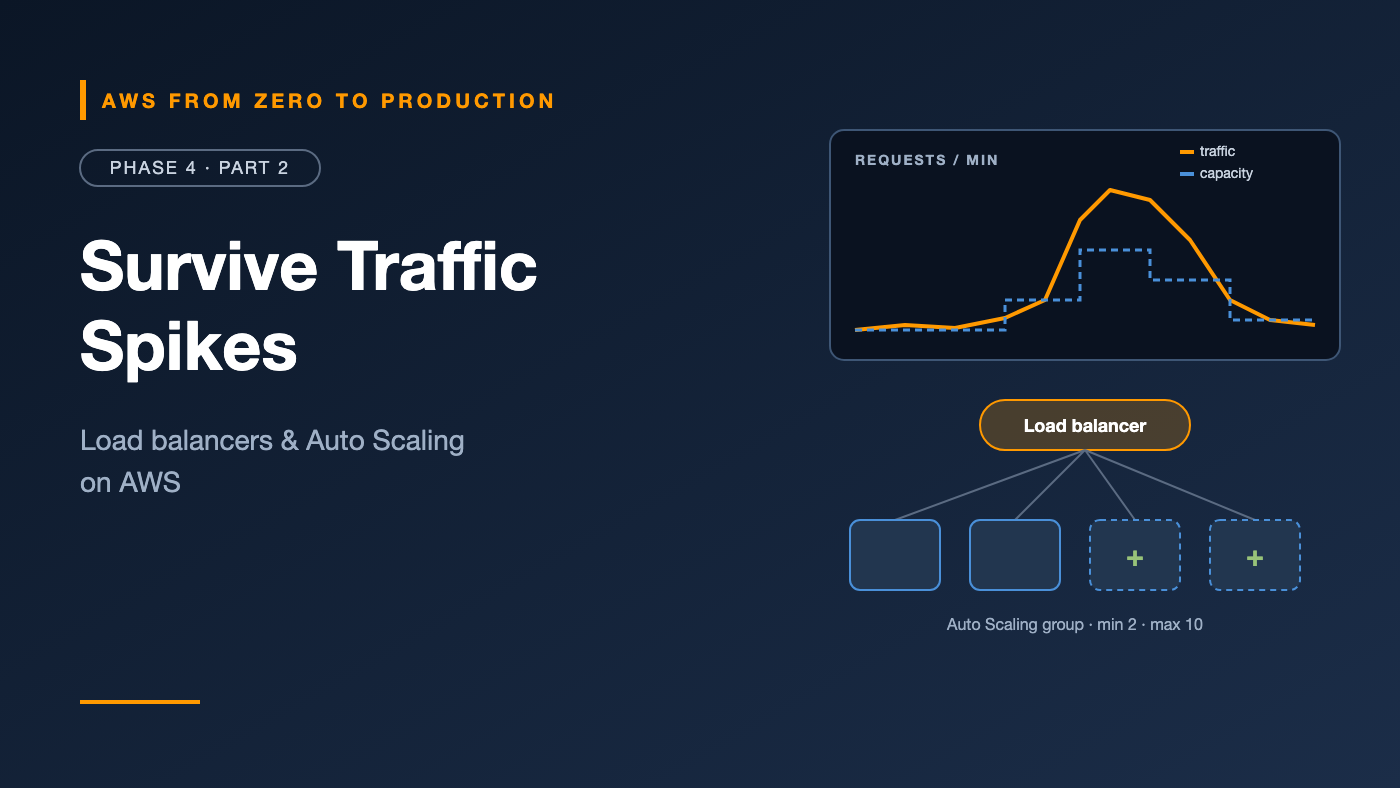
With one server, you’re down. With three servers you sized by hand, you’re down a little later. With a load balancer and Auto Scaling, new servers appear on their own, join the pool, and start taking traffic — and when the spike is over, they disappear so you stop paying for them.
That’s the promise of elasticity from Phase 1. This article is how it actually works.
What you’ll walk away with
- ⚖️ Application, Network, and Gateway Load Balancers — and when to use each
- 🎧 Listeners, rules, and target groups
- ❤️ Health checks that actually detect problems
- 🔀 Path-based and host-based routing
- 🔒 TLS termination
- 📈 Auto Scaling groups, launch templates, and scaling policies
Elastic Load Balancing
Elastic Load Balancing (ELB) distributes incoming traffic across multiple targets — EC2 instances, containers, IP addresses, or Lambda functions — in multiple Availability Zones.
AWS offers three types.
Application Load Balancer (ALB)
- Works at layer 7 (HTTP and HTTPS).
- Routes by path, host, headers, query strings, and HTTP method.
- Supports WebSockets, HTTP/2, gRPC, redirects, and fixed responses.
- Integrates with AWS WAF and can authenticate users with Amazon Cognito or any OIDC provider.
- Use it for: web apps, APIs, and microservices.
Network Load Balancer (NLB)
- Works at layer 4 (TCP, UDP, and TLS).
- Handles millions of requests per second with very low latency.
- Offers a static IP address per AZ — or an Elastic IP you choose.
- Preserves the client’s source IP address.
- Use it for: non-HTTP protocols, extreme performance, static IPs for allow-listing, and as the front of a PrivateLink endpoint service.
Gateway Load Balancer (GWLB)
- Distributes traffic to virtual network appliances: firewalls, intrusion detection, and deep packet inspection from third-party vendors.
- Uses the GENEVE protocol and works transparently in the traffic path.
- Use it for: inserting third-party security appliances into your network.
Rule of thumb: If it speaks HTTP, start with an ALB. If you need static IPs, non-HTTP protocols, or PrivateLink, use an NLB. If you’re deploying firewall appliances, that’s what GWLB is for.
Listeners, rules, and target groups
Three pieces make a load balancer work:
Load balancer
   |
   +-- Listener (HTTPS : 443)
   |      |
   |      +-- Rule: path /api/*        -> target group "api"
   |      +-- Rule: host admin.example -> target group "admin"
   |      +-- Default                  -> target group "web"
   |
   +-- Listener (HTTP : 80)
          +-- Default: redirect to HTTPS
- A listener checks for connections on a protocol and port.
- Rules (ALB only) decide where each request goes, evaluated by priority.
- A target group is a set of targets plus a health check.
Target types
- instance: EC2 instances by ID.
- ip: IP addresses — required for ECS tasks on Fargate and other
awsvpcworkloads. - lambda: a Lambda function (ALB only).
- alb: an ALB behind an NLB, to combine static IPs with layer 7 routing.
Path-based and host-based routing
One ALB can serve many services:
- Path-based:
/api/*goes to the API,/images/*to an image service, and everything else to the web front end. - Host-based:
api.example.comandshop.example.comgo to different target groups.
That means one load balancer, one certificate setup, and one DNS entry point for a whole set of microservices.
TLS termination
The load balancer can handle HTTPS so your app doesn’t have to:
- Request a certificate in AWS Certificate Manager — free for use with ELB.
- Add an HTTPS:443 listener with that certificate.
- Choose a security policy that controls the allowed TLS versions and ciphers. Prefer the recommended modern policies.
- Add an HTTP:80 listener that redirects to HTTPS.
Traffic between the load balancer and targets can stay HTTP inside the VPC, or be re-encrypted if compliance requires end-to-end TLS.
Health checks
A health check is how the load balancer decides whether a target should get traffic.
Protocol:            HTTP
Path:                /health
Healthy threshold:   3 consecutive successes
Unhealthy threshold: 2 consecutive failures
Interval:            15 seconds
Success codes:       200
What makes a good health check
- A dedicated endpoint, like
/health, that’s cheap to call. - It checks that the app can serve requests — but not every downstream dependency. If the database blips and every target fails its health check, the load balancer has nowhere to send traffic.
- It returns quickly, well within the timeout.
Watch out: A health check on
/that renders a heavy home page can fail under load — exactly when you need the capacity. And a health check that always returns 200, even when the app is broken, hides real failures.
Auto Scaling groups
An Auto Scaling group (ASG) keeps a fleet of EC2 instances at the right size.
You set three numbers:
- Minimum: never fewer than this.
- Maximum: never more than this — your cost guardrail.
- Desired: how many right now. Scaling policies change this number.
The ASG spreads instances across the AZs you choose, replaces unhealthy ones, and registers new ones with your target groups automatically.
Important: Set the ASG’s health check type to ELB, not just EC2. Then an instance that’s running but failing the load balancer’s health check gets replaced, not just ignored.
Launch templates
A launch template defines what each new instance looks like: AMI, instance type, security groups, IAM instance profile, user data, and metadata options.
- Templates are versioned, so you can roll forward and back.
- One ASG can use a mix of instance types and purchase options, including Spot.
- Change the template, then run an instance refresh to roll the fleet gradually onto the new version.
Scaling policies
- Target tracking: “keep average CPU at 50%” or “keep requests per target at 1,000.” The ASG adds and removes instances to hold the target. Start here.
- Step scaling: add or remove a specific number of instances based on how far a CloudWatch alarm is breached.
- Scheduled scaling: change capacity at known times, like scaling up before business hours.
- Predictive scaling: uses past traffic patterns to scale ahead of expected load.
aws autoscaling put-scaling-policy \
  --auto-scaling-group-name web-asg \
  --policy-name cpu-50 \
  --policy-type TargetTrackingScaling \
  --target-tracking-configuration '{
    "PredefinedMetricSpecification": {
      "PredefinedMetricType": "ASGAverageCPUUtilization"
    },
    "TargetValue": 50.0
  }'
Engineer’s note: New instances need time to boot and warm up. Faster startup — a prebuilt AMI instead of a long user data script — means faster, more accurate scaling. Warm pools can keep pre-initialized instances ready.
The full picture
Users
  |
  v
Route 53 -> ALB (public subnets, HTTPS with ACM)
             |
             v
           Target group (health check /health)
             |
             v
           Auto Scaling group (private subnets, 2 AZs)
             min 2   desired 2-10   max 10
             launch template v7: AMI + instance profile + IMDSv2
             policy: target tracking, 50% CPU
Common mistakes
- One instance behind a load balancer. That’s a single point of failure with extra steps.
- ASG health check type left at EC2, so broken-but-running instances stay in service.
- Health checks that test every dependency, causing all targets to fail at once.
- No HTTP-to-HTTPS redirect.
- Max capacity set too high with no budget alert.
- Slow-booting instances that arrive after the spike is over.
Key takeaways
- ALB for HTTP, NLB for TCP/UDP, static IPs, and PrivateLink, GWLB for network appliances.
- Listeners receive traffic, rules route it, and target groups hold targets plus health checks.
- One ALB can route by path and host to many services.
- Terminate TLS at the load balancer with a free ACM certificate.
- ASGs keep capacity between min and max; target tracking is the best default policy.
- Launch templates plus instance refresh give you safe, repeatable fleet updates.
Quick self-check
Test yourself before moving on:
- A partner needs to allow-list fixed IP addresses for your API. Which load balancer?
- Which target type do Fargate tasks need?
- An instance is running, but failing the ALB health check. Why isn’t the ASG replacing it?
- Which scaling policy should you try first?
Answers
- Network Load Balancer — it offers static IPs per AZ.
ip.- The ASG’s health check type is probably EC2 instead of ELB.
- Target tracking.
What’s next
In Part 3, we package apps into containers: Dockerfiles, Amazon ECR, and Amazon ECS on Fargate — task definitions, services, roles, deployments, and logging.
What’s the biggest traffic spike you’ve had to survive? Share the story in the comments.