AWS from Zero to Production — Phase 3, Part 1 of 5 · See the full series roadmap
Your app is deployed. The load balancer is green. You open the URL and wait.
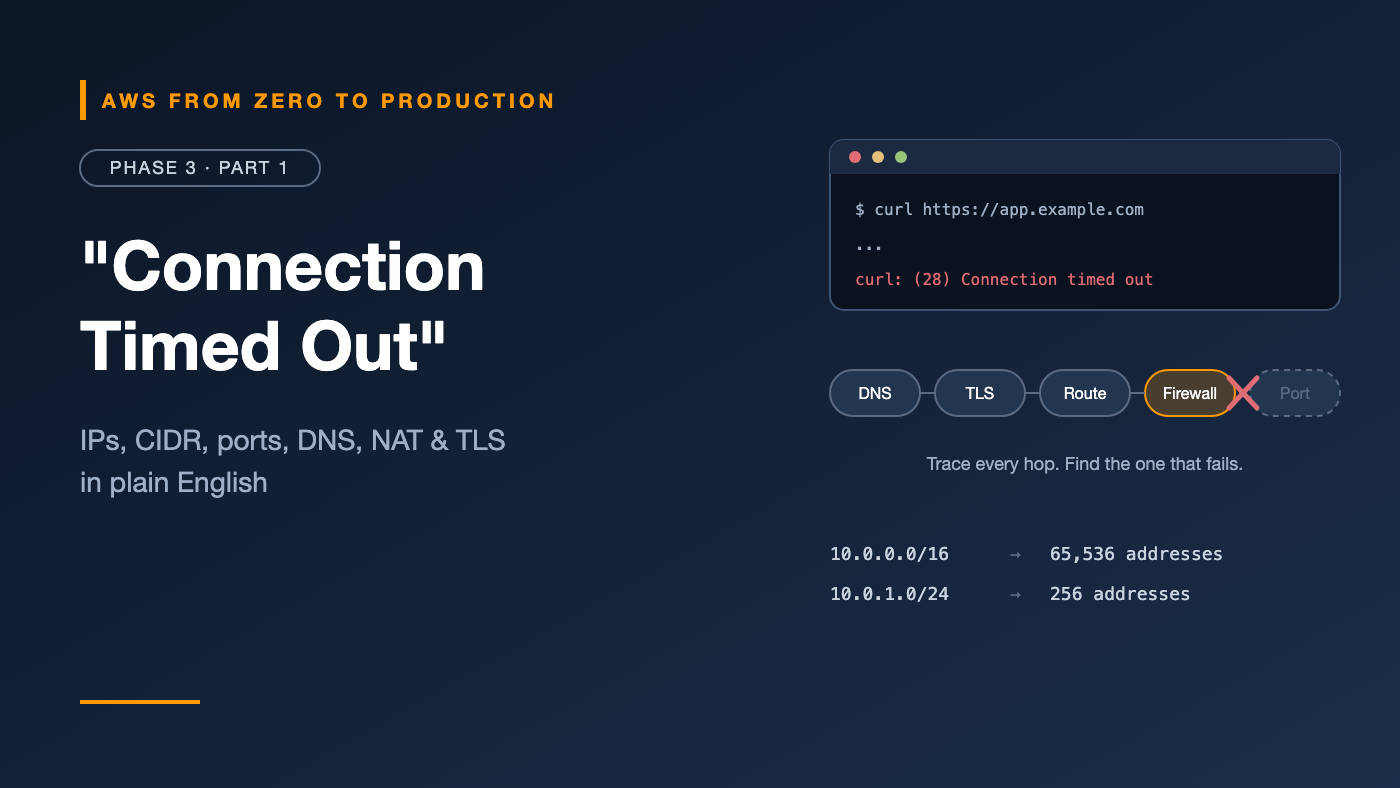
Connection timed out.
Is it DNS? A security group? A route table? A port? The database? Without networking fundamentals, you’re guessing — clicking through console screens hoping something looks wrong.
With them, you can trace the path of a single request, hop by hop, and find exactly where it stops.
This article gives you that mental model. It’s not AWS-specific yet — that’s the point. Every VPC, subnet, and security group you’ll build in this phase is just these ideas with AWS names on them.
What you’ll walk away with
- 🔢 IP addresses: public vs. private, IPv4 vs. IPv6
- ✂️ CIDR notation and subnetting — without the math anxiety
- 🚪 Ports, protocols, TCP, and UDP
- 📖 How DNS turns names into addresses
- 🧭 Routing and Network Address Translation (NAT)
- 🧱 Firewalls, load balancers, and TLS
IP addresses: every device needs one
An IP address identifies a device on a network, like a street address identifies a house.
IPv4 and IPv6
- IPv4 addresses look like
203.0.113.25— four numbers from 0 to 255. There are about 4.3 billion of them, and the world ran out years ago. - IPv6 addresses look like
2001:db8::8a2e:370:7334— much longer, with an almost unlimited supply.
AWS supports both. Most tutorials, and most of this series, use IPv4, but IPv6 matters more every year.
Cost note: AWS charges for every public IPv4 address, whether it’s in use or not. That’s one more reason to keep resources private unless they truly need to be public. Check current VPC pricing.
Public vs. private addresses
- Public IP addresses are reachable from the internet.
- Private IP addresses only work inside a private network. These ranges are reserved for private use:
10.0.0.0    – 10.255.255.255     (10.0.0.0/8)
172.16.0.0  – 172.31.255.255     (172.16.0.0/12)
192.168.0.0 – 192.168.255.255    (192.168.0.0/16)
Your home Wi-Fi uses private addresses. So will your AWS VPC.
CIDR notation: describing a range of addresses
CIDR (Classless Inter-Domain Routing) describes a block of IP addresses with a slash and a number: 10.0.0.0/16.
The number after the slash says how many bits are fixed. The rest are yours to assign. An IPv4 address has 32 bits, so:
/16  ->  32 - 16 = 16 free bits  ->  65,536 addresses
/20  ->  32 - 20 = 12 free bits  ->   4,096 addresses
/24  ->  32 - 24 =  8 free bits  ->     256 addresses
/28  ->  32 - 28 =  4 free bits  ->      16 addresses
/32  ->  exactly one address
The rule of thumb: a smaller number after the slash means a bigger network.
Memory trick: Each step down by one doubles the size. A
/23is two/24s. A/16is 256/24s.
Subnetting: splitting a network into pieces
Subnetting divides a big block into smaller ones. For example, a 10.0.0.0/16 network split into /24 subnets:
10.0.0.0/16          the whole network
  10.0.1.0/24        public subnet, zone A
  10.0.2.0/24        public subnet, zone B
  10.0.11.0/24       private app subnet, zone A
  10.0.12.0/24       private app subnet, zone B
  10.0.21.0/24       private database subnet, zone A
  10.0.22.0/24       private database subnet, zone B
Notice the pattern: the third number tells you the tier and zone at a glance. Good subnet plans are boring and predictable.
Engineer’s note: Plan for growth and for non-overlapping ranges. If two networks use the same CIDR, you can’t connect them later with peering or VPNs. Pick a different range for every VPC and every office network you might ever join.
Ports and protocols
An IP address gets traffic to the right machine. A port gets it to the right program on that machine.
Common ports you’ll see constantly:
- 22 — SSH
- 53 — DNS
- 80 — HTTP
- 443 — HTTPS
- 3306 — MySQL
- 5432 — PostgreSQL
- 6379 — Redis
TCP vs. UDP
- TCP is connection-based and reliable. It confirms delivery, retries lost packets, and keeps order. Used for web traffic, databases, and SSH.
- UDP is fire-and-forget. It’s faster and lighter, but there are no delivery guarantees. Used for DNS lookups, video streaming, and gaming.
When you open a port in a firewall, you choose the protocol too: “TCP 443” is not the same as “UDP 443.”
DNS: the internet’s phone book
People remember names. Computers need addresses. DNS (Domain Name System) translates one into the other.
When you open app.example.com:
1. Your computer asks a DNS resolver: "What's the address of app.example.com?"
2. The resolver asks the root servers, then the .com servers,
   then example.com's authoritative name servers
3. The authoritative server answers: 203.0.113.25
4. The resolver caches the answer for its TTL and returns it
5. Your computer connects to 203.0.113.25
Key terms:
- Record: one entry, like
app.example.com -> 203.0.113.25. - A record: name to IPv4 address. AAAA is name to IPv6.
- CNAME: name to another name.
- TTL (time to live): how long resolvers cache the answer.
Watch out: A long TTL means changes take a long time to spread. Lower the TTL before a planned migration, not during it.
On AWS, Amazon Route 53 is the DNS service. We’ll cover it in Part 4.
Routing: how packets find their way
A router forwards packets toward their destination using a route table — a list of rules like this:
Destination       Target
10.0.0.0/16       local            (stay inside this network)
0.0.0.0/0         internet-gateway (everything else goes out)
The router picks the most specific matching route. 0.0.0.0/0 matches everything, so it’s the fallback — the default route.
This is the single most important idea for the next article: in AWS, a subnet is “public” only because its route table sends 0.0.0.0/0 to an internet gateway.
Network Address Translation (NAT)
Private addresses can’t travel on the internet. So how does your laptop on home Wi-Fi reach a website?
NAT rewrites the source address. Your router replaces your private address with its own public address, sends the request, and maps the response back to you.
The important property: NAT allows outbound connections but blocks unsolicited inbound ones. A server behind NAT can download updates, but nobody on the internet can start a connection to it.
On AWS, a NAT gateway does exactly this for private subnets.
Firewalls: allow what you need, block the rest
A firewall filters traffic based on rules: source, destination, port, and protocol.
Two styles matter on AWS:
- Stateful firewalls remember connections. If an outbound request is allowed, the response is automatically allowed back in.
- Stateless firewalls check every packet on its own. You must allow both directions explicitly — including the high-numbered ephemeral ports that responses use.
AWS security groups are stateful. Network ACLs are stateless. Part 2 explains when to use each.
Load balancing
A load balancer sits in front of several servers and spreads requests across them.
- If one server fails its health check, the load balancer stops sending it traffic.
- You can add or remove servers without changing the address users connect to.
- It’s often where TLS is handled, so your servers don’t have to.
Load balancers work at different layers:
- Layer 7 (application): understands HTTP — can route by path or hostname.
- Layer 4 (transport): forwards TCP or UDP connections — very fast, no HTTP awareness.
We’ll build with the AWS Application Load Balancer in Part 5 and go deep on load balancing in Phase 4.
TLS and HTTPS
TLS (Transport Layer Security) encrypts traffic between client and server, and proves the server’s identity with a certificate. HTTPS is simply HTTP over TLS.
1. Browser connects to app.example.com on port 443
2. Server presents its certificate
3. Browser checks: Is it valid? Issued by a trusted authority? For this name?
4. Both sides agree on encryption keys
5. Encrypted HTTP traffic flows
On AWS, AWS Certificate Manager (ACM) issues free public certificates for integrated services like load balancers and CloudFront — covered in Phase 2, Part 4.
Putting it together: one request, every hop
When a user opens https://app.example.com on a typical AWS app:
1. DNS        Route 53 resolves the name to the load balancer
2. TLS        The load balancer presents an ACM certificate on port 443
3. Firewall   The load balancer's security group allows 443 from the internet
4. Routing    The load balancer forwards to an app server in a private subnet
5. Firewall   The app's security group allows traffic only from the load balancer
6. Port       The app listens on port 8080
7. Database   The app connects to PostgreSQL on 5432; its security group
              allows traffic only from the app
When something breaks, walk this list in order. The failure is almost always at one specific hop.
Common mistakes
- Choosing a CIDR that overlaps with another VPC or your office network.
- Making subnets too small, then running out of addresses as you scale.
- Opening a port with the wrong protocol, like UDP instead of TCP.
- Forgetting return traffic in stateless firewalls.
- Changing DNS with a long TTL and wondering why nothing updates.
- Assuming “private” means “secure.” Private addresses limit reach; they don’t replace access control.
Key takeaways
- IP addresses identify machines; ports identify programs; protocols define how they talk.
- In CIDR, a smaller number after the slash means a bigger network.
- DNS turns names into addresses, and TTLs control how long answers are cached.
- Route tables decide where packets go; the default route is
0.0.0.0/0. - NAT lets private servers reach out without letting the internet reach in.
- Stateful firewalls remember connections; stateless ones don’t.
Quick self-check
Test yourself before moving on:
- Which is bigger: a
/20or a/24? - Is
172.20.5.10a public or private address? - What makes NAT useful for private servers?
- In a stateless firewall, why might responses be blocked even though requests are allowed?
Answers
/20— 4,096 addresses vs. 256.- Private — it’s inside
172.16.0.0/12. - It allows outbound connections while blocking unsolicited inbound ones.
- Responses return on ephemeral ports, which must be explicitly allowed.
What’s next
In Part 2, we turn these ideas into an AWS network: your first VPC, public and private subnets, route tables, internet and NAT gateways, security groups, and network ACLs.
What’s the most confusing networking error you’ve hit on AWS? Share it in the comments.