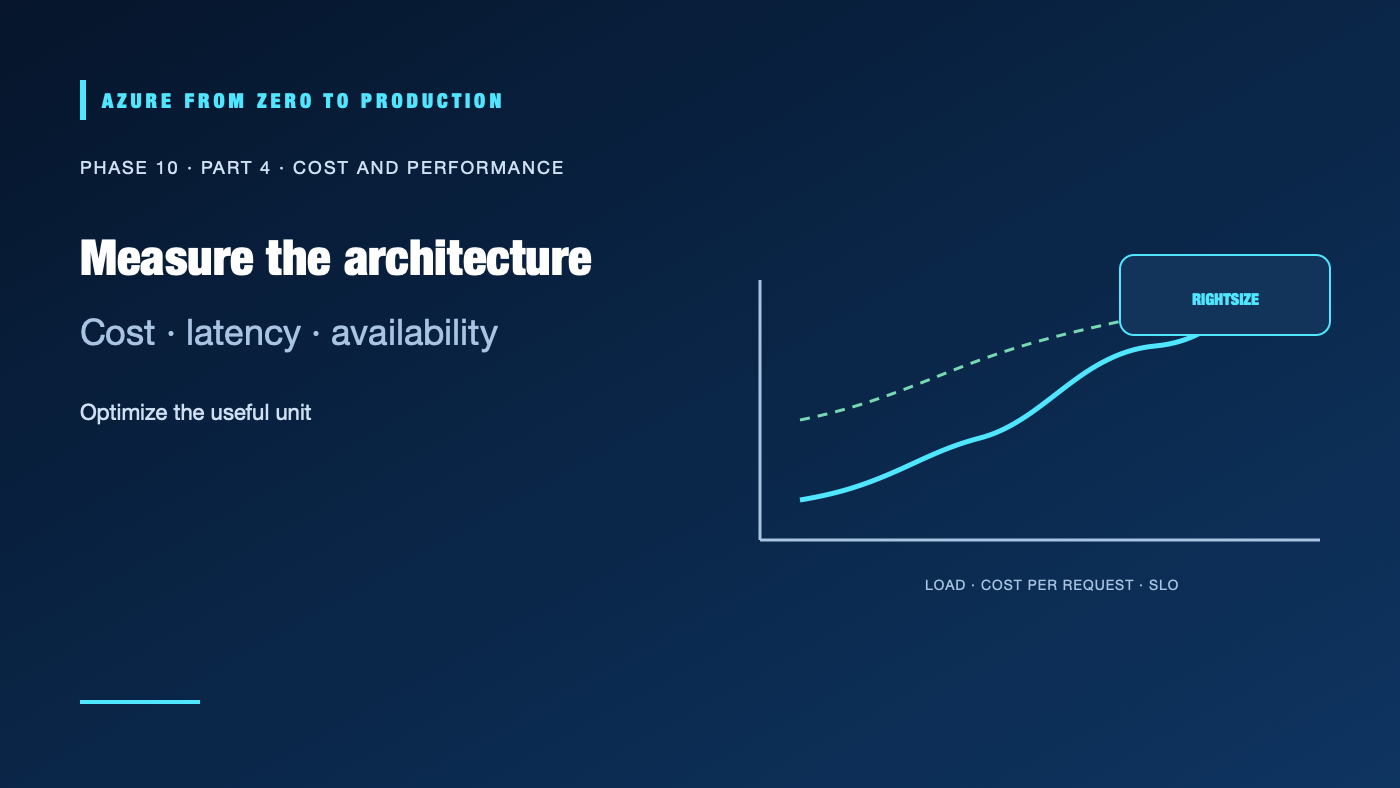
An unexpected bill is not only a finance problem. It can reveal a runaway query, an oversized tier, idle compute, excessive cross-region traffic, verbose logging, or a system that retries too aggressively. Optimizing by deleting resources or choosing the cheapest SKU can degrade reliability and security. Treat cost and performance as measured outcomes of the architecture.
What you’ll learn
- Attribute Azure spend to a workload, owner, and unit of value.
- Identify common compute, storage, query, logging, and network cost drivers.
- Rightsize and autoscale with load-test and reliability evidence.
- Evaluate reservations, savings plans, and Spot for suitable workloads.
- Balance the five Well-Architected pillars when making changes.
Prerequisites
- Basic Azure resource, monitoring, and workload architecture concepts.
- Reader access to Cost Management and the workload’s metrics is useful.
- No resources are created; current regional pricing, discounts, quotas, and offer terms change.
Turn a bill into a useful signal
Start with a workload boundary and a unit of business value: cost per active user, order, report, API request, or terabyte processed. Use tags, resource groups, subscriptions, and cost allocation rules to connect spend to an owner. Shared platforms need a documented allocation method; a central bill with no owner is difficult to improve.
Cost data can arrive with a delay and may be grouped differently from the runtime metrics used by engineers. Compare billing periods, reservation/savings-plan benefits, marketplace charges, and resource meters before concluding that a deployment caused a cost spike. Budgets and alerts notify; they do not automatically stop resources or cap the invoice.
Find the architectural cost driver
- Compute: rightsize from sustained utilization and peak load. Measure startup, scale-out delay, and saturation before reducing capacity.
- Storage: account for capacity, redundancy, transactions, snapshots, backups, lifecycle transitions, and retrieval.
- Analytics: inspect bytes scanned, shuffle, file size, partition pruning, and repeated transformations.
- Observability: review ingestion, sampling, retention, alert evaluation, and export costs without removing critical incident evidence.
- Network: map data egress, cross-region replication, private endpoints, NAT, load balancers, and service-to-service traffic.
- Resilience: count standby capacity, replication, restore tests, and operational support as part of the cost of the recovery target.
An inefficient retry policy can increase both resource use and dependency failures. A cache can reduce repeated work but creates invalidation and stale-data concerns. Every cost change should state its expected performance and reliability effect.
Right-size and scale with evidence
Use load tests that resemble production: request mix, concurrency, data volume, warm/cold cache, and dependency behavior. Identify whether the bottleneck is CPU, memory, I/O, network, database locks, a queue, or a third-party limit. Scaling out cannot fix a single-threaded bottleneck or a saturated downstream database.
Set autoscale minimums, maximums, cooldowns, and alert thresholds around the SLO and safe capacity. Do not scale based only on average CPU if the limiting resource is request queue age or memory. Test scale-in as carefully as scale-out; draining connections and background work can be necessary.
Commitments and interruptible capacity
Reservations and savings plans can reduce eligible compute costs in exchange for a one- or three-year commitment. Verify eligible resources, scope, flexibility, term, and utilization before purchase. A commitment does not make an oversized workload efficient; unused commitment can become stranded spend.
Spot virtual machines can be evicted when Azure needs capacity and may not be suitable for critical or stateful workloads that cannot tolerate interruption. Use Spot for interruptible, fault-tolerant jobs with checkpointing, spare capacity, and a fallback path—not as a cheaper name for ordinary production capacity.
Use the Azure Pricing Calculator for an estimate, then compare actual Cost Management data after deployment. Re-evaluate commitment coverage and architectural assumptions as the workload changes.
Preserve the five-pillar balance
Cost optimization is not the same as “lowest monthly total.” A cheaper single-region database may violate the recovery objective. A long retention policy may meet audit needs but require a lower-cost archive tier. A capacity commitment may be valuable for a stable baseline while a burst remains elastic. Record the user impact, security implication, reliability tradeoff, performance target, cost measure, and owner for each decision.
✅ Checkpoint: Select one costly workload. State its cost per useful unit, largest meter, measured bottleneck, load-test evidence, proposed change, expected SLO impact, rollback, and review date.
Next: Phase 11: Artificial Intelligence and Machine Learning.
Series navigation: Previous: High availability and disaster recovery · Current: Phase 10, Part 4 · Next: Phase 11: AI and ML