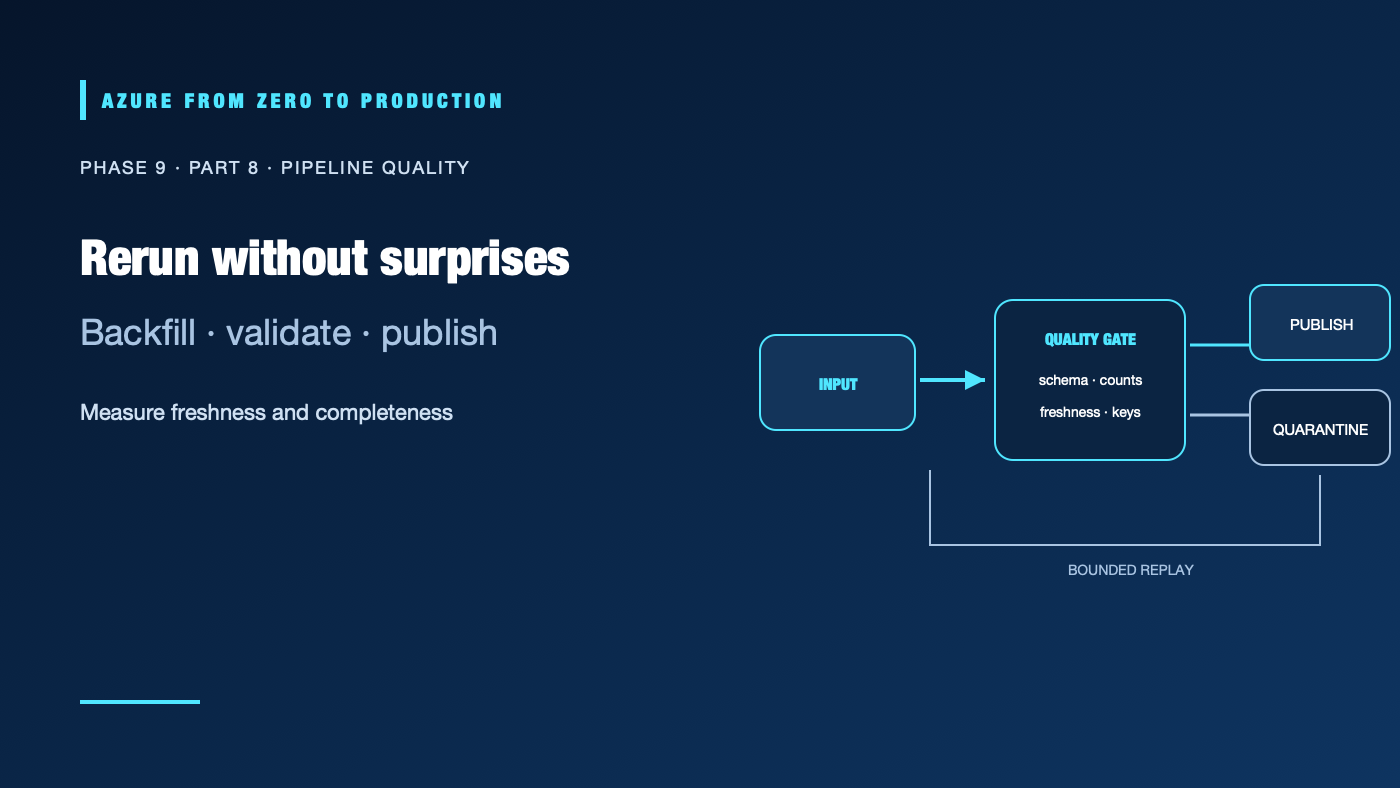
A green orchestration run can still publish incomplete data. A late source file, duplicate retry, incompatible schema, or unchecked null can quietly corrupt a downstream report. Reliable data pipelines make their input boundaries, quality rules, replay behavior, and ownership visible to both engineers and data consumers.
What you’ll learn
- Model dependencies, schedules, watermarks, and backfills.
- Make a repeated run idempotent and safe after partial failure.
- Validate schemas, duplicates, completeness, and business rules.
- Quarantine bad records with an owner and replay path.
- Choose between Data Factory, Databricks Workflows, and Airflow.
Prerequisites
- Basic batch pipeline, SQL, and data contract concepts.
- No subscription is required for the design exercise.
- Backfills can create large compute and storage costs; estimate the replay window first.
Define a pipeline run as a bounded unit
Every run should identify its input interval, source snapshot or watermark, code version, output location, and execution ID. A daily pipeline should state whether “day” means UTC or a business timezone and what happens when the source arrives late. Record the expected schedule and the latest acceptable data time.
Model dependencies as a directed acyclic graph (DAG). Avoid hidden dependencies on another pipeline finishing “around the same time.” Bound concurrency so overlapping runs cannot write the same partition unexpectedly. Use a single orchestrator for ownership and retry policy unless there is a clear boundary between distinct systems.
Make retries and backfills predictable
A retry can happen after the output was written but before the orchestrator recorded success. Design output operations to be idempotent: overwrite a deterministic partition, merge on a stable key, or stage and atomically promote a run. Do not blindly append a file on every retry.
A backfill is a controlled replay, not simply changing a date parameter and clicking Run. Define the range, source retention, duplicate behavior, affected downstream datasets, expected compute, and approval. Run a small slice first, compare counts and quality results, and make the promotion reversible. Preserve the original output until the backfill is accepted.
Use retries for transient errors with bounded attempts and backoff. Fail fast for invalid schemas or authorization errors rather than retrying indefinitely. Route terminal failures to an owner with a run ID and sanitized diagnostic details.
Turn data quality into executable rules
Choose checks that matter to the consumer:
- Schema: required fields, types, nullability, and supported schema version.
- Completeness: expected date partitions, source control totals, or minimum record counts.
- Uniqueness: stable business key or event ID.
- Validity: range, format, referential, and domain constraints.
- Freshness: event or load time remains within an agreed threshold.
- Reconciliation: source, rejected, and output counts balance as expected.
Write quality results beside the run metadata. A failed check should prevent publishing to the serving layer, but preserve raw inputs for investigation. Send rejected records to a restricted quarantine location with a reason code and retention policy; do not create an unbounded “errors” folder containing sensitive values.
Pick an orchestrator for ownership
- Azure Data Factory fits connector-heavy data movement and pipeline orchestration across cloud/hybrid sources.
- Databricks Lakeflow Jobs fits jobs closely coupled to Databricks notebooks, tasks, and compute.
- Airflow fits teams that need its DAG ecosystem and are prepared to operate or consume a managed Airflow service.
These tools overlap. Pick one source of truth for schedules, dependencies, retries, and run state. If one orchestrator calls another, define which layer owns retries and alerting so failures are not multiplied or hidden.
Monitor freshness and recovery
Alert on missed delivery time, growing consumer lag, repeated retries, schema drift, failed quality gates, and unprocessed quarantine volume. Dashboards should show the last successful source time and last successful publish, not just CPU or job status. Link an alert to a runbook with a safe replay procedure.
✅ Checkpoint: Design a rerun for one failed daily partition. State the input boundary, deterministic output key, duplicate handling, quality gate, quarantine path, backfill approval, and consumer notification.
Next: Get data into Azure.
Series navigation: Previous: Event Hubs streaming · Current: Phase 9, Part 8 · Next: Data integration and migration