Streaming is useful when a business decision depends on events before the next batch window. It also introduces ordering, replay, duplicate handling, late events, and continuous compute costs. Azure Event Hubs is a high-throughput event streaming service; it is not a universal replacement for a durable work queue or a lightweight event router.
What you’ll learn
- Explain Event Hubs namespaces, event hubs, partitions, consumer groups, and checkpoints.
- Design event keys and consumers without promising global ordering or exactly-once processing.
- Select Event Hubs Capture, Azure Stream Analytics, or Spark Structured Streaming.
- Distinguish Event Hubs from Service Bus and Event Grid.
- Plan retention, throughput, monitoring, and least-privilege access.
Prerequisites
- Basic event-driven design, Azure identity, and data lake concepts.
- No subscription is required for the design exercise.
- Event ingress, retained data, capture storage, processors, and always-on compute can incur charges.
Event Hubs’ core model
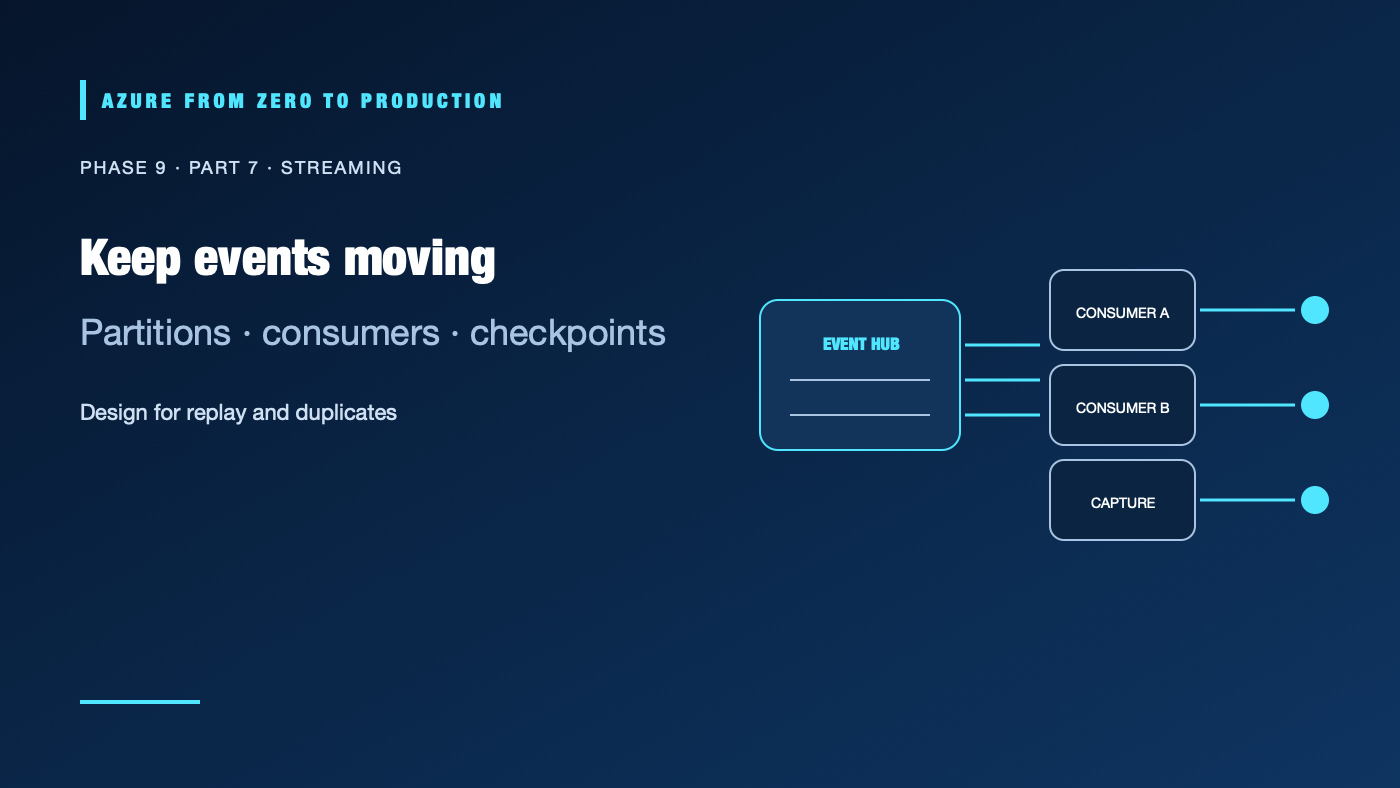
An Event Hubs namespace is the management and network boundary; an event hub is a stream within it. Events are appended to partitions. A consumer group provides an independent view of a stream so different applications can read at their own pace. Consumers store checkpoints that record progress.
Partition count affects parallelism and per-partition ordering. Events with the same partition key are routed together, preserving their order within that partition; there is no global order across partitions. Adding partitions later can change key distribution, so choose a partition strategy with expected throughput, consumer parallelism, and ordering needs in mind.
Consumers commonly process at least once: a crash after a side effect but before checkpointing can cause an event to be delivered again. Make downstream writes idempotent, retain a stable event ID, and define duplicate and poison-event handling. Do not equate checkpointing with exactly-once end-to-end business processing.
Select an event processor
- Event Hubs Capture persists the stream to Blob Storage or ADLS on a configured window/size boundary, useful for low-maintenance archival and later batch processing. Capture is not a substitute for a low-latency transformation.
- Azure Stream Analytics provides managed SQL-like streaming queries for filtering, windows, and routing to supported outputs.
- Spark Structured Streaming supports stateful and more complex transformations when a Spark engine and its operational model are justified.
- A custom consumer can use the Event Hubs SDK or Kafka endpoint, but the team then owns deployment, scaling, checkpointing, and failure recovery.
Choose the simplest processor that meets latency, transformation, state, and operational requirements. Track event age, consumer lag, checkpoint progress, dead-letter/quarantine counts, and downstream write success.
Choose the right Azure messaging service
| Service | Use it when | Typical contract |
|---|---|---|
| Event Hubs | High-volume telemetry, ordered partition streams, or event replay for multiple consumers | Streaming and retention-oriented |
| Service Bus | Business commands, work distribution, sessions, dead-letter queues, or brokered messaging | Message settlement and queue/topic semantics |
| Event Grid | Routing discrete events to handlers with filtering and delivery integration | Event notification and subscription routing |
These services can coexist. A source may publish an event to Event Grid, a handler may place a command on Service Bus, and analytics may independently ingest the event into Event Hubs. Select by delivery contract and consumer needs, not by whether all three contain the word “event.”
Make the stream safe to operate
Define an event schema with a version, stable identifier, event time, producer, and sensitivity classification. Validate payloads before publication and plan for compatible evolution. Monitor throttling, quota, authorization failures, consumer lag, and retention expiry. A slow consumer cannot replay data that has already expired.
Use Entra ID and scoped data roles where supported; separate send and listen identities and restrict network access. Do not place secrets or unnecessary personal data in event bodies. Test downstream backpressure and replay using a bounded non-production dataset before connecting a high-volume source.
✅ Checkpoint: Document the partition key, expected ordering, event retention, consumer group per application, checkpoint store, duplicate strategy, lag alert, and recovery window.
Next: Build reliable data pipelines.
Series navigation: Previous: Spark on Azure · Current: Phase 9, Part 7 · Next: Pipeline orchestration and quality