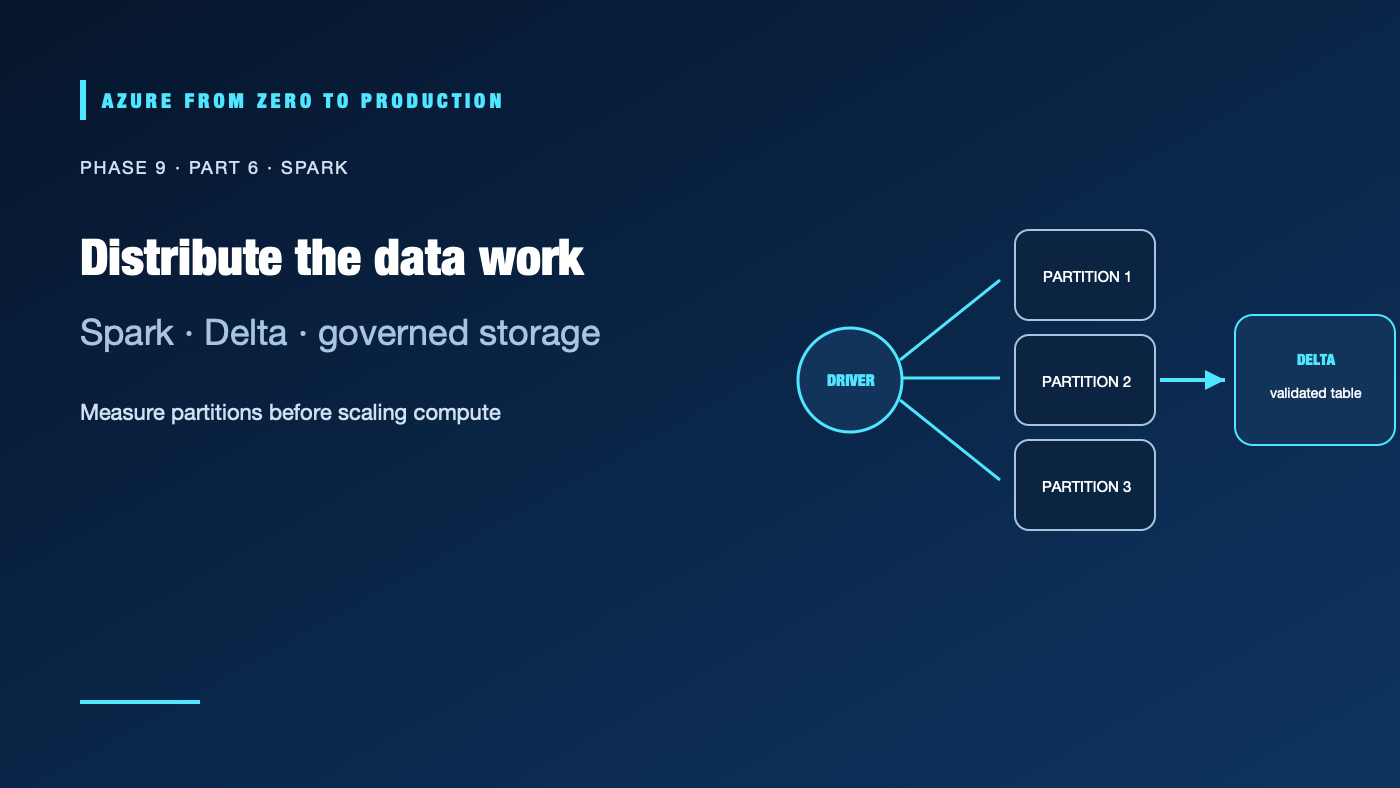
Apache Spark can transform data across many files and machines, but adding a cluster does not make a pipeline fast or correct. Workload shape, partitioning, shuffle, file layout, and access controls determine whether a job scales. On Azure, teams can run Spark through Azure Databricks, Synapse Spark, or Microsoft Fabric; the choice changes the workspace, governance, and compute model.
What you’ll learn
- Explain Spark drivers, executors, partitions, and shuffle.
- Choose Azure Databricks compute and job patterns for a workload.
- Distinguish Delta Lake tables from plain Parquet files.
- Use Unity Catalog and managed identity for governed storage access.
- Compare Databricks, Synapse Spark, and Fabric Spark.
Prerequisites
- Basic Python or SQL, data lake, and distributed processing concepts.
- No subscription is required for the code example.
- Interactive compute, jobs, storage, and data transfer can incur costs; terminate or schedule compute according to policy.
Understand the Spark job
A Spark application has a driver that plans work and coordinates executors that process partitions. Transformations build a logical plan; actions execute it. Operations that move data across partitions—such as wide aggregations, joins, and sorts—cause shuffles, which consume network, disk, and memory.
Use the execution plan and job metrics to find skew, spills, long tasks, and oversized shuffles. Avoid collecting a large dataset to the driver with collect(). Avoid creating thousands of tiny partitions or one enormous partition. Choose partition counts and join strategies from the data size and cluster shape, then measure representative runs.
Use Delta Lake intentionally
Delta Lake stores table data as Parquet with a transaction log that coordinates table versions and supported transactional operations. It supports reliable batch and streaming patterns, schema controls, and time travel within the table’s retention and feature constraints. A directory of Parquet files without the Delta transaction log does not acquire those table guarantees merely because Spark can read it.
from pyspark.sql import functions as F

orders = (
    spark.read.format("parquet")
    .load("abfss://raw@<storage-account>.dfs.core.windows.net/orders/")
    .withColumn("order_date", F.to_date("created_at"))
    .filter(F.col("order_id").isNotNull())
)

(orders.write
    .format("delta")
    .mode("append")
    .partitionBy("order_date")
    .save("abfss://curated@<storage-account>.dfs.core.windows.net/orders/"))
This example is illustrative: it does not deduplicate, quarantine bad timestamps, or make append idempotent. Production logic needs a stable key, explicit schema, late-data policy, and a tested overwrite/merge strategy. Partitioning by a high-cardinality field such as order ID can create excessive directories; choose partitions from query filters and file volume.
Choose compute for the work
Interactive compute supports exploration; job-oriented compute isolates scheduled workloads and can terminate after completion. Serverless and managed compute options vary by workspace, region, account, and workload. Confirm supported access modes and policies before building around a particular option. Use autoscaling and auto-termination carefully, pin runtime dependencies, and measure startup time as well as job duration.
Separate development from production data and credentials. Use the organization’s approved identity path, such as a Unity Catalog storage credential backed by an Azure Databricks Access Connector managed identity, and scope the storage role to the required container. Avoid storage account keys and shared secrets in notebooks or cluster configuration. Unity Catalog’s grants govern catalog objects; the storage credential and underlying Azure role govern access to external data. Both sides must be configured.
Choose the engine, not just the language
- Azure Databricks fits teams needing Databricks’ managed Spark, Lakehouse tooling, governance, and job workflows.
- Synapse Spark can fit workloads already operating in a Synapse workspace with its Azure integration and governance boundaries.
- Fabric Spark fits Spark workloads that align with Fabric workspaces, OneLake, and capacity-based operations.
Compare supported Spark runtimes, libraries, networking, data access, catalog behavior, job orchestration, capacity/compute cost, and operational ownership. A common language does not make the engines or table features identical.
✅ Checkpoint: For a slow Spark job, identify its input size, partition count, shuffle stages, skew, output-file size, storage identity, and measured cost per successful dataset run.
Next: Stream data with Event Hubs.
Series navigation: Previous: Synapse or Fabric · Current: Phase 9, Part 6 · Next: Event Hubs streaming