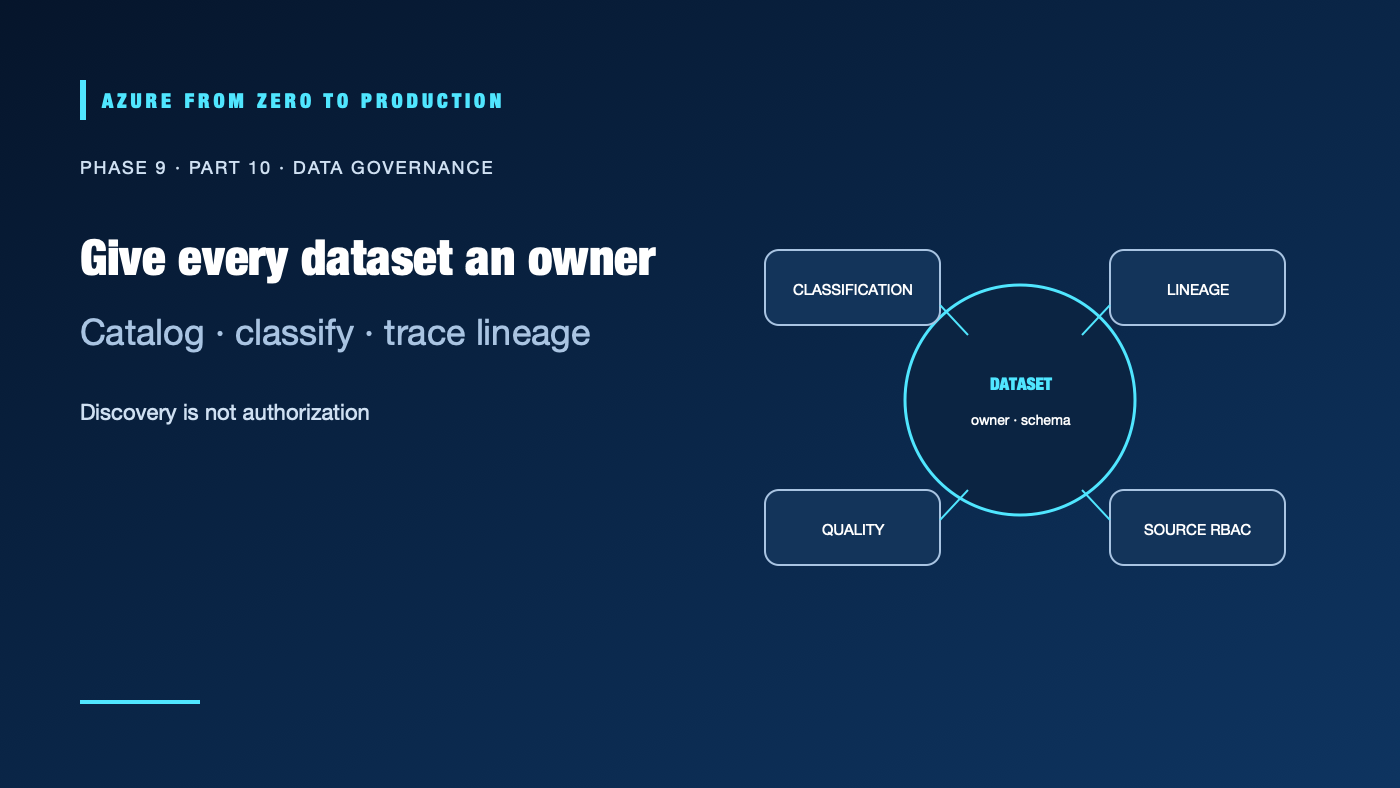
An analyst finds a table with a familiar name but cannot tell who owns it, how current it is, or whether the values contain sensitive data. Microsoft Purview can help an organization discover and govern data assets, but a catalog entry does not automatically make the data safe, accurate, accessible, or authorized. Governance needs accountable people and enforcement in the services that store and process the data.
What you’ll learn
- Distinguish Microsoft Purview Data Map, governance experiences, and source-level controls.
- Assign dataset owners, stewards, consumers, classifications, and business definitions.
- Plan source registration, scanning identity, network access, and lineage.
- Understand why catalog permissions do not replace storage or SQL authorization.
- Handle sensitive data, retention, and audit evidence responsibly.
Prerequisites
- Basic Azure data platform, Entra ID, RBAC, and data classification concepts.
- No subscription is required for the governance exercise.
- Purview accounts/capacities, scanning, network configuration, and connected sources may incur costs; verify current product prerequisites.
Build governance around ownership
Microsoft Purview Data Map captures metadata about registered data sources and assets. Microsoft Purview’s governance experiences use that metadata for discovery, cataloging, ownership, business context, and related workflows. Exact features, terms, connectors, and licensing depend on the current Purview experience and source type; confirm support before promising coverage.
For each important dataset, name:
- A data owner accountable for use and access decisions.
- A data steward responsible for definitions, quality expectations, and metadata.
- A producer responsible for the source contract and change notices.
- A consumer with a defined purpose and approved access path.
- A sensitivity classification, retention requirement, and review date.
A catalog should answer “what is this?”, “who owns it?”, “when was it updated?”, “what does a field mean?”, and “what depends on it?” Establish review processes for stale owners, unused assets, changed schemas, and unresolved quality incidents.
Register and scan sources safely
Plan source registration as an access change. Confirm the connector supports the service, region, network path, authentication method, scan scope, and metadata features you need. Use a least-privilege managed identity or supported credential mechanism; avoid embedding account keys in source definitions. For private sources, validate the managed or self-hosted integration runtime, DNS, firewall, and routing.
Scanning may extract metadata, classifications, and lineage depending on the source, connector, permissions, and configuration. It does not necessarily inspect every record, discover every downstream dependency, or verify every business definition. Review scan logs and sample the discovered assets before treating the catalog as complete.
Minimize the scope of scans. Do not scan temporary, personal, or sensitive locations without an approved purpose and access plan. Restrict who can view classifications and lineage when those details reveal sensitive business context.
Keep authorization at the data plane
Purview catalog discovery and governance do not automatically grant a user permission to read the underlying storage, SQL table, or analytics workspace. Enforce access with the service that hosts the data: Azure RBAC/ADLS ACLs, database permissions, workspace roles, or another supported data-plane policy. Conversely, a storage permission does not automatically give a user the business context or approval they need.
Where Purview features integrate with access policies, verify the specific source, policy mode, supported principal, and enforcement behavior. Test as a real consumer and confirm that direct access paths cannot bypass the intended policy. Keep classification, retention, and access decisions consistent with organizational policy and legal requirements.
Make lineage actionable
Lineage helps teams understand where a dataset came from and which pipelines, tables, reports, or applications depend on it. Capture lineage from supported integrations and annotate transformations that are not discovered automatically. Use lineage to assess schema changes, identify downstream owners, and plan deprecation; do not treat an incomplete graph as proof that no dependency exists.
✅ Checkpoint: Pick a dataset and record its owner, steward, producer contract, source scan identity, classification, quality/freshness expectations, actual access control, lineage gaps, and review date.
Next: Build the end-to-end data platform lab.
Series navigation: Previous: Data integration and migration · Current: Phase 9, Part 10 · Next: End-to-end data platform lab