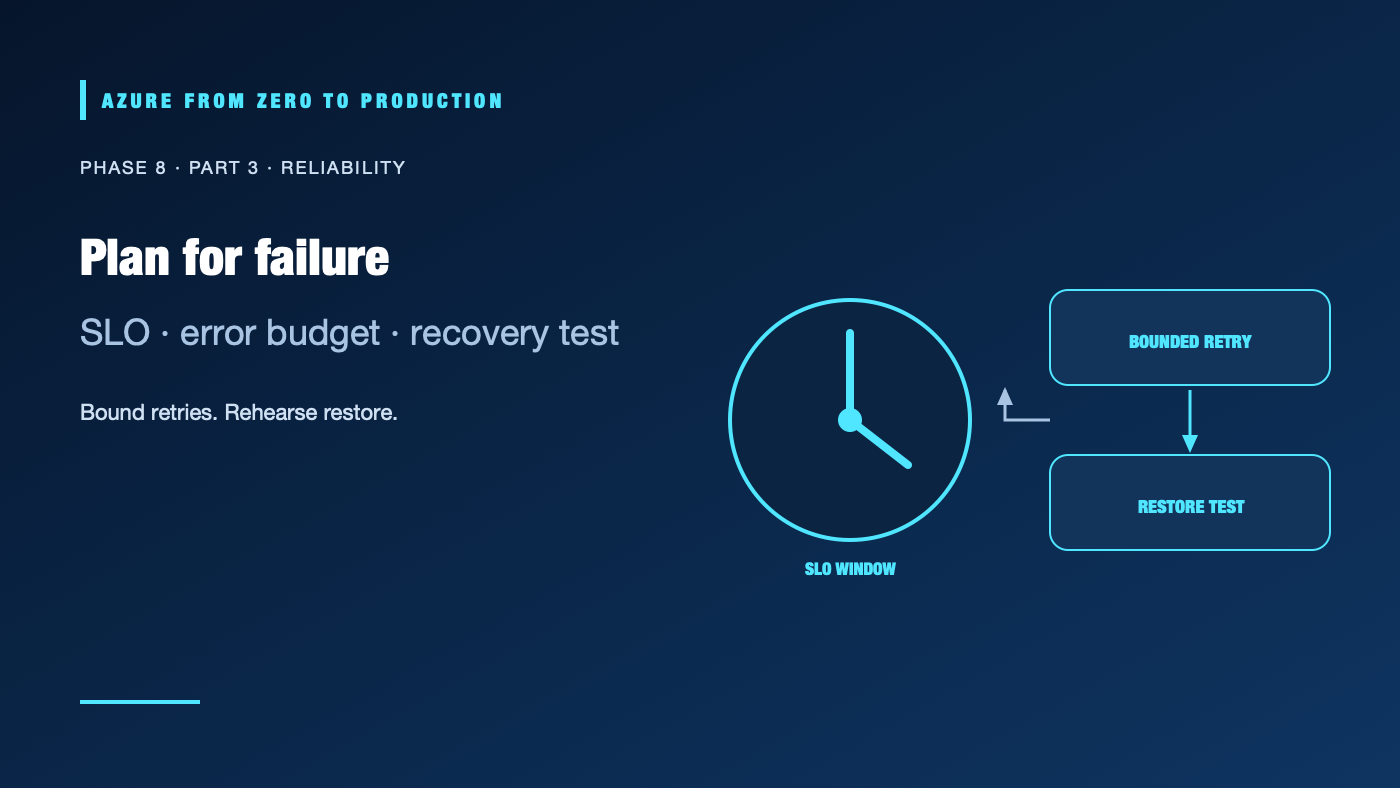
No Azure design removes every failure mode. Regions, networks, dependencies, deployments, and operators can all behave unexpectedly. Reliability engineering makes the acceptable user experience measurable, reduces the chance and impact of failure, and rehearses recovery. It also makes the tradeoff explicit: higher availability can require more infrastructure, operational effort, and cost.
What you’ll learn
- Define service-level indicators (SLIs), objectives (SLOs), and error budgets from user outcomes.
- Design timeouts, bounded retries, jitter, idempotency, and circuit breakers.
- Choose zones, backups, restore tests, and failover according to recovery goals.
- Distinguish a health probe from an end-to-end availability measure.
- Run fault experiments with an explicit approval, blast radius, stop condition, and rollback.
Prerequisites
- Basic distributed application, Azure availability-zone, and monitoring concepts.
- No subscription is required for the design exercises.
- Redundancy, backups, cross-region replication, and load testing can add substantial charges; estimate before enabling them.
Measure the user-visible outcome
An SLI is a measurement of a service property, such as the percentage of valid requests completed successfully or the proportion of requests below a latency threshold. An SLO is the target for that indicator over a stated window. A service-level agreement (SLA) is an external commitment with defined conditions; it is not the same as your internal objective.
For example, if a service targets 99.9% availability over a 30-day window, its simple time-based error budget is 0.1% of the window, or about 43.2 minutes. Request-based objectives are often more useful for bursty services: a brief outage during a quiet period and a failure during peak traffic do not necessarily affect users equally. State the measurement source, eligible requests, maintenance exclusions, window, and owner.
Choose an SLI that reflects a user journey, not merely a VM being powered on. A process health endpoint can return 200 while the database, queue, or dependent API is unusable. Pair internal readiness/liveness signals with an end-to-end synthetic check or request-based SLI, and avoid double-counting retries as separate successful user journeys.
Spend the error budget deliberately
An error budget is the tolerated unreliability implied by an SLO. Track its consumption over the same window as the objective. When the budget is healthy, teams can deliver planned changes within normal safeguards. When it is burning rapidly, pause risky changes and prioritize reliability work. This is an agreed operating policy, not a universal rule that automatically halts every release.
Use a burn-rate alert to identify fast budget consumption and a slower alert for sustained degradation. Pair every alert with a decision: who acknowledges it, what action is allowed, and how recovery is verified. An alert that does not change an operator’s action is likely noise.
Make dependency behavior bounded
- Timeouts: Set deadlines at each network boundary. A caller should not wait longer than its own request budget.
- Retries: Retry only transient failures, cap attempts, and use exponential backoff with jitter. Avoid retrying non-idempotent operations unless they have an idempotency key or deduplication design.
- Retry budgets: Limit retries at the workload level so a dependency incident does not multiply traffic.
- Circuit breakers: Temporarily stop calls to a failing dependency, allow controlled probes, and define the fallback behavior.
- Bulkheads and queues: Isolate resource pools and apply bounded queue lengths and backpressure; unbounded queues turn overload into delayed failure.
- Graceful degradation: Identify which noncritical features can be disabled while preserving a safe core journey.
Retries are not a substitute for fixing the cause. The retry policy must fit the service’s latency budget, dependency contract, and idempotency model. A retry storm can turn a partial outage into a wider one.
Design and test recovery
Select availability zones, regions, backups, replication, and failover only after documenting the failure scenarios and recovery objectives. Recovery time objective (RTO) is the target time to restore service; recovery point objective (RPO) is the target maximum data-loss interval. The service’s SLA does not automatically guarantee your workload’s RTO or RPO.
Backups protect against some data-loss scenarios; they are not proven until restored. Test a representative restore into an isolated environment, verify data integrity and application behavior, and record the time and decisions required. Test failover and failback, including DNS, identity, secrets, capacity, and dependencies. A design that fails over compute but not its data path is not a recovery plan.
Use zones or regions based on supported service capabilities, actual regional availability, dependency behavior, and cost. Verify that every critical component and its data tier can meet the target. Capacity reservations, duplicated resources, replication, data transfer, and operational staffing all affect the tradeoff.
Run safe fault experiments
Begin with a tabletop exercise or non-production test. Document:
- The hypothesis and user-facing SLI being observed.
- The exact resources, accounts, region, and time window in scope.
- The approval, operator, and independent observer.
- The failure injection, expected impact, and stop conditions.
- The rollback action and a direct way to restore normal operation.
- The evidence to collect and the post-experiment review.
Do not disable production networking, delete data, revoke shared identities, or trigger broad regional faults as a “chaos test.” Start with a reversible, bounded failure in an isolated environment and expand only after proving the safeguards.
✅ Checkpoint: Write one user-centric SLI, its SLO window and owner, the alert that detects budget burn, and a recovery test that validates the target RTO and RPO.
Next: Review an Azure architecture with the Well-Architected Framework.
Series navigation: Previous: Audit and troubleshoot Azure failures · Current: Phase 8, Part 3 · Next: Azure Well-Architected reviews