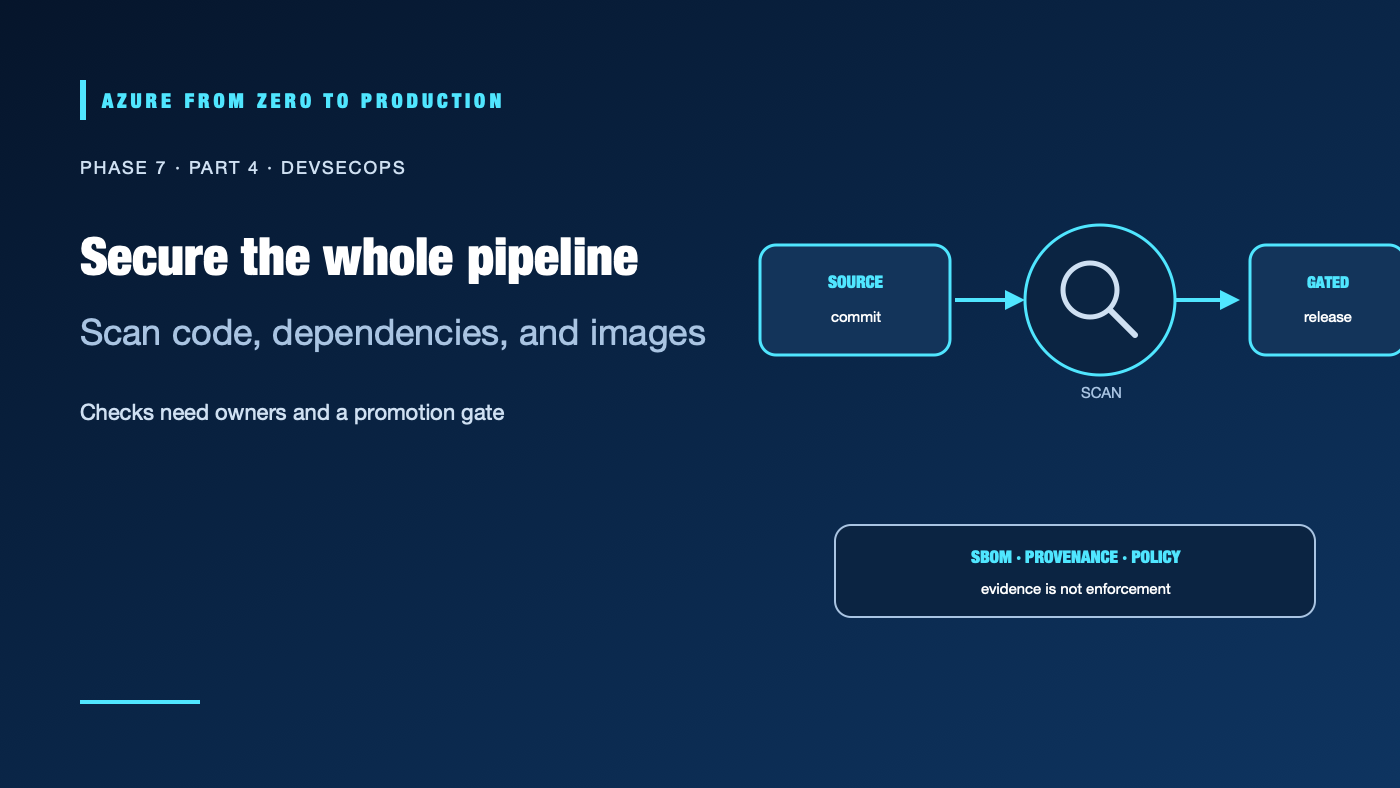
A scanner can find a vulnerable dependency, but an over-privileged workflow can still publish it directly to production. DevSecOps is the practice of integrating security decisions into the software lifecycle—not a license to add every scanner or expose production credentials to every build.
What you’ll learn
- Distinguish source, dependency, secret, container, and infrastructure checks.
- Place checks where they can block unsafe promotion without exposing credentials.
- Explain what a software bill of materials (SBOM) and artifact attestation prove—and what they do not.
- Restrict GitHub and Azure Pipelines permissions by job and environment.
- Respond to findings with owners, severity, and a documented exception path.
Prerequisites
- Basic CI/CD, Git, container, and Azure RBAC concepts.
- A repository with a package manifest and optionally a Dockerfile or IaC.
- No Azure subscription is required for the exercise; no resources are created.
- GitHub Advanced Security, secret-scanning, code-scanning, and artifact-attestation availability can depend on repository visibility and plan. Verify current eligibility before relying on a feature.
Threat-model the pipeline first
The build pipeline executes code from dependencies, build scripts, actions, and sometimes pull requests. A malicious dependency or untrusted change can read files and environment variables accessible to its job. A self-hosted agent can preserve data across runs. A valid OIDC token can become a short-lived cloud token if Azure trusts that job.
Start with the questions:
- Who can change the workflow, build scripts, action references, and deployment environment?
- Which events can access secrets, request OIDC tokens, or reach a self-hosted runner?
- What can the build identity publish, and what can the deployment identity change?
- Where do image, state, logs, and test artifacts persist?
- Who owns a high-severity finding, and how can an exception expire?
Put each check at the right boundary
- Static analysis: Find unsafe code patterns before merge. Run on a pull request with read-only permissions; review whether generated files or language coverage are included.
- Dependency analysis: Check manifests and lockfiles for known vulnerable packages, license issues, and suspicious updates. Review transitive dependencies as well as direct ones.
- Secret detection: Scan commits and history for accidental credentials. A detector cannot revoke a secret; rotate any exposed credential immediately, even if a scan says the value was removed.
- Container scanning: Inspect the final image and base layers. Fix or document findings in the image that will actually be deployed, not only the source tree.
- Infrastructure checks: Run formatting, validation, policy and security scans, and a plan/what-if review. A syntactically valid template can still create an overly public or over-permissioned resource.
- Policy and provenance: Enforce required checks, record an SBOM, and attach build provenance when supported. Verify evidence before deployment; generating it alone is not enforcement.
Use a small set of checks with clear owners and actionable output. A scanner that blocks every build for untriaged low-risk findings will be bypassed. A scanner that reports without an owner will be ignored.
Hands-on: run no-deployment checks
No Azure resources are created. From the repository root, run only the checks relevant to files it contains:
# Node.js application with a committed lockfile
npm ci
npm audit --omit=dev --audit-level=high
npm test

# Terraform project
terraform fmt -check -recursive
terraform validate

# Bicep template, when the Bicep CLI is installed
az bicep lint --file main.bicep
Record which check failed, the affected component, severity, and disposition. Do not treat npm audit as a complete supply-chain review; it does not inspect every container layer, workflow action, secret, or Azure policy.
✅ Checkpoint: A pull-request workflow can run these checks with contents: read and no Azure login. A failure prevents promotion rather than printing a secret or deploying partial changes.
Workflow permissions and secret handling
Begin with minimum token permissions and add them to the smallest job that needs them:
permissions:
  contents: read

jobs:
  scan:
    permissions:
      contents: read
If a later deployment job needs OIDC, grant id-token: write to that job—not to every job or the whole workflow by default. This permission allows a token request; the external trust policy and cloud role remain separate controls.
Do not pass untrusted pull-request titles, branch names, issue text, or dispatch inputs into shell commands or credential-action inputs. Use environment variables and validate formats; avoid expression interpolation inside run scripts. Do not use pull_request_target to check out and execute untrusted code with privileged credentials. Masking is a log safeguard, not a safe place to store or transform secrets.
On Azure Pipelines, protect service connections and production environments with resource checks outside YAML. On GitHub, use protected environments and branch rules where the repository plan supports them. In either system, prevent untrusted builds from sharing a persistent runner with privileged deployment jobs.
SBOMs and provenance
An SBOM inventories components in a build. An attestation makes a signed claim about how an artifact was produced and by which workflow. They support investigation and policy decisions, but do not prove that dependencies are safe, that the source was reviewed, or that the deployed digest matches the attested artifact. Keep the image digest, source commit, scanner result, SBOM, and approval linked in release evidence.
Some GitHub security features and artifact attestations have plan or repository-visibility requirements. Verify current terms, retention behavior, and verification support. Do not make a deployment depend on a feature the organization is not licensed or configured to use.
Troubleshooting
- A critical finding appears after release: The image was not scanned or the result was not a promotion gate. Scan the exact digest, assess exposure, and replace or roll back the release.
- Secret scanning reports a removed token: Removing it from the latest file does not invalidate it or erase history. Revoke/rotate it, inspect logs and history, then assess use.
- A PR job can request Azure access: Check workflow-level and job-level
id-tokenpermissions, environment references, federated subject conditions, and event type. - A scan blocks every change: Confirm the tool’s scope, baseline, severity policy, and exception owner. Fix the rule or create a time-bounded documented exception, not a permanent bypass.
- A container scan differs from source scan: Compare the deployed image digest and base image layers; scan the artifact after build.
- Runner contains another job’s files: Treat the runner as compromised, revoke reachable credentials, inspect logs, and move privileged jobs to isolated ephemeral agents.
Five-pillar readiness checklist
- Reliability: Gate release on health and preserve a rollback artifact.
- Security: Use independent scanners, protected environments, least-privilege OIDC, and isolated runners.
- Cost Optimization: Scope expensive scans and artifact retention to risk and policy.
- Operational Excellence: Assign owners, triage windows, evidence retention, and exception expiry.
- Performance Efficiency: Run fast checks early and parallelize only when trust and resource limits allow.
Cleanup
The exercise created no cloud resources. Remove temporary reports that contain proprietary source or dependency details according to the repository’s retention policy. Rotate any credentials a scan finds; deleting a report does not revoke a credential.
Key takeaways
- Security checks are controls only when findings have owners and affect promotion.
- Untrusted code should not receive cloud tokens or privileged runner access.
- Scan the built artifact and deploy by digest.
- SBOMs and attestations are evidence, not proof of safety.
- Exceptions should be scoped, approved, and expire.
Next: One push to Azure: full delivery pipeline lab.
Series navigation: Previous: Azure Pipelines · Current: Phase 7, Part 4 · Next: Full pipeline lab