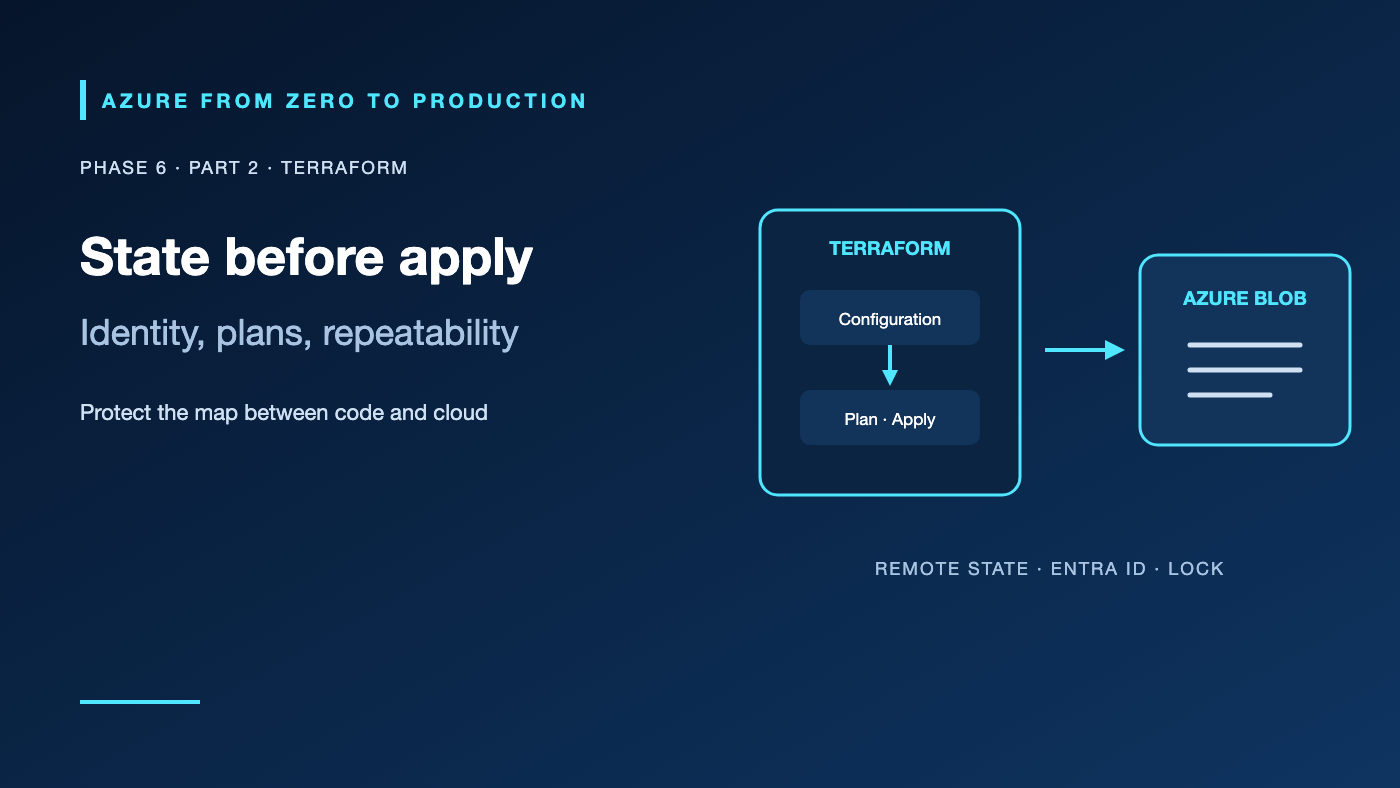
A developer runs Terraform from a laptop, a teammate changes the same resources in the portal, and a pipeline applies a third configuration. The HCL files look correct, but Terraform’s state no longer describes reality. Terraform is powerful because it tracks desired and observed resources; that state and its access controls are part of the production system.
What you’ll learn
- Explain Terraform configuration, providers, plan, apply, and state.
- Authenticate to Azure locally with Azure CLI and use federation for automation.
- Store state remotely in Azure Blob Storage with Microsoft Entra data-plane access.
- Pin provider versions and review infrastructure changes before apply.
- Use imports and plans to reconcile existing resources without blind recreation.
Where this fits
Module 24, Phase 6, Part 2. Read Bicep and ARM; next: modules and deployment stacks.
Prerequisites
- Basic HCL and Azure resource-group knowledge.
- Terraform CLI 1.10+ and Azure CLI 2.91.0+.
- An existing development resource group and Reader access for the exercise.
- No Azure resources are created; cost is none.
Terraform’s control loop
Terraform configuration describes the intended resources. The AzureRM provider translates that configuration into Azure Resource Manager calls. terraform plan refreshes known objects and calculates a proposed change; terraform apply executes an approved plan. Providers and modules are executable dependencies—pin them and review upgrades.
State maps Terraform addresses such as azurerm_resource_group.example to real Azure resource IDs and stores attributes needed for future plans. It is not just a cache. It may contain sensitive values even when output and input variables are marked sensitive. Protect the state like a credential.
Backend and locking
The AzureRM backend stores state in a Blob and uses Azure Blob capabilities for locking and consistency. Remote state gives a team a shared source of truth; it does not make unsafe concurrent workflows safe. Serialize applies through a pipeline or environment gate and do not let an operator bypass a lock to “fix” a stuck run without confirming no process is active.
Authenticate to the state data plane with Microsoft Entra ID. For local development, the AzureRM backend can use the current Azure CLI session. For CI, prefer OIDC/workload identity federation. Give the Terraform runner Storage Blob Data Contributor on the state container or storage scope as appropriate; management-plane Contributor alone does not grant blob operations. Avoid storage access keys and SAS tokens for new designs.
Keep the state resource group and storage account outside the stack whose state they host. Enable appropriate blob versioning/soft delete, restrict network paths, use separate keys/containers for independent stacks, and test recovery. A state file can reveal infrastructure names, network layout, and secret values.
Authentication is not authorization
az login authenticates a person; Azure RBAC authorizes the provider’s control-plane requests. If Terraform creates role assignments, its identity also needs role-assignment write permission. If the app accesses a database or storage data plane, configure that service’s data roles separately. For production CI/CD, bind an Entra federated credential to the repository/environment and grant a scoped deployment identity—do not put a client secret in pipeline variables.
Hands-on: plan a read-only Azure lookup
Create main.tf:
terraform {
  required_version = ">= 1.10.0, < 2.0.0"

  required_providers {
    azurerm = {
      source  = "hashicorp/azurerm"
      version = "~> 4.0"
    }
  }
}

variable "subscription_id" {
  type        = string
  description = "Development Azure subscription ID."
}

variable "resource_group_name" {
  type        = string
  description = "Existing resource group to inspect."
}

provider "azurerm" {
  features {}
  subscription_id = var.subscription_id
}

data "azurerm_resource_group" "target" {
  name = var.resource_group_name
}

output "resource_group_location" {
  value = data.azurerm_resource_group.target.location
}
Select the intended account and plan without applying:
az login
az account set --subscription "<YOUR_DEVELOPMENT_SUBSCRIPTION_ID_OR_NAME>"
terraform fmt -check
terraform init
terraform validate
terraform plan \
  -var="subscription_id=$(az account show --query id --output tsv)" \
  -var="resource_group_name=<EXISTING_DEVELOPMENT_RESOURCE_GROUP>"
The expected plan has no managed-resource changes; Terraform reads the existing resource group and reports its location. terraform init downloads provider packages and creates .terraform.lock.hcl; commit that lock file so future runs select the reviewed provider build.
✅ Checkpoint: terraform validate succeeds, the plan reports no create/update/delete actions, and the subscription is the intended development subscription.
Add a remote backend
After you create a dedicated state storage account and private Blob container, initialize a project with an AzureRM backend. The backend block cannot interpolate Terraform variables; configure non-secret names in a backend file or pass them at initialization:
terraform {
  backend "azurerm" {
    resource_group_name  = "rg-terraform-state"
    storage_account_name = "sttfstateexample"
    container_name       = "tfstate"
    key                  = "application/dev.tfstate"
    use_azuread_auth     = true
    use_cli              = true
  }
}
Replace the example resource-group and globally unique account names before running terraform init. Backend credentials do not belong in this file. When migrating local state, inspect the backend configuration and use terraform init -migrate-state; use -reconfigure only when intentionally switching backend configuration without copying state.
Production and cost choices
Use separate state and deployment identities, version-control configuration and lock files, store plan artifacts securely, and require review for destructive changes. Separate environments by state file and access boundary; Terraform workspaces are not a security boundary. Do not have a human and pipeline apply concurrently.
Terraform CLI itself has no Azure resource charge, but resources created by a configuration do. Include provider-specific behavior, state storage and retention, private networking, logs, backups, and unused environments in the cost model. Review the plan before apply and inspect state access regularly.
Troubleshooting
- Provider login fails: Check the selected Azure CLI tenant/subscription and the environment’s federated identity settings; do not add a secret as a workaround.
- Backend returns 403: Confirm Entra backend authentication and the
Storage Blob Data Contributordata-plane role at the correct storage scope. - Terraform reports an existing resource will be created: Import it into the correct address or remove it from the configuration only after reviewing ownership; do not blindly apply.
- Plan shows unexpected replacement: Check immutable fields, resource names, provider upgrade, and current Azure drift before approval.
- State lock blocks a run: Verify that no apply is active and inspect the state storage lease; force-unlock only after confirming the lock is stale.
- Provider upgrades change a plan: Review release notes, update constraints deliberately, run init/plan in a test state, and commit the updated lock file.
- A sensitive value appears in state or a plan file: Treat it as exposed, rotate it, restrict stored artifacts, and move secret delivery to a supported identity/Key Vault path.
Five-pillar readiness checklist
- Reliability: Protect and recover state; serialize changes and test the full deployment workflow.
- Security: Use OIDC or managed identity, least-privilege RBAC, and protected state.
- Cost Optimization: Review plans, right-size resources, and clean up non-production stacks.
- Operational Excellence: Pin providers, review plans, document imports, and maintain state ownership.
- Performance Efficiency: Avoid unnecessary resources and use provider APIs and service scaling based on measured needs.
Cleanup
No Azure resources were created by this exercise. If you create a separate state account to practice, retain it while any state still depends on it. Do not delete backend storage before migrating or deliberately removing the Terraform state.
Key takeaways
- State is a sensitive record of resource identity and configuration.
- Azure control-plane access and Blob data-plane access require distinct authorization.
- A plan is a proposal; review it before applying.
- Pin providers and commit the lock file.
- Use OIDC/federation for CI instead of long-lived credentials.
- Keep the backend outside the infrastructure lifecycle it tracks.
Next: Reuse Azure Infrastructure Safely with Modules and Deployment Stacks.
Series navigation: Previous: Bicep · Current: Phase 6, Part 2 · Next: Modules and Deployment Stacks