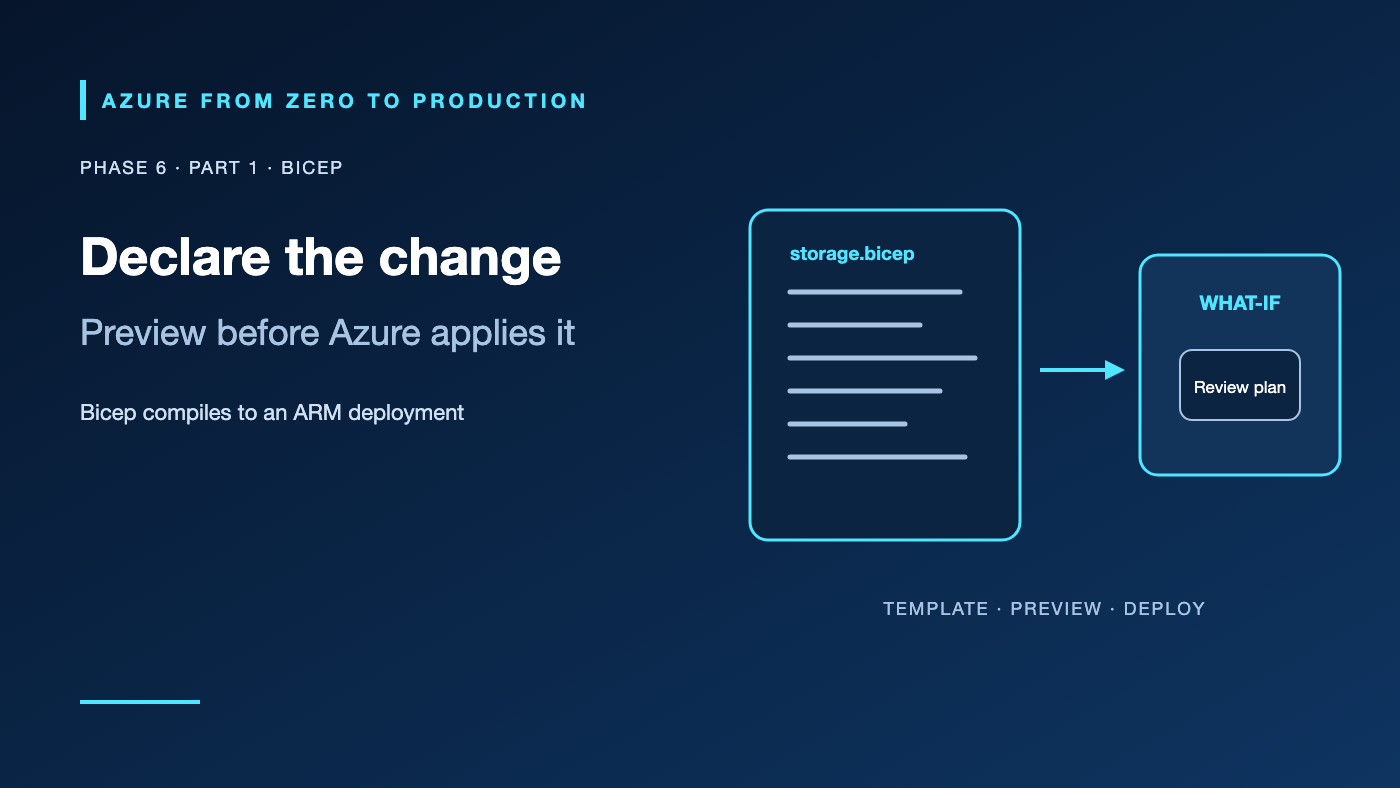
A portal deployment is easy to understand once and hard to reproduce six months later. A template checked into source control records the desired configuration, enables review, and makes repeated deployments predictable. Bicep is Azure’s concise language for authoring Azure Resource Manager (ARM) deployments.
What you’ll learn
- Explain how Bicep compiles to an ARM JSON template.
- Identify resource-group, subscription, and management-group deployment scopes.
- Use parameters, outputs, and implicit dependencies.
- Preview a deployment with
what-ifbefore applying it. - Keep secrets out of source, deployment parameters, and logs.
Where this fits
Module 23, Phase 6, Part 1. Phase 5 covered data services; now we make infrastructure repeatable. Next: Terraform on Azure.
Prerequisites
- Basic resource-group and Azure Resource Manager concepts.
- Azure CLI 2.61.0+ and Bicep CLI, or the VS Code Bicep extension.
- An existing development resource group and a signed-in identity with deployment-preview and resource-read permissions for the exercise.
- No resources are created; cost is none.
ARM and Bicep in plain English
Azure Resource Manager (ARM) is the control plane that receives authenticated requests, validates them, and coordinates Azure resource providers. Bicep is a domain-specific language that compiles to ARM JSON; it does not replace ARM or run a separate deployment engine.
With declarative infrastructure, you describe the intended resources rather than a sequence of imperative creation steps. ARM calculates dependencies and applies the deployment. Reapply the same template and parameters to reconcile Azure with the declared desired state. A template does not make every provider operation idempotent or reversible—review API behavior and change plans.
A resource declaration is not the whole design
A useful Bicep project has:
- Parameters for deliberate environment differences such as location and names.
- Resources with explicit API versions and only necessary properties.
- Outputs for non-secret identifiers or endpoints that other deployment steps need.
- Modules that split reusable components and make deployment scope clear.
- Parameter files committed only when they contain non-sensitive configuration.
Deployment scope determines which resource types the file can create directly. A resource-group deployment targets resources in an existing group; subscription-scope deployments can create resource groups and coordinate their deployments. Management-group and tenant scopes support broader governance deployments and require correspondingly broader permissions.
Dependencies and deployment order
Bicep infers dependencies when one resource refers to another resource’s properties. Use dependsOn only when there is a real dependency that the expression does not already express. Excessive explicit dependencies serialize work and obscure the graph. Circular dependencies should be fixed in the architecture, not hidden by changing deployment order.
Modules can target other scopes and can be sourced from local files, template specs, or a Bicep registry. Pin and review shared modules; a remote module update can change every environment that consumes it.
Hands-on: compile and preview a storage account
This exercise writes a small template, compiles it, and previews it against an existing resource group. what-if does not apply the proposed change; do not run az deployment group create unless you intend to deploy and pay for the account.
@description('Globally unique lowercase name, 3-24 characters.')
@minLength(3)
@maxLength(24)
param storageName string

param location string = resourceGroup().location

resource storage 'Microsoft.Storage/storageAccounts@2023-05-01' = {
  name: storageName
  location: location
  kind: 'StorageV2'
  sku: {
    name: 'Standard_LRS'
  }
  properties: {
    accessTier: 'Hot'
    allowBlobPublicAccess: false
    minimumTlsVersion: 'TLS1_2'
    supportsHttpsTrafficOnly: true
  }
}

output storageResourceId string = storage.id
Save it as storage.bicep, then compile and preview:
az login
az account set --subscription "<YOUR_DEVELOPMENT_SUBSCRIPTION_ID_OR_NAME>"
RESOURCE_GROUP="<EXISTING_DEVELOPMENT_RESOURCE_GROUP>"
STORAGE_NAME="<UNIQUE_LOWERCASE_NAME>"

az bicep build --file storage.bicep --stdout > /dev/null
az deployment group what-if --resource-group "$RESOURCE_GROUP" \
  --template-file storage.bicep \
  --parameters storageName="$STORAGE_NAME"
The preview should report a proposed Storage account creation and show the access configuration. If the account name is already in use, choose a new globally unique name. The template creates nothing until a deployment operation is explicitly submitted.
✅ Checkpoint: Bicep compiles without diagnostics, and the preview shows only the intended storage account with public blob access disabled.
Identity, secret handling, and cost
The person or pipeline submitting a deployment authenticates through Microsoft Entra ID. Azure RBAC authorizes ARM operations at the subscription, resource-group, or resource scope. The identity used by the deployed workload is separate; give that workload a managed identity and data-plane roles rather than embedding deployment credentials in Bicep.
Avoid secrets in source files, command-line arguments, parameter files, and outputs. A secure Bicep parameter reduces display in some deployment surfaces but does not make a secret safe to commit or expose to an overprivileged deployer. Prefer Key Vault references or managed identity for runtime secret retrieval. ARM deployment history and stateful systems still need access controls.
what-if and compilation create no resources. Applying a template can create billable resources; review SKUs, region, networking, data retention, and logging. Use the Azure Pricing Calculator for estimates—budgets and alerts notify, but do not cap spending.
Troubleshooting
- Bicep CLI is missing: Install the current CLI with
az bicep installor use the maintained VS Code extension. - Compilation reports an unknown property: Check the resource type, API version, and property casing; use Bicep’s type diagnostics instead of copying a property from a different API version.
what-ifreports a replacement: Review immutable properties, resource names, and API version changes before applying.- A deployment fails with authorization denied: Separate deployment-scope RBAC from service data-plane roles; grant the least required role at the narrowest scope.
- Module source cannot be resolved: Check module path, registry/template-spec permissions, tag/version, and network access.
- The template creates duplicate resources: Use stable names and resource identifiers; don’t generate a new name on every deployment.
- A secret appears in a diff or logs: Stop the deployment, rotate the exposed value, remove it from source/history, and switch to identity or Key Vault references.
Five-pillar readiness checklist
- Reliability: Preview and test upgrades, rollback paths, and recovery for stateful resources.
- Security: Apply least-privilege deployment roles and keep runtime identity separate from deployment identity.
- Cost Optimization: Review billable SKUs, region, idle capacity, and operational resource costs in the preview.
- Operational Excellence: Version templates, parameters, modules, and deployment results with peer review.
- Performance Efficiency: Specify scaling and performance properties intentionally, then measure the deployed workload.
Cleanup
No Azure resources were created by the exercise. No cleanup is needed. If you separately applied the template, delete only the lab-owned resource through the normal ARM lifecycle after verifying no other deployment depends on it.
Key takeaways
- Bicep compiles to ARM JSON; ARM remains the deployment control plane.
- Scope determines which resources a deployment can manage.
- Resource references create implicit dependencies.
what-ifpreviews a change but does not prove runtime health.- Keep secrets out of source, parameters, and outputs.
- A repeatable template still needs review for destructive or cost-bearing changes.
Next: Terraform on Azure: State, Identity, and Repeatable Deployments.
Series navigation: Previous: Cosmos DB and Caching · Current: Phase 6, Part 1 · Next: Terraform