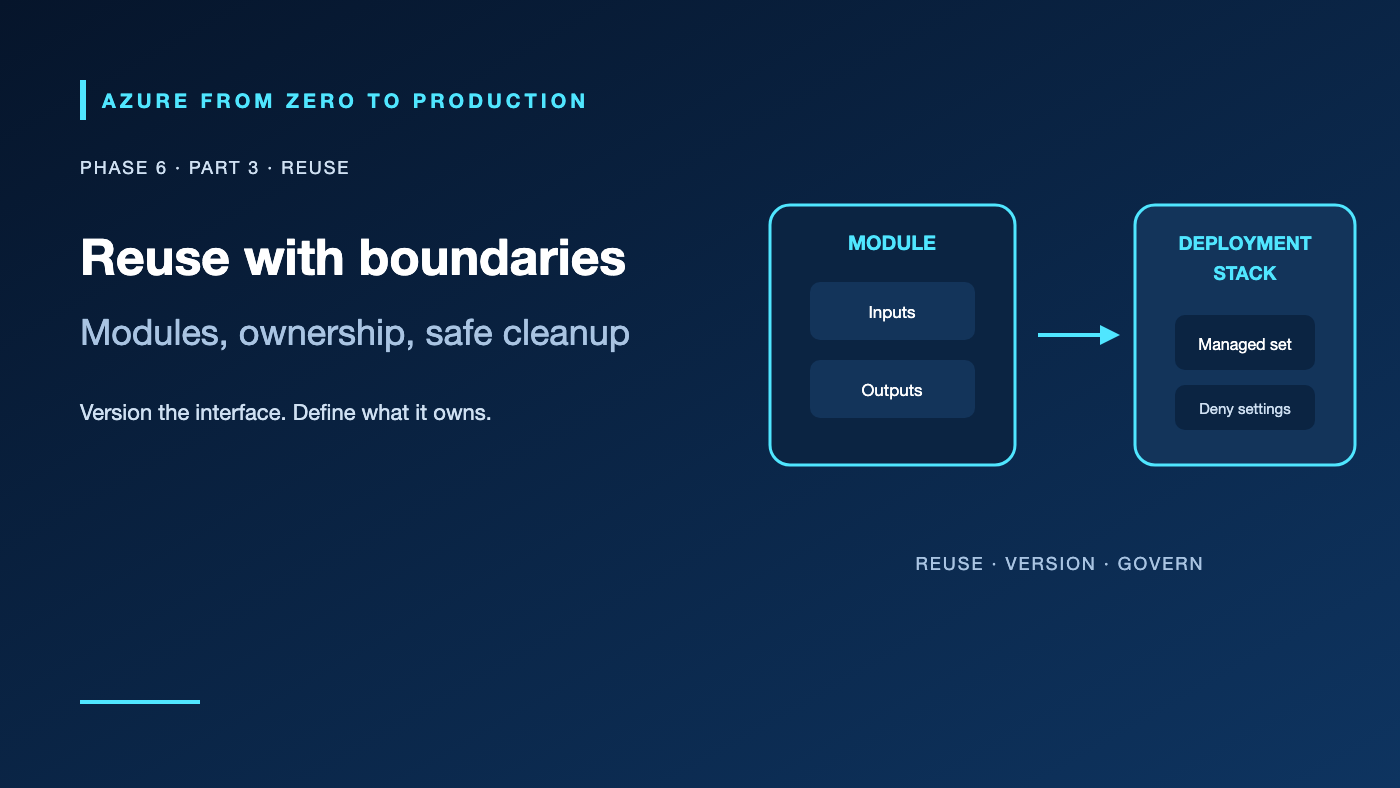
A shared network module saves teams from copying the same subnet rules, until a breaking change lands across every environment. A deployment stack cleans up a sandbox, until a missing resource is detached instead of deleted. Reuse and lifecycle controls help only when versioning, ownership, and deletion behavior are deliberate.
What you’ll learn
- Compare local and registry-hosted Bicep modules with Terraform modules.
- Use module inputs and outputs as stable contracts.
- Explain Azure deployment stacks and their deny settings.
- Choose between detach and delete behavior for unmanaged resources.
- Review existing deployment stacks without changing them.
Where this fits
Module 25, Phase 6, Part 3. Continue from Terraform state and workflows; next: Fleet Automation and Hybrid Management.
Prerequisites
- Basic Bicep or Terraform knowledge.
- Azure CLI 2.61.0+ for the optional read-only exercise.
- Reader access to an existing development resource group.
- No resources are created; cost is none.
Modules are interfaces, not just folders
A module packages a resource boundary behind inputs and outputs. A network module might accept address ranges and return subnet IDs. An application module consumes those IDs without needing to know every internal network resource.
In Bicep, a module is another Bicep or ARM template deployed at a selected scope. You can reference a local file, a Bicep registry, or a template spec. Bicep modules are compiled into nested ARM templates. A module can expose outputs, use parameters, and deploy to a different supported scope.
In Terraform, a module is a collection of .tf files called by a root module. Child modules receive variables and return outputs; provider configuration and resource state remain managed by Terraform’s root state. Public registry modules, private registries, and source-control references can share implementations. Pin versions or immutable Git references and review updates before adopting them.
A stable contract keeps reuse useful
- Keep inputs focused on decisions the caller owns; avoid an unbounded set of pass-through properties.
- Return stable identifiers and meaningful outputs, not secrets.
- Validate names, CIDRs, and incompatible options.
- Document ownership: what the module creates, what it expects to exist, and what it deletes.
- Version breaking interface changes, test each supported provider/API combination, and publish upgrade notes.
Abstraction is not free. A module that hides the Azure resource model, adds dozens of switches, or creates unexpected role assignments can be harder to operate than a small amount of repeated code.
Deployment stacks add lifecycle controls
An Azure deployment stack is an ARM resource that records a managed set of resources deployed from a template. It can apply deny settings to managed resources and define what happens when resources are removed from the template or the stack is deleted.
action-on-unmanage can detach resources or delete them according to the selected option and scope. A detached resource continues to exist but is no longer managed by that stack. Delete behavior is intentionally consequential: the stack can remove resources you did not expect if ownership boundaries are vague. Deny settings can also block legitimate operators, automation, and service operations until the policy is changed.
Stacks do not replace RBAC, resource locks, change review, backups, or Terraform state. Choose a stack boundary that matches a resource lifecycle. Keep shared DNS, network, and identity services in a different lifecycle from a disposable application environment. Review deployment operations and the stack’s managed-resource list before updating or deleting it.
Hands-on: inventory stacks without changing them
RESOURCE_GROUP="<EXISTING_DEVELOPMENT_RESOURCE_GROUP>"

az stack group list --resource-group "$RESOURCE_GROUP" \
  --query "[].{name:name, state:properties.provisioningState, denyMode:properties.denySettings.mode}" \
  --output table

az deployment group list --resource-group "$RESOURCE_GROUP" \
  --query "[].{name:name, state:properties.provisioningState, timestamp:properties.timestamp}" \
  --output table
These are management-plane inventories. An empty stack list does not imply that no infrastructure is deployed; ordinary ARM deployments and Terraform are managed differently.
✅ Checkpoint: For each stack, identify its template version, managed resources, deny mode, and what unmanage behavior would apply. Do not test deletion in a shared resource group.
Compare the tool boundaries
- Prefer Bicep when ARM-native resource coverage, scope-aware templates, and Azure deployment semantics are the main fit.
- Prefer Terraform when Terraform’s provider ecosystem, state workflow, or multi-platform configuration model is valuable and the team can operate remote state safely.
- Use modules in either tool to define tested, versioned interfaces—not to hide ownership.
- Use deployment stacks for ARM-template lifecycle and deny-setting needs; do not assume they manage Terraform state.
Teams can use more than one tool, but avoid managing the same resource from multiple state owners. A resource declared in Terraform and also submitted by Bicep can drift or be deleted unexpectedly.
Security, cost, and production
Review module source and release provenance before use. Pin versions, run static validation, inspect generated plans/what-if output, and apply through a least-privilege deployment identity. Secure private registries and state backends. Do not use a public module as trusted code without reviewing its resources and deployment scripts.
Modules do not add Azure resource charges by themselves. The resources they create can. Stacks can help clean disposable resources, but detach behavior can leave billable resources behind, and delete behavior can remove important data. Set retention and recovery protections outside the disposable stack where appropriate.
Troubleshooting
- Module source fails to download: Check registry/template-spec permission, source path, tag/version, and network access.
- A module update changes many resources: Review input defaults and provider/API changes; pin or roll back the module version.
- Deployment stack update returns denied: Check the deny setting, deployment identity exemptions, resource scope, and
action-on-unmanage. - Resources remain after stack cleanup: Check whether the stack detached rather than deleted them and whether the resource type supports deletion.
- A resource is managed by Terraform and Bicep: Select one owner, import or detach deliberately, and review both state and deployment history before changing either.
- Module outputs break downstream code: Treat outputs as API contracts, version breaking changes, and update consumers in a reviewed sequence.
- Cleanup tries to delete a shared dependency: Separate stack boundaries by lifecycle and exclude shared resources from disposable ownership.
Five-pillar readiness checklist
- Reliability: Version module interfaces and test upgrades and rollback procedures.
- Security: Review source, apply least-privilege deployment roles, and use deny settings intentionally.
- Cost Optimization: Track detached resources and limit module defaults that provision excess capacity.
- Operational Excellence: Document ownership, versions, deployment logs, and stack cleanup behavior.
- Performance Efficiency: Keep module boundaries aligned with scaling and dependency lifecycles.
Cleanup
No Azure resources were created. No cleanup is needed. If you test a deployment stack separately, inspect its managed resources and selected unmanage behavior before deleting it.
Key takeaways
- Modules are versioned interfaces with ownership contracts.
- Bicep and Terraform modules have different execution and state models.
- A deployment stack manages an ARM resource set and can apply deny settings.
- Detaching a resource leaves it deployed; deleting it is destructive.
- Avoid multiple IaC owners for the same resource.
- Review resource lifecycle and state before cleanup.
Next: Manage Your Fleet with Azure Automation, Update Manager, and Arc.
Series navigation: Previous: Terraform on Azure · Current: Phase 6, Part 3 · Next: Fleet Automation