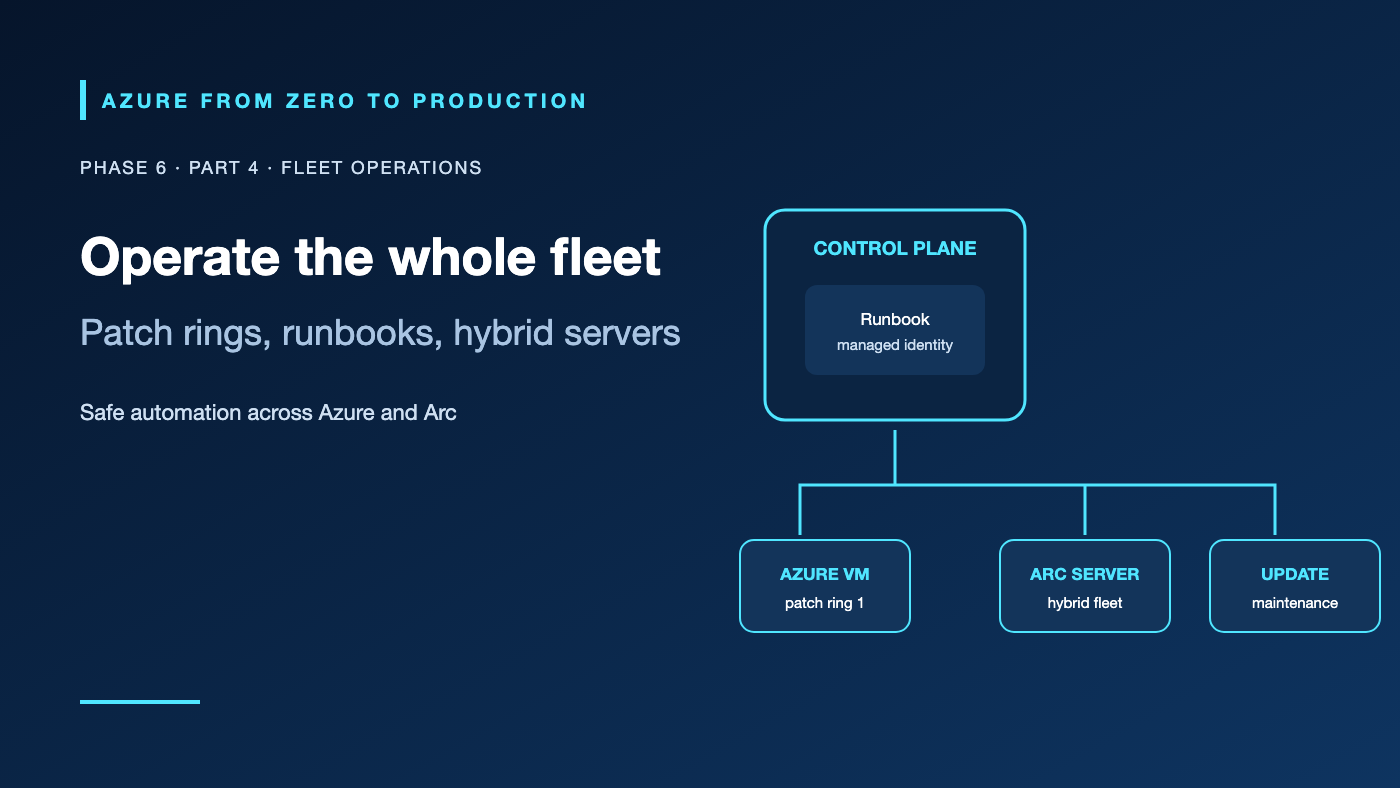
A team patches cloud VMs on a schedule but has no inventory of the servers in its other datacenter. Another team automates a cleanup task with a runbook that deletes resources on every retry. Fleet operations need consistent inventory, scoped identity, safe retries, and a plan for machines that do not live in Azure.
What you’ll learn
- Distinguish Azure Automation runbooks, Azure Update Manager, and Azure Arc-enabled servers.
- Explain how Arc represents non-Azure servers in Azure Resource Manager.
- Use managed identities for automation instead of stored credentials.
- Design patch rings, maintenance windows, idempotency, and audit trails.
- Inventory automation, Arc, and maintenance resources without changing them.
Where this fits
Module 26, Phase 6, Part 4. Next: Rebuild the application stack with Terraform.
Prerequisites
- Basic Azure RBAC, virtual-machine, and operating-system administration knowledge.
- Azure CLI 2.91.0+ and Reader access for the inventory exercise.
- An existing development resource group; no resource providers or extensions are required for the listed commands.
- No resources are created; cost is none.
Use the right operating tool
Azure Automation runbooks
Azure Automation runs PowerShell and other supported automation jobs in a managed account. Runbooks can respond to schedules, webhooks, or operator requests. An Automation Account managed identity can access Azure resources when assigned the required Azure RBAC roles.
Runbooks are jobs, not guaranteed exactly-once transactions. A job may retry or restart; write operations must be safe to repeat. Check the target state before creating or deleting, use idempotent APIs, bound concurrency, handle partial failure, and write enough logs to explain the result. Test in a safe environment and inspect job status and output before widening the schedule.
For machines that need access to private networks or local tools, a supported Hybrid Runbook Worker can execute jobs on a registered host. Manage worker lifecycle, patching, outbound connectivity, and identity as part of the service design. Keep hybrid worker hosts separate from production workloads where possible.
Azure Update Manager
Azure Update Manager assesses and schedules operating-system updates for supported Azure VMs and Azure Arc-enabled servers. Maintenance configurations define recurring schedules and maintenance windows. Patch orchestration, reboot behavior, workload availability, and update classifications must be planned per OS and service.
Patch in rings: a small test group first, then broader groups after health checks. Coordinate patch windows with availability sets, zones, database failover, and application owners. Monitor compliance and failed jobs; a scheduled run is not proof that the machine reached the desired patch level. New designs should use Azure Update Manager rather than legacy Azure Automation Update Management workflows.
Azure Arc-enabled servers
Azure Arc-enabled servers install the Connected Machine agent on supported Windows or Linux servers hosted outside Azure. Arc registers a server as an Azure resource with a Resource ID, allowing Azure Policy, inventory, monitoring, and supported management extensions to target it.
Arc does not migrate the server, move its data, replace its hypervisor, or make it a native Azure VM. The host still needs network egress to Azure endpoints, an owner, supported OS, agent upgrades, and a clear offboarding process. Arc extensions and connected services have their own permissions and costs; enabling Arc does not automatically make every Azure service available to every host.
Hands-on: inventory fleet-management resources
RESOURCE_GROUP="<EXISTING_DEVELOPMENT_RESOURCE_GROUP>"

az resource list --resource-group "$RESOURCE_GROUP" \
  --resource-type Microsoft.Automation/automationAccounts \
  --query "[].{name:name, location:location}" --output table

az resource list --resource-group "$RESOURCE_GROUP" \
  --resource-type Microsoft.HybridCompute/machines \
  --query "[].{name:name, location:location, state:properties.status}" --output table

az resource list --resource-group "$RESOURCE_GROUP" \
  --resource-type Microsoft.Maintenance/maintenanceConfigurations \
  --query "[].{name:name, location:location}" --output table
This is a management-plane inventory. A resource can exist while its agent is unhealthy, its patch policy is missing, or its runbook identity lacks data-plane access. An empty result means only that no matching resource was found in the selected group.
✅ Checkpoint: For one representative server, document its owner, Azure/Arc identity, update policy, maintenance window, alert path, and recovery procedure.
Identity, security, and cost
Use the Automation Account’s managed identity for Azure access and grant it only the actions and scopes the runbook needs. Avoid stored passwords, certificates, and broad Contributor roles. For machine-local operations, use a dedicated hybrid worker identity and protect the host as a privileged system. Separate authoring, publishing, and job-start permissions.
Azure Automation may incur charges based on jobs, execution time, worker configuration, and connected resources. Update Manager pricing and Arc-connected services can vary by machine, feature, and region. Monitor Log Analytics ingestion, update bandwidth, and premium security features. Confirm current service limits and pricing before scheduling a large fleet.
Troubleshooting
- Runbook job fails authorization: Confirm the Automation identity is enabled, the correct Azure role is assigned at the target scope, and the token has propagated.
- Runbook repeats a destructive action: Make the operation idempotent, add a state check and confirmation gate, and test retry/partial-failure paths.
- Hybrid worker is unavailable: Check host health, extension/agent version, outbound connectivity, worker registration, and job queue status.
- Arc machine is disconnected: Check Connected Machine agent service, proxy/firewall routes, supported OS, and the machine’s Azure resource status.
- Updates are not installed: Review assessment status, patch orchestration, maintenance assignment/window, OS package source, and reboot policy.
- A patch restarts too many machines at once: Split availability sets or service replicas into rings and stagger schedules; validate workload failover first.
- Automation costs rise: Review job history, retry frequency, worker uptime, log ingestion, Arc extensions, and the services enabled per machine.
Five-pillar readiness checklist
- Reliability: Use staged patch rings, health checks, safe retry behavior, and recovery plans.
- Security: Scope automation identities, protect worker hosts, and audit operator/job permissions.
- Cost Optimization: Review run frequency, worker uptime, log volume, and paid Arc/Defender features.
- Operational Excellence: Maintain fleet inventory, runbooks, patch reports, change records, and offboarding steps.
- Performance Efficiency: Schedule work to avoid peak load and monitor CPU, disk, and network impact.
Cleanup
No Azure resources were created. No cleanup is needed. When decommissioning separately onboarded Arc servers or workers, use the documented service offboarding steps; deleting an Azure representation alone does not remove software or data from the machine.
Key takeaways
- Automation runbooks coordinate jobs; design them for retries and partial failure.
- Update Manager assesses and schedules patches; confirm the machine’s resulting state.
- Azure Arc brings supported non-Azure servers into Azure’s management plane, not into Azure datacenters.
- Use separate, least-privilege identities for automation.
- Patch rings and maintenance windows protect service availability.
- Monitor costs for jobs, connected services, workers, and logs.
Next: Rebuild Your Azure Application Stack with Terraform.
Series navigation: Previous: Modules and Deployment Stacks · Current: Phase 6, Part 4 · Next: Terraform Stack Lab