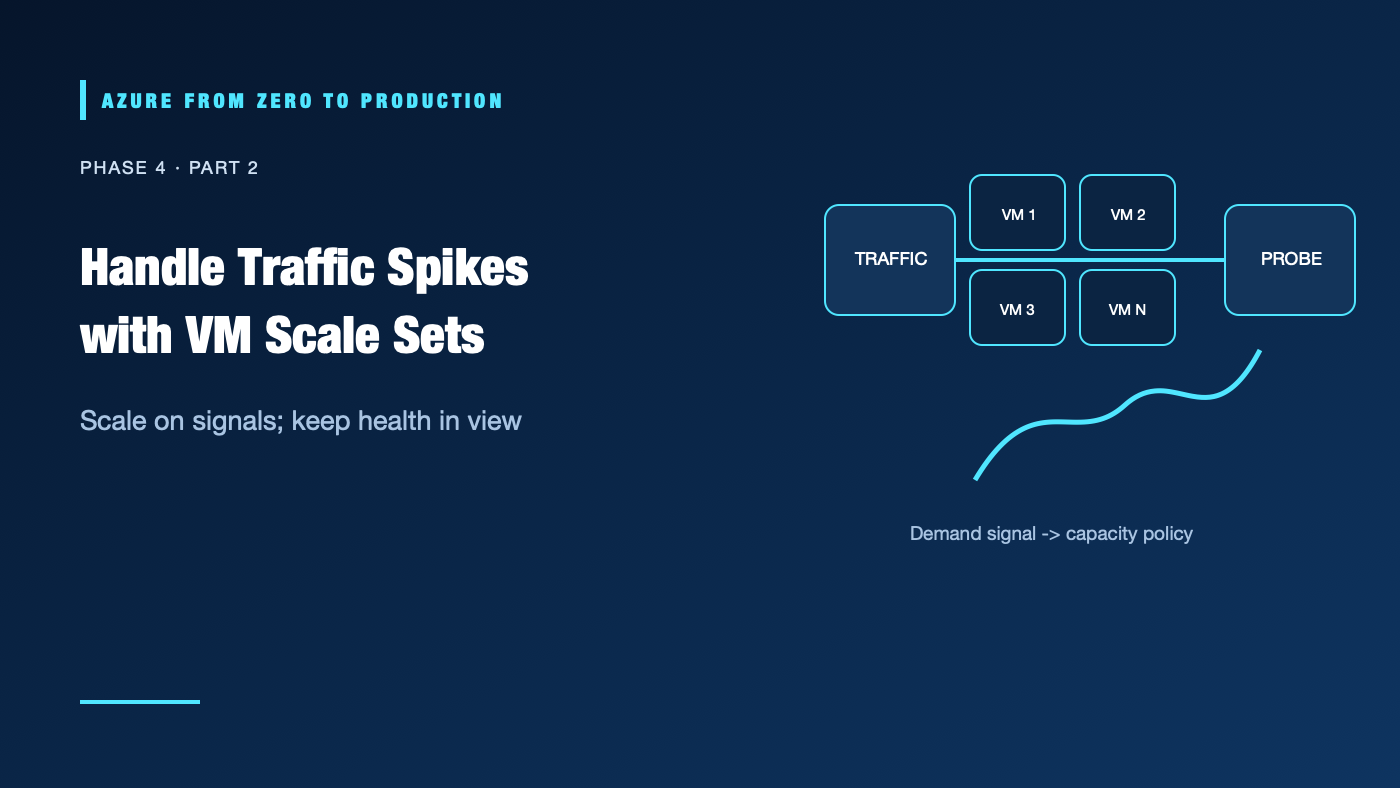
Traffic doubles during a product launch, but a fixed server pool stays the same size. Increasing VM count manually may help once; it is not a scaling strategy. A VM scale set manages a fleet, while autoscale policies decide when capacity should change.
What you’ll learn
- Explain what VM Scale Sets manage and what your application must still handle.
- Compare Flexible and Uniform orchestration at a high level.
- Choose autoscale signals, minimums, maximums, and cooldowns.
- Explain health probes, rolling upgrades, zones, and Spot eviction.
- Inspect an existing scale set with Azure CLI.
Where this fits
Module 15, Phase 4, Part 2. Read Azure Virtual Machines first. Next: Azure Container Apps.
Prerequisites
- Familiarity with VM sizing, availability, load balancing, and basic metrics.
- Azure CLI 2.91.0+ and Reader access for the exercise.
- No resources are created; cost is none.
A fleet needs an application that can scale
A scale set groups VM instances around a shared model and lifecycle. Azure can create or remove instances, distribute them across fault domains or zones, and integrate with load balancing. The application must tolerate instance replacement: keep durable state outside ephemeral compute, make startup repeatable, and handle retries.
Client -> load balancer / gateway -> healthy VM instances
                                      |   |   |
                                 scale policy observes metrics
                                      |   |
                               add/remove capacity within limits
Orchestration mode
Azure offers Flexible and Uniform orchestration modes. Flexible provides a more VM-like experience and supports diverse VM lifecycle scenarios. Uniform manages a homogeneous instance model with scale-set-specific orchestration behavior. The orchestration mode is selected at creation and cannot be changed later; confirm the correct mode, features, and limits before deploying.
Autoscale is a control loop
Autoscale uses metrics or schedules to change instance count within configured minimum and maximum values. Choose a signal that reflects actual demand—such as queue length, request rate, or sustained CPU—not a metric that merely correlates during one test. Define scale-out and scale-in rules with cooldowns and hysteresis so the fleet does not oscillate.
Autoscale cannot create capacity if a quota or regional capacity limit blocks it. A maximum protects the budget but may cap service capacity. A minimum of zero is not suitable for every workload because startup time, platform support, and availability expectations differ.
Health and upgrades
Health extension or load-balancer probes help identify unhealthy instances. A probe must reflect readiness, not simply that the VM is powered on. Upgrade policies control how model changes reach instances; rolling changes need health gates and a rollback plan.
Availability zones can improve resilience to a zonal failure when supported by the selected region and configuration. They do not automatically make application state resilient.
Spot capacity
Spot VMs can offer lower-cost spare capacity but may be evicted when Azure needs the capacity. Use Spot for interruptible, restartable work with checkpointing or fallback capacity. Do not rely on Spot as the only capacity for a critical always-on service.
Hands-on: inspect a scale set (read only)
RESOURCE_GROUP="<EXISTING_RESOURCE_GROUP>"
az vmss list --resource-group "$RESOURCE_GROUP" \
  --query "[].{name:name, location:location, sku:sku.name, capacity:sku.capacity}" \
  --output table
Do not paste internal resource names into public channels.
✅ Checkpoint: For each set, identify its SKU and capacity. The list alone does not reveal whether autoscale, probes, upgrade policy, or zone distribution are configured.
Security, cost, and production
Use managed identities instead of credentials on each instance. Keep management interfaces private, restrict network rules, and patch from a tested image or controlled update process. Autoscale can increase compute, disk, and network charges; budgets alert but do not cap usage.
Estimate base and peak capacity, minimum instances, load-balancer costs, storage, logs, outbound data, and Spot interruption recovery. Verify current prices, orchestration capabilities, quota, and regional support.
Troubleshooting
- Autoscale never triggers: Check metric namespace, aggregation, threshold, evaluation window, and profile/time schedule.
- Instance count stays at maximum: The ceiling may be too low or capacity/quota may be exhausted; inspect activity and scale events.
- Repeated scale-out/scale-in: Add cooldown and hysteresis; use sustained application demand rather than a noisy signal.
- New instances fail health checks: Verify startup time, probe path/port, NSG, and readiness endpoint.
- Rolling update reduces capacity: Review upgrade mode, batch size, health gates, and minimum healthy instance configuration.
- Spot instances disappear: Eviction is expected; checkpoint work and keep an on-demand fallback if the service needs guaranteed capacity.
- Application loses state on replacement: Move durable state to a data service and make instance initialization idempotent.
Five-pillar readiness checklist
- Reliability: Test instance replacement, zone failure, autoscale limits, and rollback.
- Security: Harden the image, use managed identity, and restrict network/admin access.
- Cost Optimization: Set realistic bounds and estimate steady-state and peak scale.
- Operational Excellence: Alert on scale events, failed upgrades, and unhealthy instances.
- Performance Efficiency: Load-test autoscale signals and allow for startup and warm-up time.
Cleanup
No Azure resources were created.
Key takeaways
- A scale set manages instances; it does not make an application stateless or resilient by itself.
- Autoscale requires a meaningful signal, limits, and cooldown behavior.
- Quota and regional capacity can block scaling.
- Spot compute is interruptible by design.
- Choose orchestration mode before creating the scale set.
Next: Run Containers Without Managing Kubernetes: Azure Container Apps.
Series navigation: Previous: Azure Virtual Machines · Current: Phase 4, Part 2 · Next: Azure Container Apps