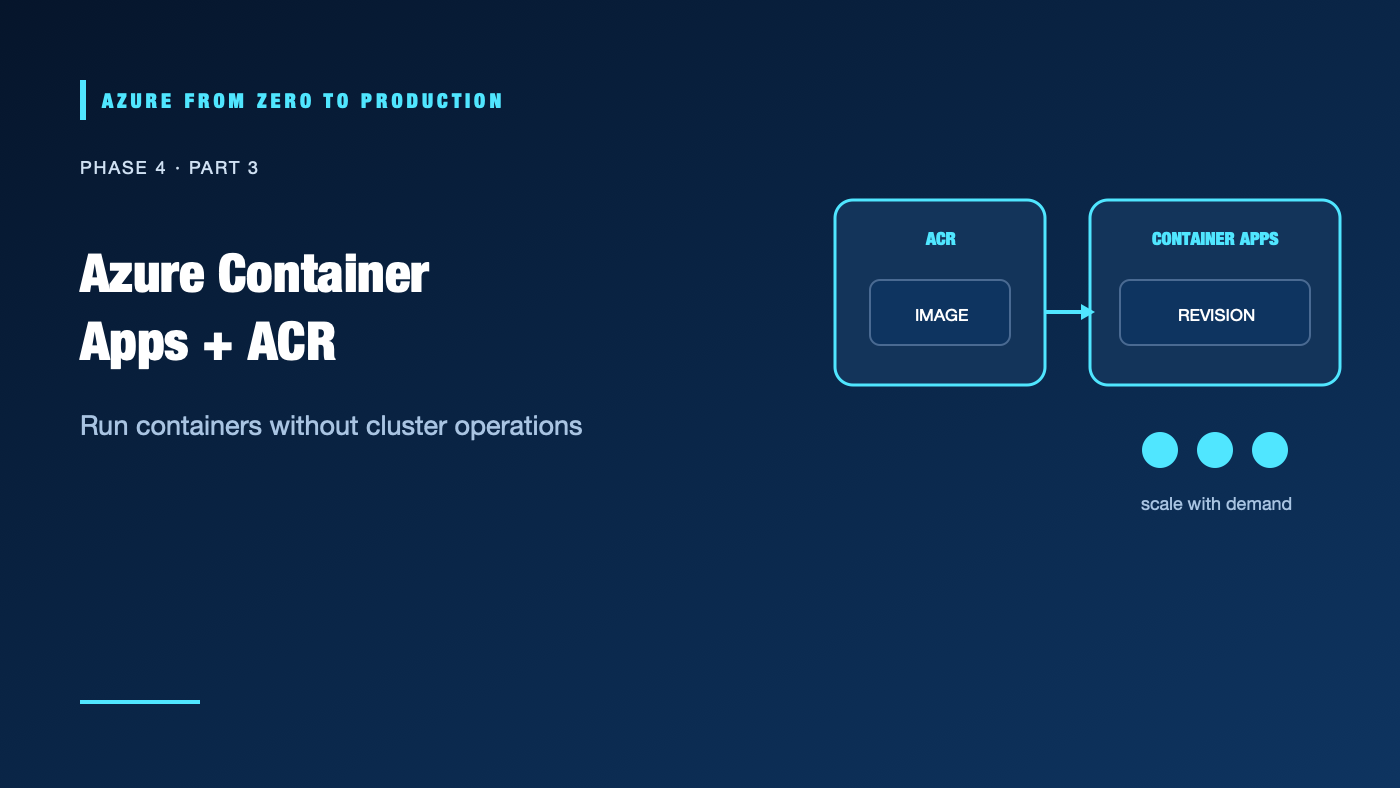
Your team packages an API in a container, then discovers that a container image is not a hosting platform. You still need ingress, scaling, image pulls, revisions, secrets, and observability. Azure Container Apps supplies those platform capabilities without requiring you to operate a Kubernetes cluster.
What you’ll learn
- Explain the roles of a Container Apps environment, app, revision, and job.
- Choose ingress, scaling, and revision settings for an application.
- Use Azure Container Registry (ACR) and managed identity for image pulls.
- Compare Container Apps with Azure Container Instances and AKS.
- Inspect an existing Container App without changing it.
Where this fits
Module 16 and Phase 4, Part 3. Next: Do You Need AKS?.
Prerequisites
- Basic container and HTTP knowledge.
- Azure CLI 2.91.0+ and Reader access for the optional exercise.
- No resources are created; cost is none.
A managed application platform for containers
An environment provides a shared boundary for Container Apps and related networking, logging, and service discovery. A container app runs one or more containers and defines ingress, identity, scaling, and configuration. A revision is an immutable snapshot of an app’s revision-scoped configuration and template. A job runs a finite workload on demand, on a schedule, or in response to events.
Client -> ingress -> Container App revision(s)
                          | managed identity -> Azure services / ACR
                          | scale rules -> replicas (possibly zero)
                          + logs and metrics -> monitoring
Container Apps supports HTTP or TCP ingress, internal service discovery, multiple revisions, traffic splitting, jobs, and event-driven scaling through supported scalers. It can reduce platform work, but you still own the container image, application health, data, identity permissions, and deployment design.
Images and Azure Container Registry
ACR stores private container images. Build from a trusted base, pin versions or digests, scan dependencies, and avoid embedding credentials in layers. Container Apps can use a managed identity to authenticate pulls. Assign only the required image-pull role at the registry or repository scope supported by its authorization mode. Do not enable the registry admin user as a shortcut.
Revisions, traffic, and scaling
In single-revision mode, the platform moves traffic to a new revision after it becomes ready. In multiple-revision mode, you can divide traffic for canary or blue/green deployments and shift it back if validation fails. A revision is immutable; configuration changes may create a new revision.
Scaling can use HTTP concurrency, CPU/memory, or event sources. Many consumption applications can scale to zero, but zero replicas introduces startup latency and is not appropriate for every workload. Set minimum and maximum replica counts intentionally; scale-out can increase cost and downstream load.
When to choose something else
- Azure Container Instances (ACI): Suitable for simple, short-lived container execution without the richer app lifecycle and scaling model.
- Azure Container Apps: Good for managed HTTP services, background workers, event-driven jobs, and microservices without cluster operations.
- AKS: Consider when you need Kubernetes APIs, ecosystem compatibility, cluster-level controls, or portability that justify the platform expertise and operational cost.
- App Service: Often simpler for conventional web applications when a custom container platform is unnecessary.
Hands-on: inspect existing apps
RESOURCE_GROUP="<EXISTING_RESOURCE_GROUP>"
az containerapp list --resource-group "$RESOURCE_GROUP" \
  --query "[].{name:name, location:location, environment:managedEnvironmentId}" \
  --output table
This is a read operation. Use only a resource group you are authorized to inspect.
✅ Checkpoint: Identify the app and environment. The list does not prove that the revision is healthy, its ingress is safe, or its identity has minimal permissions.
Security, cost, and production
Use managed identity for Azure access and ACR pulls. Store application secrets in an approved secret store and restrict environment ingress. An environment’s networking mode and region are architectural choices that may be difficult or costly to change later.
Consumption, dedicated workload profiles, logging ingestion, registry storage, networking, and outbound transfer have different cost models. Verify current plan behavior, supported scale-to-zero features, regional availability, and pricing. Production designs need revision rollback, health endpoints, resource limits, diagnostic logs, and tested identity permissions.
Troubleshooting
- Image pull fails: Check registry name, image tag, managed identity assignment, role scope, registry authorization mode, and token audience requirements.
- Revision is unhealthy: Inspect startup logs, container command, port, probes, environment variables, and resource limits.
- Ingress returns 404 or times out: Verify ingress type, target port, app protocol, DNS, and whether ingress should be external or internal.
- App scales to zero unexpectedly: Review minimum replicas and scale rules; confirm whether the selected plan supports the expected behavior.
- Traffic split does not match expectations: Inspect active revisions, labels, and percentage weights; verify the revision mode.
- Secret update does not appear: Confirm the app references the correct secret name and whether a new revision/restart is required.
- Private dependency is unreachable: Check environment networking, private DNS, routes, and downstream authorization separately.
Five-pillar readiness checklist
- Reliability: Use readiness checks, safe revision rollout, and tested rollback.
- Security: Pull images with managed identity, scan them, and restrict ingress/secrets.
- Cost Optimization: Set replica limits and review consumption versus dedicated workload profiles.
- Operational Excellence: Capture logs, revision IDs, deployment provenance, and runbooks.
- Performance Efficiency: Measure cold starts, concurrency, scaling thresholds, and per-revision resource use.
Cleanup
No Azure resources were created. No cleanup is needed.
Key takeaways
- Container Apps provides app-level container orchestration without asking you to manage a cluster.
- A revision is a release unit; traffic splitting supports controlled rollout.
- A managed identity can authenticate image pulls without a registry password.
- Scale-to-zero is a latency and availability tradeoff, not a universal default.
- Use AKS only when its Kubernetes-level control is worth the added operational ownership.
Next: Do You Need AKS? Kubernetes on Azure Explained.
Series navigation: Previous: VM Scale Sets · Current: Phase 4, Part 3 · Next: AKS