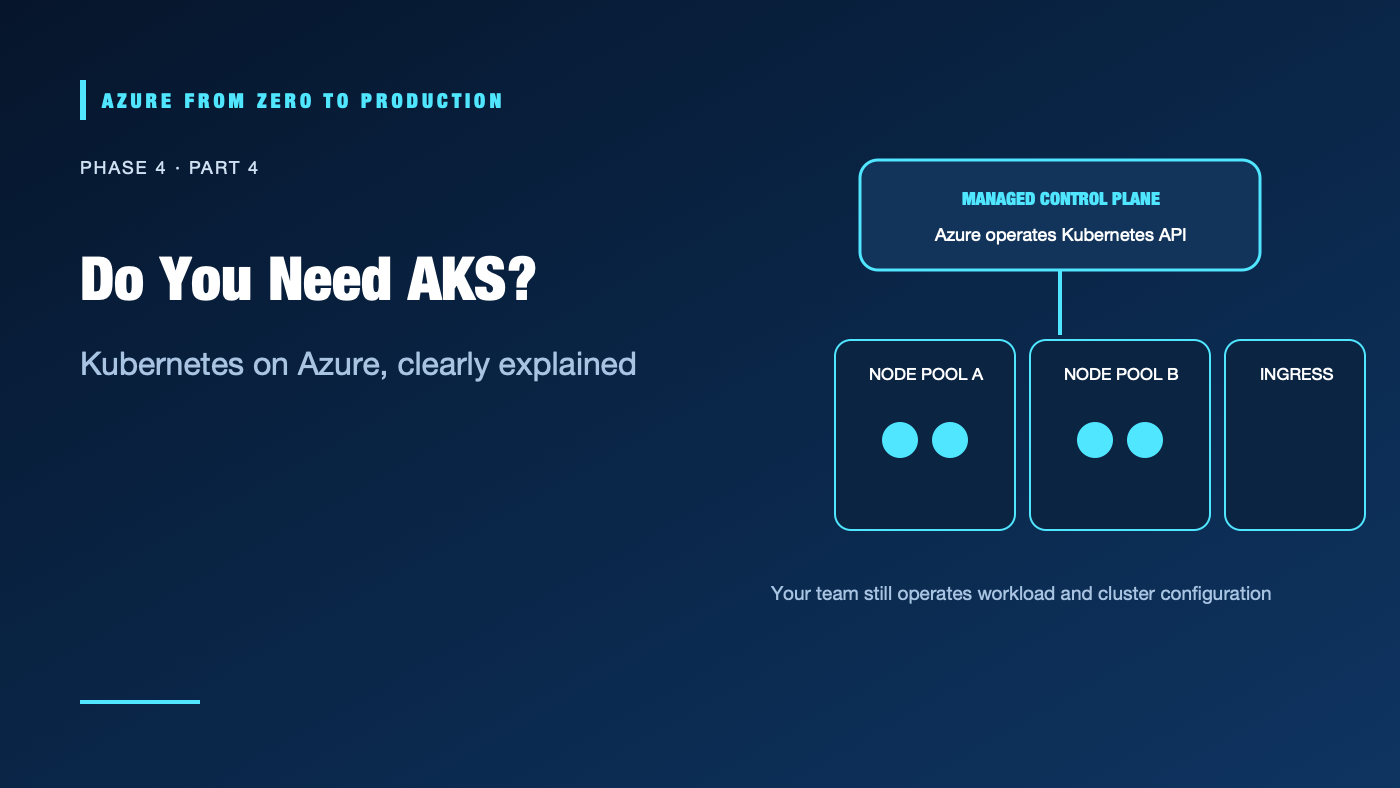
A team deploys a single API to Kubernetes because the job description lists “Kubernetes.” The cluster then needs upgrades, network design, policies, observability, and a platform owner. Azure Kubernetes Service (AKS) manages important control-plane tasks, but it does not eliminate cluster operations or the need for Kubernetes expertise.
What you’ll learn
- Explain pods, deployments, services, node pools, and ingress.
- Distinguish the AKS control plane from worker nodes and application operations.
- Compare AKS Automatic and Standard cluster modes.
- Identify major networking, identity, upgrade, and cost decisions.
- Decide when Container Apps or App Service is a better fit.
Where this fits
Module 17 and Phase 4, Part 4. Prerequisite: Azure Container Apps. Next: App Service or Functions?.
Prerequisites
- Container fundamentals and basic Linux/networking knowledge.
kubectlis optional for the local client-only exercise; no cluster or Azure subscription is required.- No resources are created; cost is none.
Kubernetes objects in plain language
A pod is the smallest deployable unit, usually one application container plus related containers. A deployment describes desired replicas and handles replacement. A service provides stable network discovery for pods. Ingress exposes HTTP(S) routes through an ingress controller or gateway integration. A node pool groups the VM instances that provide workload capacity.
Azure control plane (managed by AKS)
        |
        v
Worker node pools -> pods -> services -> ingress / load balancer -> clients
        |
        +-> registry, identity, storage, monitoring, policy
AKS manages the Kubernetes control plane. You remain responsible for application manifests, node pools and capacity, network and ingress choices, identity, policy, upgrades and compatibility, observability, and workload reliability.
AKS modes
Current AKS documentation describes AKS Automatic as a managed experience with production-oriented defaults and AKS Standard for teams that need more direct infrastructure and node-pool control. Capabilities and defaults evolve; review the current feature matrix before selecting a mode. Do not assume that mode choice removes the need to understand Kubernetes.
Networking and identity
Plan pod, service, and VNet address spaces so they do not overlap with peered or on-premises ranges. Choose the supported networking model, ingress, egress, and network policy approach for the workload. Use Microsoft Entra integration and Azure RBAC for cluster access, and workload identity for pods that call Azure services. Kubernetes RBAC and Azure RBAC address related but distinct authorization layers.
For private ACR pulls, configure the cluster identity and minimum registry permissions. Avoid long-lived registry passwords in Kubernetes secrets. Restrict the API server endpoint and cluster network access according to the operational model.
When AKS is worth it
AKS can fit when you need Kubernetes APIs, custom controllers/operators, complex multi-service scheduling, a shared platform for many teams, or portability across Kubernetes environments. It is often unnecessary for one API or worker: Container Apps, App Service, Functions, or a VM may deliver the outcome with fewer moving parts.
Hands-on: verify the Kubernetes client
This checks only the local client; it does not connect to a cluster:
kubectl version --client
If you already operate an authorized cluster, kubectl config current-context shows which context would receive commands. Do not run deployment or deletion commands against a context you have not verified.
✅ Checkpoint: You can distinguish a local client version from a server/cluster version and identify the current context before using kubectl.
Security, cost, and production
Kubernetes control-plane access is highly privileged. Use least privilege, protect cluster credentials, restrict the API server, and separate human access from pod workload identity. Enforce image trust, network policy, secret handling, and admission controls appropriate to the selected mode.
Costs include node VMs, disks, load balancers, public IPs, egress, logs, storage, and optional cluster features or support tiers. Some AKS modes/features affect billing and SLA; verify current Azure pricing and the current Automatic/Standard comparison. Cluster scale-to-zero behavior and control-plane pricing depend on configuration.
Troubleshooting
- Pod remains Pending: Check node capacity, resource requests, taints/tolerations, storage claims, and quota.
- ImagePullBackOff: Verify image name/tag, registry reachability, and the kubelet/managed identity’s role.
- Service has no endpoints: Confirm pod labels/selectors and readiness status.
- Ingress returns 502: Check controller/gateway health, service target port, network policy, and pod readiness.
- Pod cannot call Azure: Verify workload identity federation, service account annotations, token audience, and target Azure data-plane role.
- Upgrade disrupts workloads: Check pod disruption budgets, replicas, surge capacity, version support, and workload compatibility.
- Cluster bill is higher than expected: Attribute node, disk, gateway/load-balancer, logging, and egress charges; inspect idle node pools and retention.
Five-pillar readiness checklist
- Reliability: Test node replacement, zone failure, rollout, and restore paths.
- Security: Constrain API access, enforce workload identity, and scan images.
- Cost Optimization: Right-size node pools and avoid operating a cluster for a workload that fits a simpler service.
- Operational Excellence: Own Kubernetes upgrades, observability, policies, and on-call procedures.
- Performance Efficiency: Measure pod scheduling, resource requests, autoscaling, and network overhead.
Cleanup
No Azure resources were created. No cleanup is needed.
Key takeaways
- AKS manages the control plane; teams still own workload and cluster configuration.
- Kubernetes adds a platform with its own API, policies, networking, and lifecycle.
- Choose AKS Automatic or Standard based on actual control and operating needs.
- Managed identity/workload identity is preferable to registry credentials and secrets.
- Container Apps or App Service may be the better engineering decision.
Next: App Service or Functions? Choose Your Azure Hosting Model.
Series navigation: Previous: Azure Container Apps · Current: Phase 4, Part 4 · Next: App Service and Functions