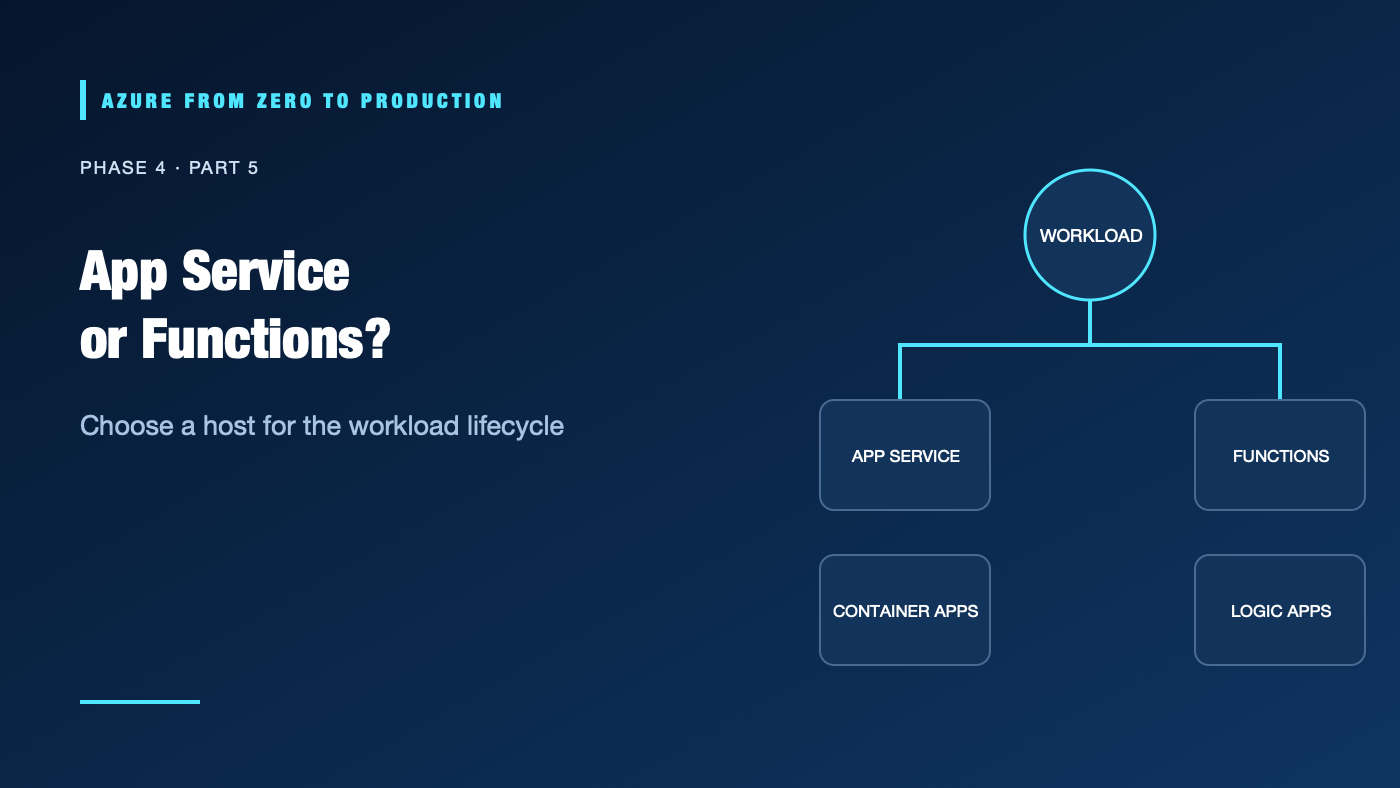
A team puts a scheduled data task on an always-on web server, then pays for idle capacity. Another team splits a stateful web application into dozens of functions and spends more time coordinating triggers than shipping features. The right Azure hosting service follows the workload’s lifecycle and operational needs.
What you’ll learn
- Compare Azure App Service plans, deployment slots, and managed identity.
- Explain Azure Functions triggers, bindings, and hosting plans.
- Identify where Logic Apps fits for workflow integration.
- Choose among VMs, App Service, Functions, Container Apps, and AKS.
- Review existing web and function apps with read-only Azure CLI commands.
Where this fits
Module 18, Phase 4, Part 5. Next: Ship a Containerized API to Azure Container Apps.
Prerequisites
- Basic HTTP, API, and serverless concepts.
- Azure CLI 2.91.0+ and Reader access for the optional exercise.
- No resources are created; cost is none.
The hosting model is an operational contract
Azure App Service
App Service hosts web apps, mobile back ends, and REST APIs on a managed platform. You deploy supported language stacks or a custom container; Azure manages much of the underlying infrastructure. The App Service plan defines compute capacity, operating system, and scale boundary for its apps. Scaling a plan can affect every app in that plan, so separate workloads that need independent performance or deployment boundaries.
Deployment slots are live app instances used for staging and controlled swaps. Slot availability depends on the plan tier; some tiers do not support them. A slot swap can move content and configuration, but settings marked slot-specific remain attached to their slot. Validate warm-up, health checks, and swap behavior before relying on zero-downtime claims.
Azure Functions
Functions runs code in response to triggers, such as HTTP requests, timers, storage events, or messages. Bindings simplify connections to selected services but do not eliminate authorization, retries, or data-contract design. Functions can also host HTTP APIs, but event-driven workloads are often the clearest fit.
Hosting plans affect scaling, networking, execution limits, memory, and billing. Current Azure documentation recommends Flex Consumption for many serverless workloads, with features such as virtual network integration, dynamic scale, and per-function scaling; support and behavior vary. Always verify trigger support, region availability, cold-start needs, and plan-specific limits.
Logic Apps
Logic Apps is a managed workflow and integration service with connectors, triggers, and actions. It can reduce custom orchestration code for business processes, SaaS integration, and approvals. It is not a general replacement for application compute; evaluate connector availability, throughput, governance, and consumption pricing.
A practical selection guide
Need OS control or custom system software?       -> Virtual Machines
Need conventional web app and managed runtime?   -> App Service
Need event-triggered code or short tasks?         -> Functions
Need container APIs/workers without cluster ops? -> Container Apps
Need Kubernetes APIs and cluster-level control?  -> AKS
Need connector-led workflow and integration?      -> Logic Apps
These are starting points, not hard boundaries. A service can technically host a workload that is operationally awkward or expensive. Prefer the least complex option that meets runtime, networking, compliance, and scaling needs.
Hands-on: inspect existing apps (read only)
RESOURCE_GROUP="<EXISTING_RESOURCE_GROUP>"
az webapp list --resource-group "$RESOURCE_GROUP" \
  --query "[].{name:name, kind:kind, location:location}" --output table
az functionapp list --resource-group "$RESOURCE_GROUP" \
  --query "[].{name:name, kind:kind, location:location}" --output table
✅ Checkpoint: Identify app kinds and locations. These listings do not show every plan, trigger, slot, or security setting; inspect each resource before making a change.
Security, cost, and production
Use managed identity for Azure service access, store settings in the approved configuration/secret service, and restrict inbound paths. For Functions, make trigger authorization and retry/idempotency behavior explicit. For App Service, review authentication, TLS, deployment credentials, slot-specific settings, and access restrictions.
App Service plan capacity is billed while provisioned, even if an app has little traffic. Functions consumption plans use a different execution-based model with limits and possible always-ready or networking costs. Logic Apps pricing depends on workflow actions and connectors. Include storage, logging, networking, and egress in comparisons; verify current plans and prices.
Troubleshooting
- App does not start: Check runtime stack, startup command, deployment logs, environment settings, and health-check configuration.
- Scale-out does not improve performance: Verify plan SKU, scale settings, CPU/memory bottleneck, database connection limits, and downstream capacity.
- Slot swap causes incorrect behavior: Check slot-sticky settings, warm-up, hostname, certificate, and production-specific configuration.
- Function does not trigger: Verify host/runtime version, trigger configuration, storage dependency, identity permissions, and logs.
- Function processes a message twice: Design idempotent handlers and inspect retry/visibility behavior; do not assume exactly-once execution.
- Unexpected cold start or delay: Review hosting plan, always-ready/instance settings, networking, and trigger latency.
- Logic App connector returns unauthorized: Check connection identity/consent, connector permission, token expiration, and environment policy.
Five-pillar readiness checklist
- Reliability: Set health checks, retries, idempotency, and tested deployment rollback.
- Security: Use managed identity, least privilege, secure settings, and restricted network access.
- Cost Optimization: Compare plan baseline and idle costs with execution and connector charges.
- Operational Excellence: Monitor deploys, trigger failures, slot swaps, and runtime health.
- Performance Efficiency: Measure cold starts, concurrency, scaling limits, and downstream bottlenecks.
Cleanup
No Azure resources were created. No cleanup is needed.
Key takeaways
- App Service is suited to managed web applications; Functions is suited to event-driven execution.
- Deployment slots are plan-tier dependent and need swap-aware configuration.
- Hosting plans shape Functions scaling, networking, limits, and costs.
- Logic Apps is strong for connector-led workflows, not a universal compute replacement.
- Choose the simplest host that fits the workload’s operations and constraints.
Next: Ship a Containerized API to Azure Container Apps.
Series navigation: Previous: AKS · Current: Phase 4, Part 5 · Next: Container Apps Lab