An organization starts with one VNet, then acquires a second team, a test environment, and an office network. Soon, address overlap and unclear ownership make a simple connection risky. Hub-spoke and hybrid designs offer structure, but only when routing, DNS, and security ownership are explicit.
What you’ll learn
- Compare VNet peering, VPN Gateway, ExpressRoute, and Virtual WAN.
- Describe a hub-spoke topology and its routing constraints.
- Place Azure Firewall, Bastion, and DNS forwarding in a network design.
- Identify what Network Watcher can and cannot diagnose.
- Review network objects using read-only CLI commands.
Where this fits
Module 12, Phase 3, Part 3. Prerequisite: VNets and Private Access. Next, Azure DNS, Load Balancing, and Front Door covers name hosting and application traffic distribution.
Prerequisites
- Understanding of CIDR, routing, DNS, and NSGs.
- Reader access to an existing VNet is optional; no subscription is required for the concepts.
- No deployment in this article. Cost: none.
Hub-spoke: centralize shared services, isolate workloads
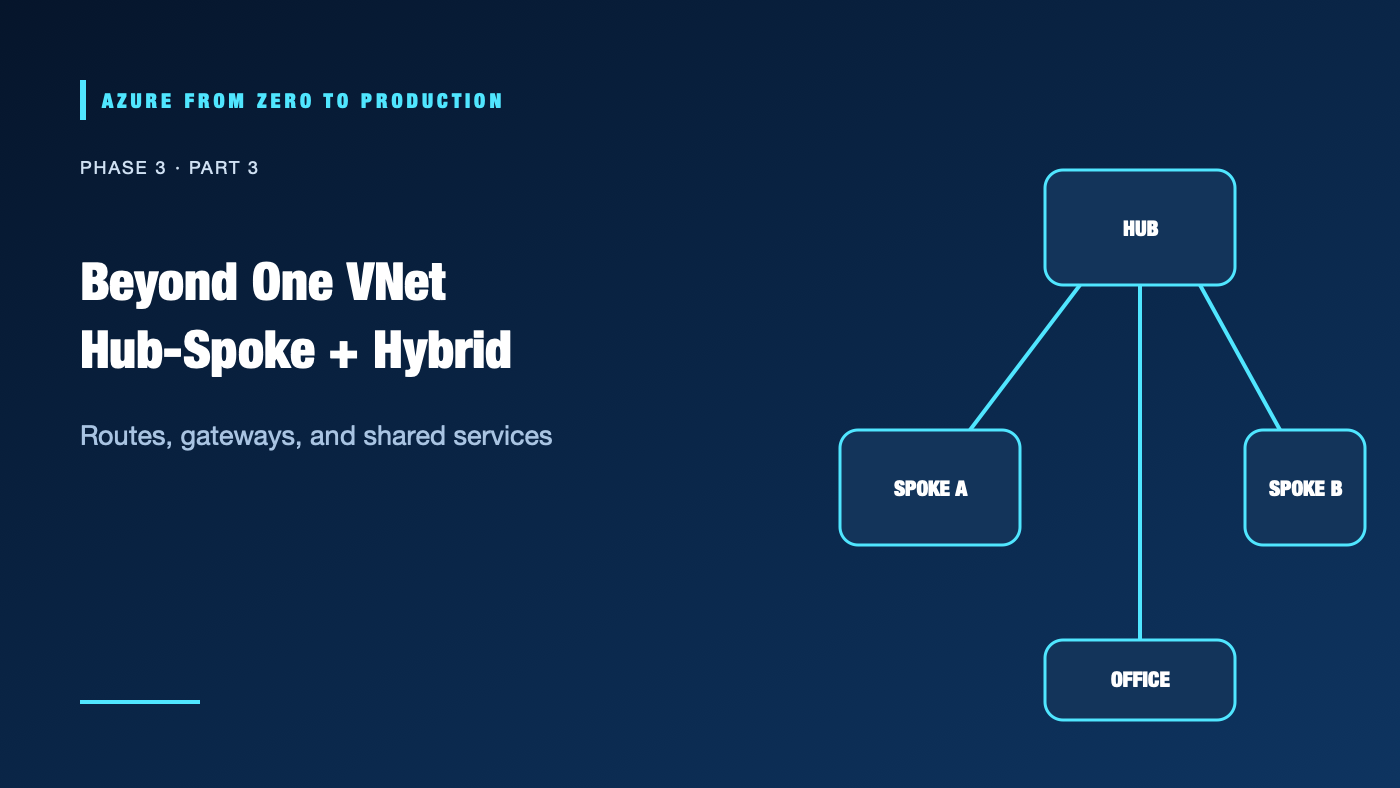
A hub VNet hosts shared network capabilities such as a firewall, VPN/ExpressRoute gateway, DNS forwarding, or administration. Spoke VNets host application teams or environments. VNet peering connects address spaces using Azure’s backbone, but peering is not transitive: a spoke does not automatically reach another spoke through the hub.
Office / datacenter
        |
   VPN or ExpressRoute
        |
     Hub VNet ---- shared DNS / firewall / gateway
       /   \
      /     \
 Spoke A   Spoke B       separate application address spaces
To force spoke traffic through a hub appliance, configure routes and forwarding intentionally. Gateway transit and remote gateway settings can share gateway connectivity, but they do not make peering transitively route arbitrary traffic. Validate exact route propagation and appliance behavior for the selected topology.
Choosing the connection
- VNet peering: Private connectivity between VNets, commonly in Azure. It is low-latency and uses Azure’s backbone, but it does not provide transitive routing by itself.
- VPN Gateway: Encrypted connectivity over the public internet using site-to-site or point-to-site patterns. It is often appropriate for smaller or variable-bandwidth connectivity.
- ExpressRoute: Private connectivity through a connectivity provider, with circuit and provider considerations. It is not automatically encrypted end-to-end; evaluate encryption requirements separately.
- Azure Virtual WAN: Managed hub-and-spoke networking with integrated connectivity options across regions and sites. It adds architecture and cost; use it when the operating model justifies it.
Selection depends on throughput, latency, resilience, routing control, data residency, provider availability, and costs. Verify current SKUs, regional availability, and service limits.
Shared services and DNS
Azure Firewall can centralize network and application filtering. Azure Bastion provides browser-based or native-client access to VMs without assigning them public IPs, subject to deployment requirements and charges. Network Watcher offers tools such as connection troubleshoot, IP flow verify, and packet capture for supported resources.
Centralization can improve consistency but also creates a dependency. Build resilience, ownership, change control, and capacity into the hub. “Hub” does not automatically mean every packet is inspected.
Private DNS resolution does not automatically follow peering. Clients need a resolver path that knows the relevant private zones. Azure Private Resolver or a DNS forwarder can bridge Azure and on-premises resolution; configure forwarding rules and conditional zones deliberately. Test from each client location, not only from the hub.
Hands-on: inspect VNet peerings and routes
These are read-only commands. Select the intended subscription and resource group first.
az account show --query "{subscription:name, tenant:tenantId}" --output table
RESOURCE_GROUP="<EXISTING_RESOURCE_GROUP>"
VNET_NAME="<EXISTING_VNET_NAME>"

az network vnet peering list --resource-group "$RESOURCE_GROUP" \
  --vnet-name "$VNET_NAME" \
  --query "[].{name:name, state:peeringState, remote:remoteVirtualNetwork.id, forwarded:allowForwardedTraffic, gatewayTransit:allowGatewayTransit}" \
  --output table

az network route-table list --resource-group "$RESOURCE_GROUP" \
  --query "[].{name:name, routes:routes[].{prefix:addressPrefix, nextHop:nextHopType}}" \
  --output json
✅ Checkpoint: Find whether peerings are connected, whether forwarded traffic is enabled, and which route tables exist. These facts alone do not prove an end-to-end path; inspect effective routes on the actual network interface when permitted.
Security, cost, and production design
Use unique, non-overlapping address plans and explicitly list which networks may communicate. Apply least-privilege control over network changes; review route and firewall changes because they can expose multiple spokes. Use private administration paths and log security-relevant changes.
Peering, gateways, firewall, Bastion, Virtual WAN, data processing, and provider circuits may incur significant recurring costs. Do not deploy redundant gateways “for practice” in a paid subscription. Estimate by region and SKU and obtain approval before creating resources.
Troubleshooting
- Peering says connected but no traffic: Peering is not transitive; inspect address spaces, NSGs, effective routes, and UDR next hops.
- Spoke cannot reach on-premises: Confirm gateway transit settings, learned routes, address overlap, and on-premises return routes.
- Traffic bypasses firewall: Check effective route selection and next-hop configuration; a firewall in the hub is not automatically in path.
- VPN is connected but application is unavailable: Tunnel status proves tunnel negotiation, not destination route, NSG permission, DNS, or listener health.
- DNS works in Azure but not on-premises: Add/verify conditional forwarding or resolver rules and validate the on-premises recursive resolver path.
- Intermittent access after route change: Compare effective routes and gateway-learned prefixes at both ends; inspect asymmetric return paths.
- Bastion session fails: Verify Bastion deployment health, target VM network rules, supported client, and required access; do not open public SSH as a quick workaround.
Five-pillar readiness checklist
- Reliability: Avoid single points in shared hubs and plan gateway/firewall maintenance and failover.
- Security: Restrict inter-spoke flows and control who can alter routes and peerings.
- Cost Optimization: Compare recurring shared-service costs with the traffic and operating model.
- Operational Excellence: Maintain topology, route ownership, DNS forwarding, and change runbooks.
- Performance Efficiency: Measure cross-region latency and throughput; keep chatty workloads close where practical.
Cleanup
No Azure resources were created. No cleanup is needed.
Key takeaways
- VNet peering is not transitive.
- Hybrid connectivity needs routes in both directions and a DNS plan.
- Centralized firewalls and gateways provide shared functions but can become critical dependencies.
- A connected VPN tunnel does not prove application reachability.
- Test the end-to-end path from the actual source network.
Next: Azure DNS, Load Balancing, and Front Door.
Series navigation: Previous: VNets and Private Access · Current: Phase 3, Part 3 · Next: DNS, Load Balancing, and Front Door