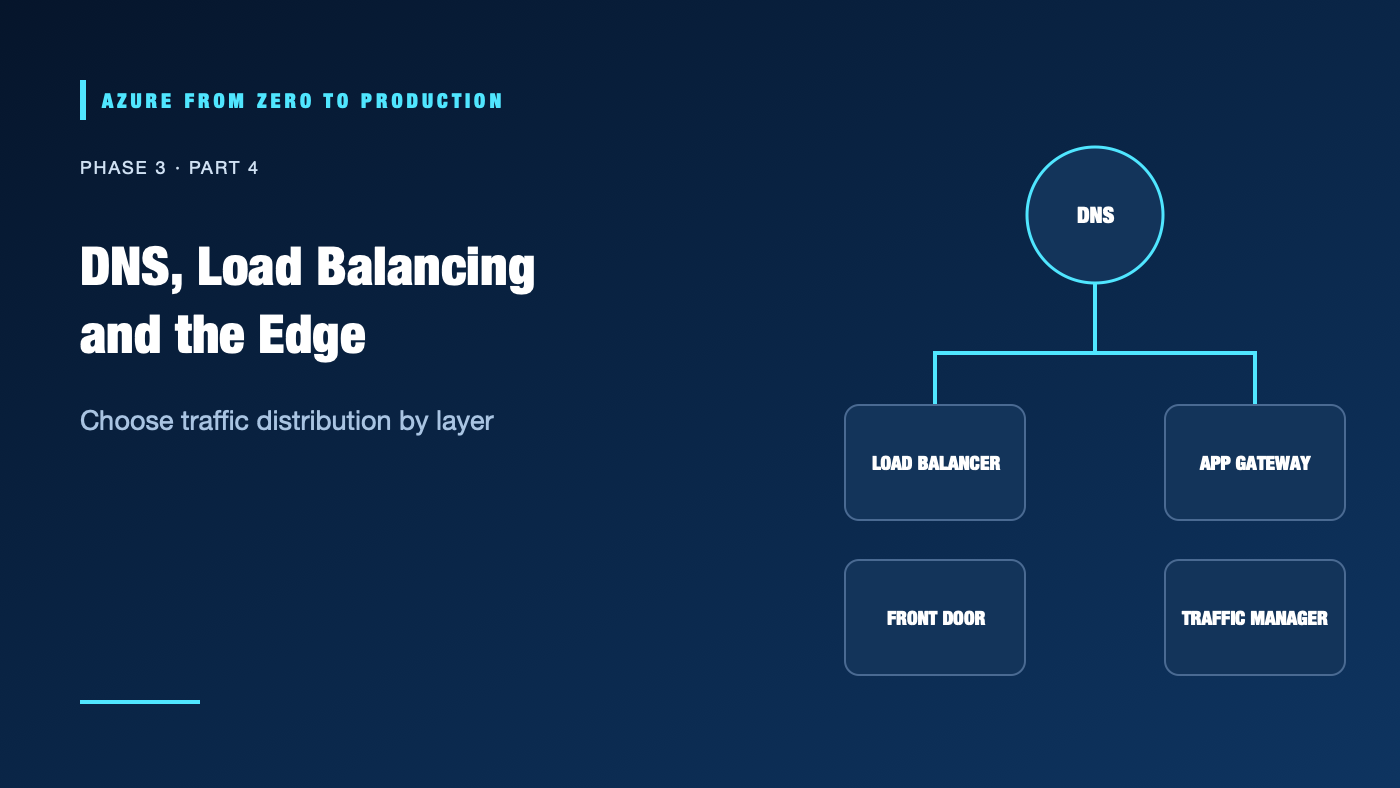
A team adds a load balancer to fix a slow website, then discovers that it needs TLS termination, path routing, a web application firewall, global failover, and DNS ownership. Those are related problems, but they belong to different layers.
What you’ll learn
- Distinguish Azure DNS from private DNS and application routing.
- Compare Azure Load Balancer, Application Gateway, Front Door, and Traffic Manager.
- Explain health probes, TLS termination, WAF, and caching.
- Choose a service based on protocol, geography, and routing needs.
- Inspect existing DNS records with a local DNS tool.
Where this fits
Module 13, Phase 3, Part 4. Prerequisite: Hub-Spoke and Hybrid Networking. Next is the private-network lab.
Prerequisites
- Basic DNS, HTTP(S), and load-balancing concepts.
- No Azure subscription needed for the local exercise; no cloud changes are made.
- Cost: none.
DNS answers “where”; it does not serve the application
Azure DNS hosts public DNS zones; Azure Private DNS hosts private zones resolvable by linked VNets or a configured resolver path. DNS returns records. It does not proxy traffic, terminate TLS, or authorize a request.
For an internet-facing application, DNS may point users to an edge service. For internal services, private DNS can resolve a service hostname to a private IP. Keep public and private resolution behavior intentional; split-horizon DNS can return different records to different clients.
Choose the layer that matches the requirement
Azure Load Balancer distributes TCP/UDP traffic at Layer 4 within supported regional or cross-region designs. Use it for network-level distribution where the application manages HTTP behavior and TLS. It does not provide path-based HTTP routing or a WAF.
Azure Application Gateway is a regional Layer 7 web traffic load balancer. It can route HTTP(S) by host or path, terminate TLS, and integrate with a WAF SKU. Use it when regional web ingress needs these application-aware features. It is not a global edge service.
Azure Front Door is a global edge service for web applications. It routes HTTP(S) from Microsoft’s edge network, supports acceleration and caching capabilities, and can integrate with WAF. Use it for global web entry, edge routing, and origin failover patterns. It does not replace every private network gateway or internal load balancer.
Azure Traffic Manager is DNS-based traffic distribution. It returns DNS answers according to configured routing and endpoint health; clients then connect directly to the returned endpoint. DNS caching affects failover time. It does not proxy the request.
Need TCP/UDP distribution?          -> Load Balancer
Need regional HTTP host/path rules? -> Application Gateway
Need global HTTP edge routing?      -> Front Door
Need DNS-level endpoint selection?  -> Traffic Manager
Services can be composed, but each hop adds configuration, observability needs, latency, and cost. Avoid stacking services without a clear requirement and ownership.
Health probes, TLS, WAF, and caching
A health probe is a service-specific test used to determine whether a backend is eligible for traffic. A TCP probe does not verify that the application returns correct content. For HTTP probes, use a stable endpoint that reflects readiness without creating harmful side effects.
TLS can terminate at the edge, a gateway, or the application. Decide where certificates are stored and renewed, whether traffic is encrypted from edge to origin, and how the origin validates the expected hostname. A successful edge health check is not proof that the end-user request is secure or authorized.
A WAF evaluates web requests against managed or custom rules to help detect common web attacks. It requires tuning: false positives can block valid requests, and a WAF is not a substitute for application security testing.
Caching can reduce latency and origin load for cacheable content. Incorrect cache keys or rules can leak user-specific responses. Do not cache authenticated or personalized responses unless the application and cache policy explicitly make it safe.
Hands-on: inspect DNS without changing it
Query a public name or a hostname you own:
HOST="www.microsoft.com"
nslookup "$HOST"
If installed, dig "$HOST" A +noall +answer shows answer records and TTLs. Repeat against the DNS resolver used by the application environment when investigating split-horizon behavior.
✅ Checkpoint: Note the record type, answer, and TTL. A DNS answer is not proof that a listener is reachable or a certificate is valid.
Security, cost, and production considerations
Protect origins so clients cannot bypass the intended edge/WAF path. Use strong origin authentication and network restrictions where supported. Monitor WAF actions, probe health, TLS expiry, and DNS changes.
DNS queries, public IPs, gateways, WAF tiers, Front Door, bandwidth, and request processing can be billable. WAF and global delivery features vary by tier. Verify current SKU requirements, regional availability, and pricing before designing a production path.
Troubleshooting
- DNS points to an old endpoint: Check authoritative records, TTL, and recursive caches; confirm which resolver the client actually uses.
- Load balancer reports no healthy backends: Verify probe protocol, port, path, backend NSG rules, and application readiness.
- Application Gateway returns 502/503: Check backend health, TLS trust/name, host header, routing rules, and backend reachability.
- Front Door reaches edge but origin fails: Validate origin hostname, certificate, network restrictions, health probe path, and origin health.
- Traffic Manager failover appears delayed: DNS clients may cache prior answers; inspect TTL and endpoint monitor status.
- WAF blocks a valid request: Review logs and matched rule, tune an exception narrowly, and retain protective coverage.
- Users see stale or mixed content: Inspect caching rules, cache key, origin headers, and whether user-specific data was cached.
Five-pillar readiness checklist
- Reliability: Define probe semantics, origin failover, DNS TTLs, and recovery ownership.
- Security: Protect origins, enforce TLS, and monitor WAF decisions.
- Cost Optimization: Avoid redundant layers and model request, gateway, and egress charges.
- Operational Excellence: Alert on origin health, certificate expiry, DNS changes, and WAF anomalies.
- Performance Efficiency: Measure user-to-edge and edge-to-origin latency; cache only safe content.
Cleanup
The DNS query created no resources; no cleanup is needed.
Key takeaways
- DNS selects an address; it does not proxy or secure the request.
- Layer 4 and Layer 7 services solve different traffic problems.
- Traffic Manager returns DNS answers; Front Door proxies global HTTP(S) traffic.
- Probes test configured health, not the entire user experience.
- Caching and WAF rules need continuous review.
Next: Build a Private Azure Network and Prove the DNS Works.
Series navigation: Previous: Hub-Spoke and Hybrid Networking · Current: Phase 3, Part 4 · Next: Private Network Lab