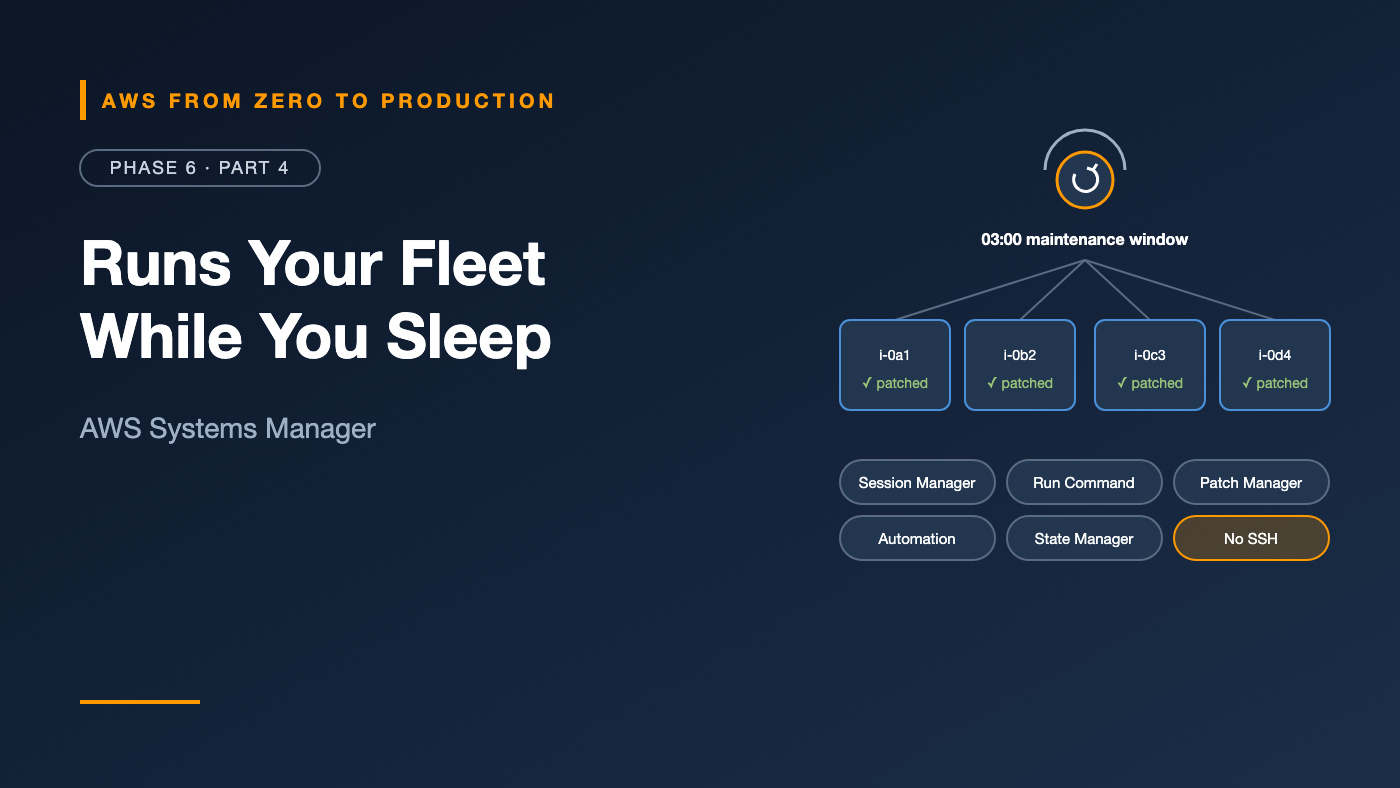
AWS from Zero to Production — Phase 6, Part 4 of 5 · See the full series roadmap
Infrastructure as Code creates your servers. But who patches them every month? Who restarts the stuck service on 40 instances at 2 a.m.? Who knows which machines still run a vulnerable version of OpenSSL? And how do engineers get a shell when something breaks — without SSH keys?
On AWS, the answer to all of those is AWS Systems Manager.
It’s not one service; it’s a toolbox of capabilities that share one agent and one permissions model. Most teams use two or three of them and never discover the rest. This article tours the ones that matter.
What you’ll walk away with
- 🗂️ Parameter Store for configuration
- 🖥️ Session Manager — shells and port forwarding with no SSH
- ⚡ Run Command — one command, many instances
- 🩹 Patch Manager — patching on a schedule
- 🤖 Automation runbooks
- 📌 State Manager, Inventory, and Distributor
- 🕐 Maintenance windows
How Systems Manager works
Systems Manager manages nodes — EC2 instances, and on-premises servers and VMs registered as hybrid nodes.
Each managed node needs:
- The SSM Agent, preinstalled on Amazon Linux, Windows Server, and many other AWS-provided AMIs.
- IAM permissions, usually through an instance profile with
AmazonSSMManagedInstanceCore. Default Host Management Configuration can also grant these to EC2 instances account-wide. - Network access to Systems Manager endpoints — through a NAT gateway, or interface VPC endpoints for
ssm,ssmmessages, andec2messages.
The agent makes outbound connections only. You never open inbound ports.
aws ssm describe-instance-information \
  --query 'InstanceInformationList[].[InstanceId,PingStatus,PlatformName]' \
  --output table
If a node shows Online, you can manage it.
Engineer’s note: Many teams use Quick Setup in the console to configure agent updates, inventory, and patching for a whole organization in a few clicks.
Parameter Store
You met Parameter Store in Phase 2 for secrets. It’s just as useful for configuration:
/orders/dev/db-host
/orders/dev/feature-flags/new-checkout
/orders/prod/db-host
/orders/prod/feature-flags/new-checkout
- Hierarchies let you fetch everything for an app and environment with
GetParametersByPath. SecureStringparameters are encrypted with KMS.- Versions and labels track changes.
- Public parameters from AWS — like the latest AMI IDs — work in CloudFormation, Terraform, and the CLI.
aws ssm get-parameters-by-path --path /orders/dev --recursive --with-decryption
Session Manager
You met Session Manager in Phase 4. Here’s the full picture:
- Interactive shells on Linux and Windows nodes, from the console or CLI.
- No SSH keys, no bastion hosts, no inbound ports.
- IAM-controlled: restrict who can start sessions on which instances, for example by tag.
- Logged: session activity can stream to CloudWatch Logs or S3.
Port forwarding — the hidden gem
Need to reach a private RDS database from your laptop? Forward a local port through an instance in the VPC:
aws ssm start-session \
  --target i-0123456789abcdef0 \
  --document-name AWS-StartPortForwardingSessionToRemoteHost \
  --parameters '{"host":["orders-db.abc123.us-east-1.rds.amazonaws.com"],"portNumber":["5432"],"localPortNumber":["15432"]}'
Then connect your database client to localhost:15432. The database stays private, and access is controlled and logged by IAM.
Run Command
Run Command runs a command or script on many nodes at once, selected by ID, tag, or resource group:
aws ssm send-command \
  --document-name AWS-RunShellScript \
  --targets Key=tag:App,Values=orders Key=tag:Env,Values=prod \
  --parameters 'commands=["systemctl restart orders-worker","systemctl is-active orders-worker"]' \
  --max-concurrency 25% \
  --max-errors 1 \
  --output-s3-bucket-name acme-ssm-output
- Rate control:
--max-concurrencyand--max-errorsroll out gradually and stop if things go wrong. - Output: saved to S3 or CloudWatch Logs.
- Audit: every command is logged in CloudTrail.
Commands are defined by SSM documents — AWS provides hundreds, and you can write your own.
Patch Manager
Patch Manager scans and installs operating system patches:
- Patch baselines define which patches are approved, for example “critical and important security updates, auto-approved 7 days after release.”
- Patch policies, through Quick Setup, apply patching across accounts and Regions.
- Scan for compliance reporting, or scan and install during a maintenance window.
- Compliance results show which nodes are missing which patches.
Engineer’s note: For immutable infrastructure — containers, or instances rebuilt from fresh AMIs — the real “patch” is rebuilding from an updated image with EC2 Image Builder. Patch Manager is essential for long-lived instances you can’t easily replace.
Automation runbooks
Automation runs multi-step runbooks for common operational tasks:
- Restart an instance, create an AMI, or patch and then test
- Remediate an AWS Config rule violation automatically
- Respond to an alarm: collect diagnostics, then restart a service
AWS provides many ready-made runbooks, like AWS-RestartEC2Instance and AWSSupport-TroubleshootSSH. You can write your own in YAML:
schemaVersion: '0.3'
description: Restart the orders worker and verify it
parameters:
  InstanceId:
    type: String
mainSteps:
  - name: restartService
    action: aws:runCommand
    inputs:
      DocumentName: AWS-RunShellScript
      InstanceIds: ['{{ InstanceId }}']
      Parameters:
        commands:
          - systemctl restart orders-worker
          - systemctl is-active orders-worker
Runbooks can include approval steps, branching, and API calls. They’re how you turn a wiki page of manual steps into a reliable, repeatable button.
State Manager
State Manager keeps nodes in a desired state, continuously:
- “The CloudWatch agent is installed and configured on every instance tagged
Env=prod.” - “Inventory is collected every 12 hours.”
- “This configuration script runs at boot and every 30 minutes.”
You create an association between a document and a set of targets, with a schedule. New instances matching the targets are configured automatically.
Inventory
Inventory collects metadata from managed nodes: installed applications and versions, network configuration, Windows updates, services, and more.
Questions it answers:
- “Which instances still run the old version of our agent?”
- “Where is this vulnerable package installed?”
Combine it with Resource Data Sync to send inventory to S3 and query it across accounts with Athena (Phase 9).
Distributor
Distributor packages and distributes software — agents, tools, and drivers — to managed nodes. AWS publishes packages like the CloudWatch agent; you can publish your own and install them through Run Command or State Manager.
Maintenance windows
A maintenance window is a schedule for disruptive tasks:
Window: prod-sunday-0300   (cron: Sundays 03:00 UTC, duration 3 hours, stop new tasks 1 hour before end)
  Targets: instances tagged Env=prod, PatchGroup=web
  Tasks:
    1. Run Command: AWS-RunPatchBaseline (Install)   max concurrency 20%
    2. Automation:  verify health after patching
Windows make sure risky work happens only at agreed times — and never runs into business hours.
Putting it together
A typical operations setup for long-lived instances:
- Quick Setup enables the agent, inventory, and patch policies organization-wide.
- Session Manager is the only way in; SSH is closed everywhere.
- Patch Manager patches during maintenance windows.
- State Manager keeps the CloudWatch agent installed and configured.
- Automation runbooks handle routine fixes, triggered by alarms or Config rules.
- Parameter Store holds configuration for apps and pipelines.
Common mistakes
- Instances that never show as managed — missing role, agent, or network path.
- Keeping SSH open “just in case” after adopting Session Manager.
- Run Command on everything at once, without rate controls.
- Patching outside maintenance windows.
- Not logging sessions, losing the audit trail.
- Manual runbooks on a wiki that could be Automation documents.
Key takeaways
- Systems Manager needs three things: the agent, an IAM role, and a network path.
- Parameter Store holds hierarchical config and secrets.
- Session Manager replaces SSH and bastions — including port forwarding to private databases.
- Run Command and Automation run operations at scale, safely and audited.
- Patch Manager, State Manager, and maintenance windows keep fleets compliant on schedule.
- Inventory tells you what’s actually installed where.
Quick self-check
Test yourself before moving on:
- An instance doesn’t appear in Systems Manager. What three things do you check?
- How can you connect a local database client to a private RDS instance without a VPN?
- Which capability keeps an agent installed on every new instance automatically?
- How do you limit a Run Command rollout to a quarter of instances at a time?
Answers
- The SSM Agent, the instance role, and the network path to Systems Manager.
- Session Manager port forwarding through an instance in the VPC.
- State Manager.
--max-concurrency 25%.
What’s next
In Part 5, the Phase 6 lab: rebuild the entire Phase 5 stack — VPC, ECR, ECS, RDS, IAM, and CloudWatch alarms — with Terraform, using remote state in S3. Then watch Terraform detect and fix a manual change.
Which Systems Manager feature surprised you most? Tell me in the comments.