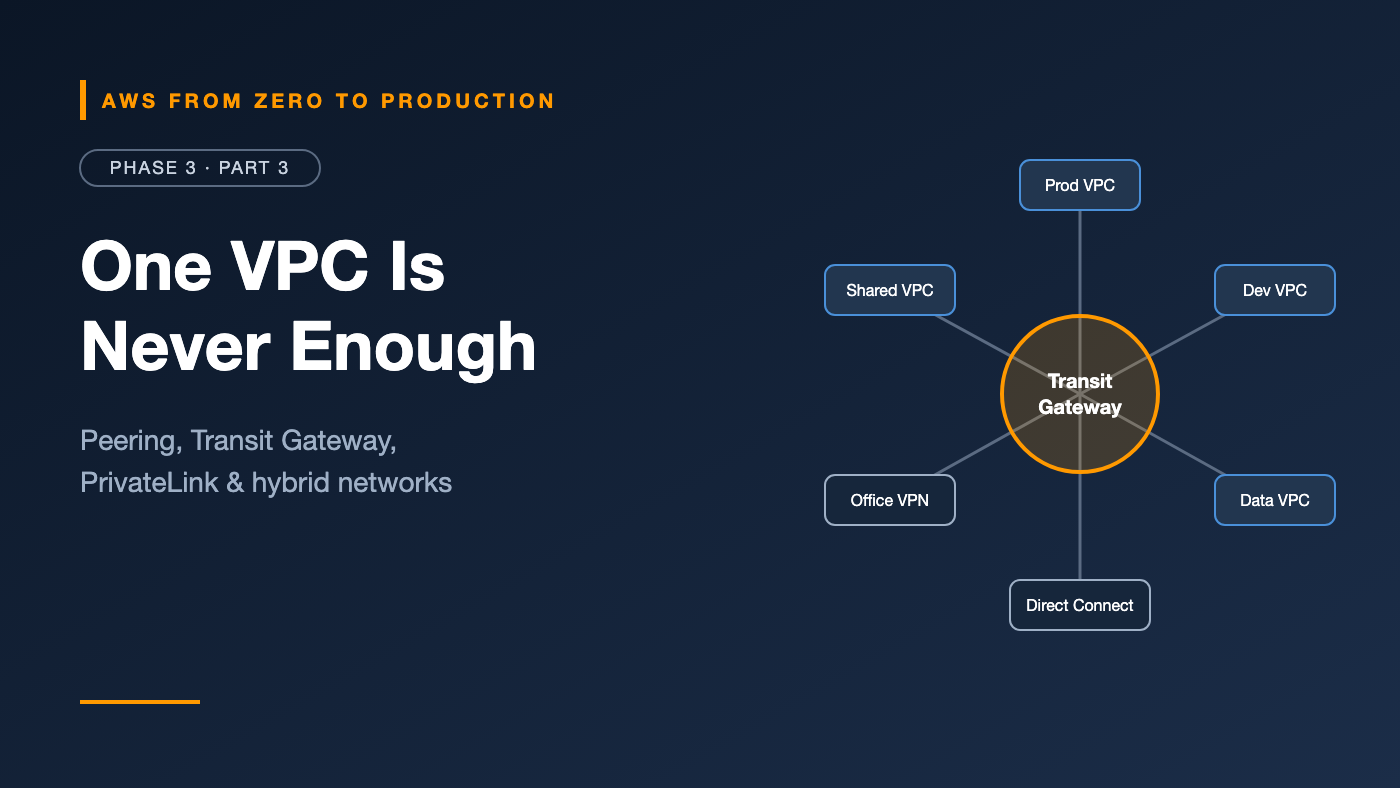
AWS from Zero to Production — Phase 3, Part 3 of 5 · See the full series roadmap
It starts with one VPC. Then there’s a second for staging. Then a shared-services VPC. Then the data team’s VPC. Then a VPC in another account that needs to call your API. Then the on-premises data center.
Six months later, someone draws the network on a whiteboard, and it looks like a plate of spaghetti.
Multi-VPC networking is where AWS architecture gets real. The good news: there’s a small set of tools, and each has a clear job. This article shows you which one to reach for, and why.
What you’ll walk away with
- 🔗 VPC peering, and why it doesn’t scale
- 🚉 AWS Transit Gateway as a network hub
- 🔒 VPC endpoints and AWS PrivateLink — reaching services without the internet
- 📜 VPC endpoint policies
- 🏢 Site-to-Site VPN, Client VPN, and Direct Connect
- 📖 Hybrid DNS with Route 53 Resolver
- 🧱 AWS Network Firewall, shared VPCs, and multi-VPC patterns
VPC peering: a private link between two VPCs
VPC peering connects two VPCs so resources can talk using private IP addresses.
- Works across accounts and across Regions.
- No overlapping CIDR blocks allowed.
- You must add routes in both VPCs’ route tables, and allow traffic in security groups.
- No hourly charge for the connection; data transfer is charged, depending on whether traffic crosses AZs or Regions.
The catch: peering isn’t transitive
If A peers with B, and B peers with C, A still can’t reach C through B. Every pair needs its own connection.
VPCs     Peering connections needed for a full mesh
3        3
5        10
10       45
20       190
Peering is perfect for a handful of VPCs. Past that, you need a hub.
AWS Transit Gateway: the network hub
AWS Transit Gateway is a regional router that connects many VPCs — and on-premises networks — through one central hub.
            +-----------+
 VPC A -----|           |----- VPC D
 VPC B -----|  Transit  |----- VPN to office
 VPC C -----|  Gateway  |----- Direct Connect
            +-----------+
- Each VPC or connection is an attachment.
- Transit Gateway route tables control which attachments can reach which. For example, prod and dev can both reach shared services, but not each other.
- Share it across accounts with AWS Resource Access Manager (RAM).
- Connect Transit Gateways in different Regions with peering attachments.
Cost note: Transit Gateway charges per attachment per hour and per GB processed. For two or three VPCs, peering is usually cheaper. Check current pricing.
VPC endpoints: reach AWS services without the internet
By default, when an app in a private subnet calls Amazon S3, the traffic goes through a NAT gateway to the service’s public endpoint. That costs money and needs an internet path.
VPC endpoints give private, direct access to AWS services.
Gateway endpoints
- Available for Amazon S3 and Amazon DynamoDB only.
- Work by adding a route to your route tables.
- No additional charge.
aws ec2 create-vpc-endpoint \
  --vpc-id vpc-0abc123 \
  --service-name com.amazonaws.us-east-1.s3 \
  --route-table-ids rtb-0private1 rtb-0private2
Quick win: If your private workloads use S3 or DynamoDB, add gateway endpoints. They’re free and keep that traffic off your NAT gateway.
Interface endpoints (powered by AWS PrivateLink)
- Available for most AWS services: Secrets Manager, ECR, CloudWatch Logs, STS, SQS, and many more.
- Create an elastic network interface with a private IP in your subnets.
- With private DNS enabled, the normal service hostname resolves to that private IP, so your code doesn’t change.
- Charged per hour per AZ plus per GB processed.
Engineer’s note: A fully private ECS service on Fargate typically needs interface endpoints for ECR (API and Docker), CloudWatch Logs, and Secrets Manager, plus an S3 gateway endpoint for image layers. You’ll see this in Phase 4.
VPC endpoint policies
An endpoint policy is a resource-based policy attached to the endpoint. It limits what can be accessed through it.
{
  "Statement": [
    {
      "Effect": "Allow",
      "Principal": "*",
      "Action": ["s3:GetObject", "s3:PutObject"],
      "Resource": "arn:aws:s3:::my-company-data/*"
    }
  ]
}
This endpoint only allows access to one company bucket — a strong control against data being copied to someone else’s bucket. IAM policies still apply too; both must allow the request.
AWS PrivateLink: expose your own service privately
PrivateLink isn’t only for AWS services. You can publish your own service to other VPCs and accounts:
- Put your service behind a Network Load Balancer.
- Create a VPC endpoint service that points to it.
- Consumers create interface endpoints to your endpoint service.
Why it’s powerful:
- Consumers reach one service, not your whole VPC.
- Overlapping CIDRs don’t matter.
- Traffic is one-directional: consumers call you; you can’t reach into their VPC.
This is how many SaaS vendors offer “private connectivity” to their customers.
Connecting to on-premises networks
AWS Site-to-Site VPN
An encrypted IPsec tunnel over the internet between your data center’s router and AWS.
- Each connection has two tunnels for redundancy.
- Terminates on a virtual private gateway or a Transit Gateway.
- Quick to set up; performance depends on the internet path.
AWS Client VPN
A managed OpenVPN-based service that lets individual users connect their laptops to your VPCs. Think “remote access for engineers,” not “site to site.”
AWS Direct Connect
A dedicated private network connection from your data center or colocation facility to AWS.
- Consistent latency and high bandwidth.
- Traffic doesn’t traverse the public internet.
- Takes longer to provision, and costs more.
- Often paired with a Site-to-Site VPN as a backup.
Which one?
- Users need access to private resources: Client VPN.
- An office needs connectivity quickly: Site-to-Site VPN.
- Steady, large, or latency-sensitive traffic: Direct Connect, with a VPN as backup.
Hybrid DNS with Route 53 Resolver
Once networks are connected, names must resolve both ways:
- AWS resources need to resolve
db.corp.internalon premises. - On-premises servers need to resolve private names in AWS.
Amazon Route 53 Resolver is the DNS server built into every VPC. For hybrid setups, add:
- Outbound endpoints with forwarding rules: queries for
corp.internalgo to your on-premises DNS servers. - Inbound endpoints: on-premises DNS servers forward AWS private zone queries to these IP addresses.
EC2 asks: db.corp.internal?
  -> Route 53 Resolver
  -> forwarding rule for corp.internal
  -> outbound endpoint
  -> on-premises DNS server
Share forwarding rules across accounts with AWS RAM, so every VPC resolves corporate names the same way.
AWS Network Firewall
Security groups and NACLs filter by IP, port, and protocol. Sometimes you need more:
- Block outbound traffic to all domains except an allow list.
- Inspect traffic with intrusion prevention rules.
- Centrally inspect traffic between VPCs.
AWS Network Firewall is a managed, stateful network firewall that does this. You place it in dedicated firewall subnets and route traffic through it. It supports domain filtering and Suricata-compatible rules.
Cost note: Network Firewall charges per endpoint hour and per GB processed. It’s a production control, not a lab default.
Multi-VPC architecture patterns
Hub and spoke
A Transit Gateway in a central network account connects workload VPCs (spokes) to a shared services VPC and to on-premises networks. Route tables keep environments apart.
Centralized egress
Instead of NAT gateways in every VPC, spokes route internet traffic through one egress VPC with NAT gateways and, optionally, Network Firewall. This cuts cost and centralizes inspection.
Shared VPCs
With VPC sharing, a central network account owns the VPC and shares subnets with other accounts through AWS RAM.
- Network teams manage the VPC, routes, and gateways.
- Application accounts launch resources into the shared subnets — but can’t change the network.
- Fewer VPCs, fewer Transit Gateway attachments, and fewer IP ranges to manage.
Common mistakes
- Overlapping CIDRs that block peering, VPNs, and Transit Gateway routing forever.
- Building a full mesh of peering connections that nobody can maintain.
- Sending S3 traffic through a NAT gateway when a free gateway endpoint exists.
- Interface endpoints in every VPC and every AZ without checking the cost.
- Wide-open endpoint policies when you could restrict to your own buckets.
- A single VPN or Direct Connect link with no backup.
Key takeaways
- Peering is simple but non-transitive; Transit Gateway is the hub for many VPCs.
- Gateway endpoints for S3 and DynamoDB are free; interface endpoints cover most other services.
- Endpoint policies restrict what can be reached through an endpoint.
- PrivateLink exposes one service privately, even with overlapping CIDRs.
- Site-to-Site VPN, Client VPN, and Direct Connect solve different hybrid problems.
- Route 53 Resolver endpoints and rules make hybrid DNS work.
Quick self-check
Test yourself before moving on:
- VPC A peers with B, and B peers with C. Can A reach C?
- Which AWS services support gateway endpoints?
- Two companies’ VPCs both use
10.0.0.0/16. How can one consume the other’s API privately? - Your on-premises servers can’t resolve names in a Route 53 private hosted zone. What do you need?
Answers
- No. Peering isn’t transitive.
- Amazon S3 and Amazon DynamoDB.
- AWS PrivateLink — an endpoint service behind a Network Load Balancer.
- A Route 53 Resolver inbound endpoint, with on-premises DNS forwarding to it.
What’s next
In Part 4, we move up to the edge: Route 53 hosted zones and routing policies, CloudFront caching, Origin Access Control, signed URLs, AWS WAF, and AWS Shield.
How many VPCs does your organization run? Peering, Transit Gateway, or shared VPCs? Tell me in the comments.