AWS from Zero to Production — Phase 2, Part 5 of 6 · See the full series roadmap
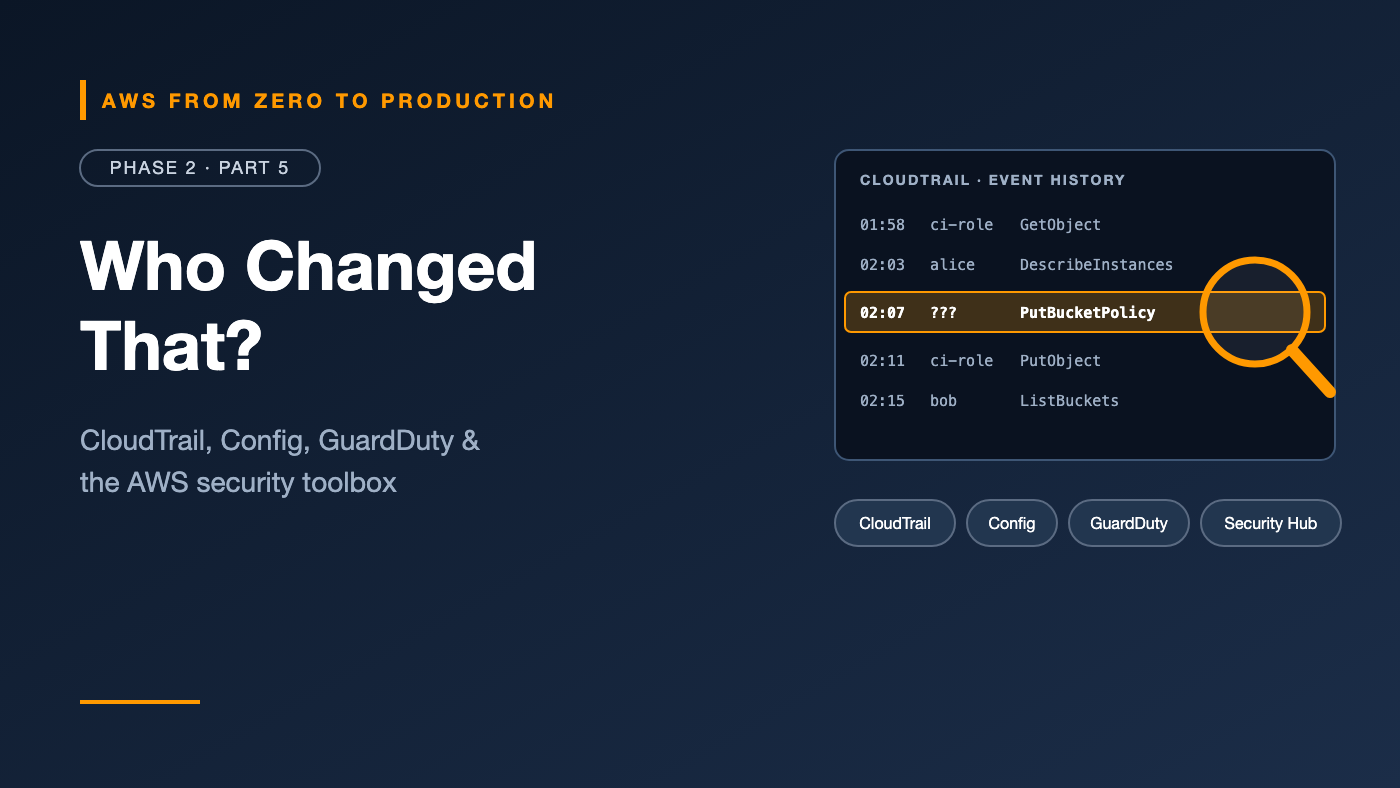
Monday morning. The S3 bucket that feeds your dashboards is suddenly public. Nobody on the team remembers changing it.
Who did it? When? From where? Was it a person, a script, or a compromised key? And are there other buckets like it?
On AWS, these questions have answers — if the right tools are turned on. Every API call can be recorded. Every configuration change can be tracked. Suspicious behavior can be flagged automatically.
This article is your map of the AWS governance and security toolbox: what each service does, when you need it, and how they fit together.
What you’ll walk away with
- 🕵️ How CloudTrail answers “who did what, and when”
- 📸 How AWS Config tracks every configuration change over time
- 🚨 GuardDuty, Inspector, and Macie — threats, vulnerabilities, and sensitive data
- 🧭 Security Hub CSPM as the single dashboard for your security posture
- 📑 AWS Artifact and compliance evidence
- 🏛️ How Organizations, SCPs, and tagging standards hold it all together
- 🏗️ The AWS Well-Architected Framework
- ✅ A cost-aware security baseline for your own accounts
The governance toolbox at a glance
Each tool answers a different question:
- AWS CloudTrail: Who did what, when, and from where?
- AWS Config: What does this resource look like now — and how has it changed?
- Amazon GuardDuty: Is anything behaving suspiciously?
- Amazon Inspector: Do my workloads have known vulnerabilities?
- Amazon Macie: Where is my sensitive data in S3?
- AWS Security Hub CSPM: How does my overall posture compare with best practices?
- AWS Artifact: Where are AWS’s own compliance reports?
- AWS Audit Manager: How do I collect evidence for an audit?
AWS CloudTrail: the flight recorder
CloudTrail records API activity in your account — console clicks, CLI commands, SDK calls, and actions AWS services take on your behalf.
Each event includes:
- Who: the identity, such as a role session or an IAM user
- What: the API action, such as
PutBucketPolicy - When: the timestamp
- Where from: the source IP address and user agent
- Which resource: the target, plus request parameters
Event history vs. trails
- Event history is on by default and free. It shows the last 90 days of management events in each Region, searchable in the console.
- Trails deliver events continuously to an S3 bucket (and optionally CloudWatch Logs) for long-term retention, analysis, and alerts. An organization trail captures every account in your AWS Organization.
Management events vs. data events
- Management events: control-plane operations, such as creating a bucket or changing an IAM policy. The first copy of management events in a trail is free.
- Data events: high-volume, resource-level operations, such as S3
GetObjector Lambda invocations. They’re not logged by default and are charged.
Finding the answer to “who changed that?”
aws cloudtrail lookup-events \
  --lookup-attributes AttributeKey=EventName,AttributeValue=PutBucketPolicy \
  --max-results 5 \
  --query "Events[].{Time:EventTime,User:Username,Event:EventName}" \
  --output table
Engineer’s note: Send organization trails to a bucket in a separate Log Archive account — the one from the Phase 1 account layout. Enable log file validation so you can prove logs haven’t been tampered with, and restrict who can delete them.
AWS Config: the configuration time machine
AWS Config records the configuration of your resources over time, plus how they relate to each other.
With Config, you can:
- See what a security group looked like last Tuesday.
- See every change to a bucket policy, and link each change to the CloudTrail event that caused it.
- Evaluate resources against rules, such as “S3 buckets must block public access” or “EBS volumes must be encrypted.”
- Bundle rules into conformance packs for frameworks and best practices.
- Trigger automatic remediation, for example re-enabling public access block on a bucket.
Config vs. CloudTrail
- CloudTrail tells you who called which API.
- Config tells you what the resource looked like before and after.
Use them together to answer both halves of “what happened?”
Cost note: Config charges per configuration item recorded and per rule evaluation. In busy accounts, recording every resource type continuously can get expensive. Start with the resource types and rules you actually need, and check current pricing.
Threat detection and vulnerability management
Amazon GuardDuty — threat detection
GuardDuty continuously analyzes signals such as CloudTrail events, VPC flow logs, and DNS logs to detect threats, for example:
- Credentials being used from an unusual location
- An EC2 instance communicating with a known malicious IP address
- Crypto-mining activity
- Unusual API calls that suggest reconnaissance
You don’t need to configure the underlying logs yourself — GuardDuty reads them directly. New accounts get a free trial; check current pricing for ongoing use.
Amazon Inspector — vulnerability scanning
Inspector automatically scans workloads for known software vulnerabilities and unintended network exposure:
- EC2 instances
- Container images in Amazon ECR
- Lambda functions
Findings include severity scores and remediation guidance. You’ll want this once you start building container images in Phase 4.
Amazon Macie — sensitive data discovery
Macie uses pattern matching and machine learning to find sensitive data in S3, such as personal information, financial data, and credentials. It also flags buckets that are public or shared outside your account.
Engineer’s note: Macie matters most for data platforms — like the data lake you’ll build in Phase 9. Knowing where personal data lives is the first step to protecting it.
AWS Security Hub CSPM: one view of your posture
AWS Security Hub Cloud Security Posture Management (CSPM) — long known simply as Security Hub — brings it together:
- Runs automated checks against standards such as AWS Foundational Security Best Practices, CIS AWS Foundations Benchmark, PCI DSS, and NIST.
- Aggregates findings from GuardDuty, Inspector, Macie, IAM Access Analyzer, and partner tools into one standard format.
- Calculates security scores and highlights the most important issues.
- Supports automation rules and EventBridge integration to route or remediate findings.
- Can aggregate findings across accounts and Regions in an organization.
Security Hub CSPM uses AWS Config rules for most of its checks, so AWS Config must be enabled and recording resources. New accounts get a 30-day free trial.
Compliance: Artifact and Audit Manager
AWS Artifact
Artifact is a self-service portal for AWS’s own compliance documentation: SOC reports, ISO certifications, PCI attestations, and agreements such as a Business Associate Addendum.
Remember the shared responsibility model: Artifact proves AWS’s side. You still need evidence for your side.
AWS Audit Manager
Audit Manager automated evidence collection — from CloudTrail, Config, and Security Hub CSPM — and mapped it to controls in frameworks such as SOC 2, PCI DSS, and HIPAA.
Availability note: At the time of writing, AWS Audit Manager is no longer open to new customers. Existing customers can continue to use it. If you’re starting fresh, build your evidence from CloudTrail, Config conformance packs, and Security Hub CSPM reports, and check the Audit Manager documentation for AWS’s current guidance.
What counts as compliance evidence?
Auditors typically want proof that controls exist and operate continuously, for example:
- CloudTrail logs showing who accessed production
- Config history showing encryption stayed enabled
- Security Hub CSPM reports showing control status over time
- IAM credential reports showing MFA on every human user
- Records of access reviews and approvals
The tools in this article generate most of that automatically — if you turn them on before the audit, not during it.
Organization-wide governance
In Phase 1, you learned how AWS Organizations and SCPs set guardrails. Here’s how they connect to security tooling:
- Delegated administrators: run GuardDuty, Security Hub CSPM, Config, and Macie from a dedicated Security account instead of the management account.
- Organization-wide enablement: turn on GuardDuty or Security Hub CSPM for every current and future account automatically.
- Protective SCPs: prevent member accounts from disabling CloudTrail, GuardDuty, or Config.
- Organization trails for CloudTrail, delivered to the Log Archive account.
Resource tagging standards
Governance depends on knowing what each resource is. Define a small, required set of tags, such as:
owner        = team-or-person
environment  = dev | staging | prod
project      = project-name
data-class   = public | internal | confidential
Enforce them with tag policies, Config rules, and Infrastructure as Code. The data-class tag is especially useful: it tells Macie findings, access reviews, and incident responders how sensitive a resource is.
The AWS Well-Architected Framework
The AWS Well-Architected Framework is AWS’s guide to building good systems, organized into six pillars:
- Operational excellence: running and improving systems
- Security: protecting data, systems, and assets
- Reliability: recovering from failures and meeting demand
- Performance efficiency: using resources efficiently
- Cost optimization: avoiding unnecessary cost
- Sustainability: minimizing environmental impact
The Well-Architected Tool in the console is free. It walks you through questions for each pillar and produces an improvement plan. We’ll use it in Phase 8 to review the platform we build.
A cost-aware security baseline
For a personal learning sandbox:
- CloudTrail event history — already on, free. Learn to search it.
- IAM Access Analyzer external access analyzer — no additional charge.
- GuardDuty — enable during the free trial to see what it reports, then decide.
- Budget alerts — already done in Phase 1.
For a team or production organization, add:
- An organization trail to a Log Archive account, with log file validation
- GuardDuty across all accounts and Regions
- AWS Config with the rules you need, plus Security Hub CSPM with the Foundational Security Best Practices standard
- Inspector once you run EC2, containers, or Lambda
- Macie for buckets that hold sensitive data
- SCPs that protect all of the above from being disabled
Cost note: Security services are usually billed by volume — events analyzed, resources recorded, or data scanned. Use free trials to see the real cost for your accounts before committing, and check current pricing.
Common mistakes
- Relying on 90-day event history instead of creating a trail for long-term retention.
- Storing CloudTrail logs in the same account that’s being audited, where an attacker could delete them.
- Enabling Security Hub CSPM without Config, then wondering why most controls show no data.
- Turning on everything everywhere without checking cost.
- Ignoring findings — a dashboard nobody reads isn’t security.
- Starting compliance work the week before the audit.
Key takeaways
- CloudTrail records who did what; AWS Config records what resources looked like over time.
- GuardDuty detects threats, Inspector finds vulnerabilities, and Macie finds sensitive data.
- Security Hub CSPM aggregates findings and checks your posture against standards.
- Artifact provides AWS’s compliance reports; Audit Manager is closed to new customers.
- Run security tooling organization-wide from a dedicated Security account, protected by SCPs.
Quick self-check
Test yourself before moving on:
- How long does CloudTrail event history keep management events?
- You need to know what a security group’s rules were last week. CloudTrail or Config?
- Which service would flag an EC2 instance talking to a known malicious IP address?
- What must be enabled for Security Hub CSPM to evaluate most of its controls?
Answers
- 90 days.
- AWS Config. CloudTrail tells you who changed it; Config shows the configuration itself over time.
- Amazon GuardDuty.
- AWS Config, recording the relevant resources.
What’s next
In Part 6, we put Phase 2 into practice: configure GitHub as an OIDC provider, create a deployment role locked to one repository and environment, and deploy to AWS without storing a single access key.
Which security tool has saved you from a real incident? Tell the story in the comments.