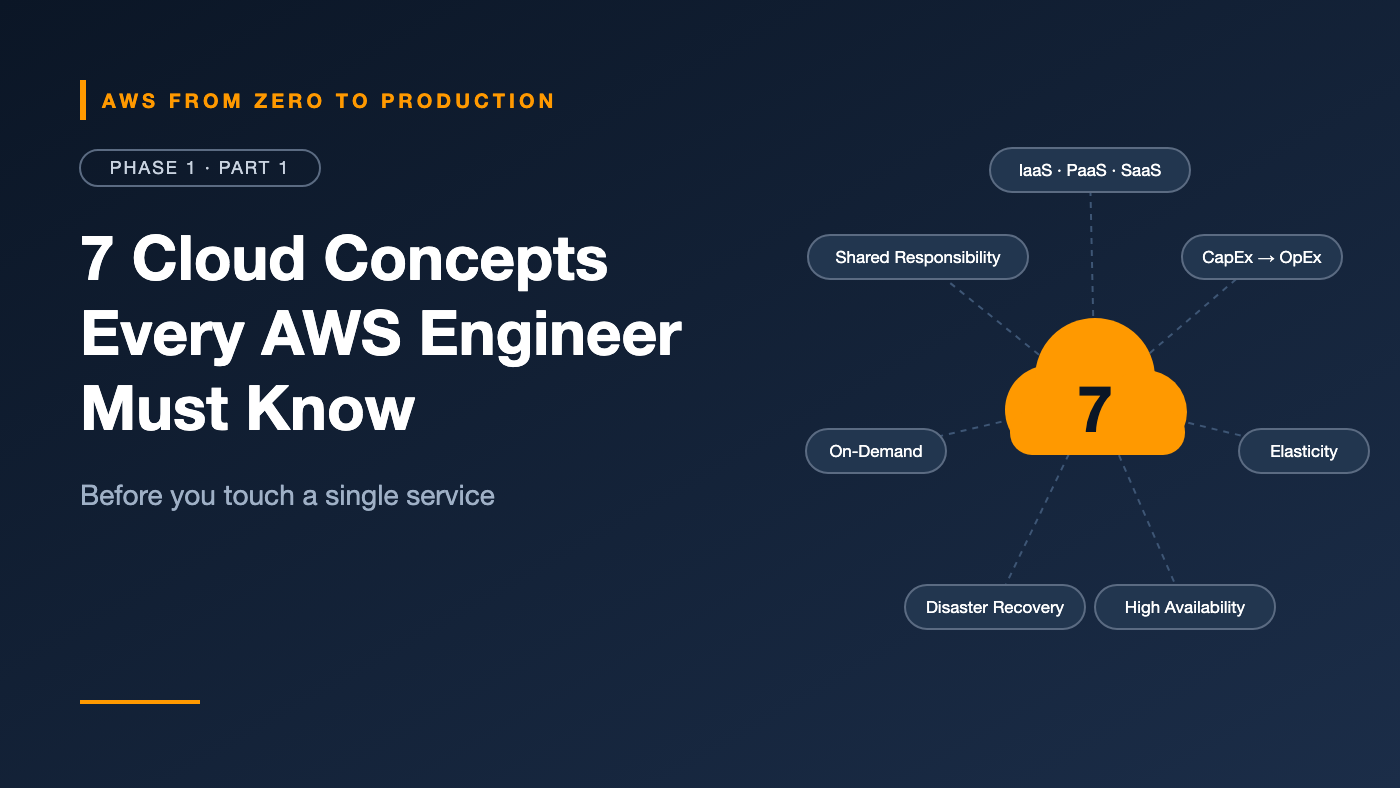
AWS from Zero to Production — Phase 1, Part 1 of 5 · See the full series roadmap
Picture your first architecture review.
Someone asks, “Is this highly available or fault tolerant?” Another person says, “What’s our RPO?” A third reminds everyone that “security of the database is on us, not AWS.”
If those sentences sound like a foreign language, you’re not alone. Most people jump straight into launching servers and clicking through the console — and then spend months confused about why things are designed the way they are.
Here’s the secret: AWS has hundreds of services, but they’re all built on a handful of ideas. Learn those ideas once, and every new service becomes easier to understand.
No AWS account needed — about a 10-minute read.
What you’ll walk away with
- 💡 What the cloud really is — in one sentence you can use in interviews
- ⚖️ When the cloud wins over your own data center — and when it doesn’t
- 🧱 IaaS vs. PaaS vs. SaaS, with a simple way to tell them apart
- 📈 The difference between scalable and elastic (most people get this wrong)
- 🛡️ High availability, fault tolerance, and disaster recovery — without the jargon
- 🤝 The shared responsibility model: what AWS protects, and what’s on you
- 💰 CapEx vs. OpEx, and why your finance team suddenly cares about your code
What is cloud computing?
Cloud computing is on-demand access to computing resources — servers, storage, databases, networking, and higher-level services — over the internet, with pay-as-you-go pricing.
The key ideas are:
- On demand: you request a resource and get it in seconds or minutes, without a purchase order.
- Self-service: you provision through a console, CLI, or API rather than by filing a ticket.
- Pay for what you use: billing is metered, often by the second, hour, request, or gigabyte.
- Someone else runs the data center: the provider owns the buildings, power, cooling, hardware, and physical security.
A useful mental model: the cloud turns infrastructure into software you can call. Creating a server becomes an API request. That single shift is what makes automation, Infrastructure as Code, and CI/CD possible later in this series.
On-premises vs. cloud
On-premises means you run your own hardware, in your own data center or a rented colocation facility.
- Getting capacity — On-premises: procure, ship, rack, and cable hardware over weeks or months. Cloud: an API call that takes seconds to minutes.
- Paying — On-premises: a large upfront purchase. Cloud: ongoing metered charges.
- Capacity planning — On-premises: guess peak demand years ahead. Cloud: adjust as demand changes.
- Idle capacity — On-premises: you paid for it anyway. Cloud: you can turn it off.
- Physical operations — On-premises: your team. Cloud: the provider.
- Global reach — On-premises: build or rent another site. Cloud: choose another Region.
- Control — On-premises: full control over hardware. Cloud: control through the provider’s services and limits.
When on-premises still makes sense
The cloud is not automatically better for everything. Organizations keep workloads on-premises because of:
- Strict regulatory or data-sovereignty rules
- Very steady, predictable workloads where owned hardware is cheaper over time
- Ultra-low latency to local equipment, such as factory machines
- Existing hardware investments that haven’t been depreciated yet
Engineer’s note: The cloud makes the cost of experimentation very low. That is often its biggest advantage — not raw price per server, but how cheaply you can try something, measure it, and throw it away.
Cloud deployment models
Public cloud
Infrastructure owned by a provider such as AWS and shared by many customers, with strong logical isolation between them. You get massive scale and a broad service catalog.
Private cloud
Cloud-style infrastructure — self-service, automation, virtualization — dedicated to one organization, usually in its own data center.
Hybrid cloud
A combination of on-premises or private infrastructure with a public cloud, connected through private networking or VPN. Common patterns:
- Keep a core database on-premises while running analytics in the cloud
- Burst to the cloud during peak demand
- Migrate gradually, one application at a time
Engineer’s note: Hybrid is often a phase, not a destination. Many organizations are hybrid because migration takes years. Networking, identity, and latency between the two environments become the hard problems.
Service models: IaaS, PaaS, and SaaS
The service models describe how much of the stack you manage versus how much the provider manages.
                 On-prem   IaaS     PaaS     SaaS
Application      You       You      You      Provider
Data             You       You      You      You*
Runtime          You       You      Provider Provider
Operating system You       You      Provider Provider
Virtualization   You       Provider Provider Provider
Servers/storage  You       Provider Provider Provider
Networking       You       Provider Provider Provider
Data center      You       Provider Provider Provider

* You still own your data and who can access it.
Infrastructure as a Service (IaaS)
You rent the building blocks: virtual machines, disks, and networks. You manage the operating system, patching, runtime, and application.
AWS example: Amazon EC2 virtual machines with Amazon EBS disks inside an Amazon VPC.
Choose it when: you need full control over the OS, custom software, or you’re “lifting and shifting” existing servers.
Platform as a Service (PaaS)
You bring code or containers; the platform handles servers, OS patching, and much of the scaling.
AWS examples: AWS Elastic Beanstalk, AWS Lambda, and Amazon ECS on AWS Fargate behave like PaaS from the application team’s perspective. Managed databases such as Amazon RDS follow the same idea for databases.
Choose it when: you want to focus on application code and accept the platform’s constraints.
Software as a Service (SaaS)
You use a complete application. You configure it and manage users and data, but you don’t run anything.
Examples: email, CRM, and collaboration tools.
Engineer’s note: Real AWS services rarely fit neatly in one box. Think of it as a spectrum: the further right you go, the less operational work you do and the less low-level control you have. A recurring design question in this series will be: how far right can we go and still meet our requirements?
The core cloud qualities
These five terms are often used loosely. Here is the precise meaning.
Scalability
The ability of a system to handle increased load by adding resources.
- Vertical scaling (scale up): a bigger machine — more CPU or memory. Simple, but has a ceiling and often needs a restart.
- Horizontal scaling (scale out): more machines behind a load balancer. Harder to design for, but nearly unlimited.
Elasticity
Scalability that happens automatically, in both directions. An elastic system adds capacity during a traffic spike and removes it afterward, so you stop paying for it.
Scalability is the capability; elasticity is the automation.
High availability (HA)
The system remains accessible despite component failures, typically by running redundant copies in separate failure domains. HA is usually expressed as a percentage of uptime:
Availability   Approx. downtime per year
99%            ~3.65 days
99.9%          ~8.8 hours
99.99%         ~53 minutes
99.999%        ~5 minutes
Each extra “nine” typically costs significantly more in redundancy and engineering effort.
Fault tolerance
The system continues operating without interruption or data loss when a component fails. Fault tolerance is stricter than HA: an HA system might have a brief failover blip; a fault-tolerant system shouldn’t.
Disaster recovery (DR)
How you restore service after a major event — a Regional outage, data corruption, or a deleted database. Two numbers define a DR strategy:
- RTO (Recovery Time Objective): the maximum acceptable time to restore service.
- RPO (Recovery Point Objective): the maximum acceptable data loss, measured in time.
An RPO of 15 minutes means you can lose at most 15 minutes of data. Lower RTO and RPO cost more. We’ll return to DR strategies in Phase 10.
Engineer’s note: HA protects against component failure. DR protects against catastrophic failure. Backups protect against human failure — including someone running
DELETEwithout aWHEREclause. You need all three.
The shared responsibility model
Security in the cloud is split between you and the provider.
- AWS is responsible for security of the cloud: physical data centers, hardware, the global network, and the virtualization layer and software that run AWS services.
- You are responsible for security in the cloud: identities and permissions, network configuration, encryption choices, operating systems you manage, application code, and your data.
The split shifts depending on the service:
- Amazon EC2 — AWS manages the hardware, hypervisor, and physical network. You manage guest OS patching, firewall rules, applications, data, and IAM.
- Amazon RDS — AWS manages the hardware, OS, and database engine patching on a schedule you control. You manage network access, database users, encryption settings, backup policy, and data.
- AWS Lambda — AWS manages the servers, OS, and runtime patching. You manage function code, permissions, and configuration.
- Amazon S3 — AWS manages the storage infrastructure and durability. You manage bucket policies, public access settings, encryption choices, and data.
The most common cloud security incidents — public storage buckets, leaked keys, overly broad permissions — sit firmly on the customer side.
CapEx vs. OpEx
- Capital expenditure (CapEx): large upfront purchases of long-lived assets, such as servers, depreciated over several years.
- Operational expenditure (OpEx): ongoing costs for services consumed, paid as you go.
The cloud moves infrastructure spending from CapEx to OpEx. That has real consequences:
- Lower barrier to start: no upfront hardware purchase.
- Variable cost: the bill follows usage — which is great when usage drops, and painful when someone forgets to turn something off.
- New discipline needed: cost becomes an engineering metric. In the cloud, architecture decisions are also financial decisions.
Common misconceptions
- “The cloud is always cheaper.” It is cheaper to start and to experiment. Poorly managed cloud usage can be more expensive than on-premises.
- “The provider handles security.” The provider secures the infrastructure. Misconfiguration is your responsibility.
- “Cloud means automatically highly available.” A single server in one data center can fail just like on-premises. You design for HA.
- “Elastic means unlimited.” Accounts have service quotas, and scaling still needs to be designed and tested.
Key takeaways
- Cloud computing is on-demand, self-service, metered infrastructure delivered through APIs.
- IaaS, PaaS, and SaaS describe how much of the stack you manage; most real choices sit on a spectrum.
- Scalability is the capability to grow; elasticity is growing and shrinking automatically.
- HA keeps systems up through component failures; DR restores them after disasters, defined by RTO and RPO.
- Under the shared responsibility model, configuration, identity, and data security are always yours.
Quick self-check
Test yourself before moving on:
- Your app automatically adds servers during a sale and removes them afterward. Is that scalability or elasticity?
- You run a database on Amazon EC2. Who patches the operating system — you or AWS?
- Your team can lose at most 5 minutes of data after an outage. Is that your RTO or your RPO?
- Name one good reason an organization might keep a workload on-premises.
Answers
- Elasticity — scaling that happens automatically, in both directions.
- You. On EC2, the guest operating system is your responsibility. On Amazon RDS, AWS would patch it.
- RPO — the maximum acceptable data loss, measured in time.
- Any of: strict data-sovereignty rules, a steady workload that’s cheaper on owned hardware, ultra-low latency to local equipment, or hardware that hasn’t been depreciated yet.
What’s next
In Part 2, we map these concepts onto AWS’s physical footprint: Regions, Availability Zones, and edge locations — and how to choose where your workloads should run.
Which of these terms did you find most confusing when you started? Let me know in the comments.