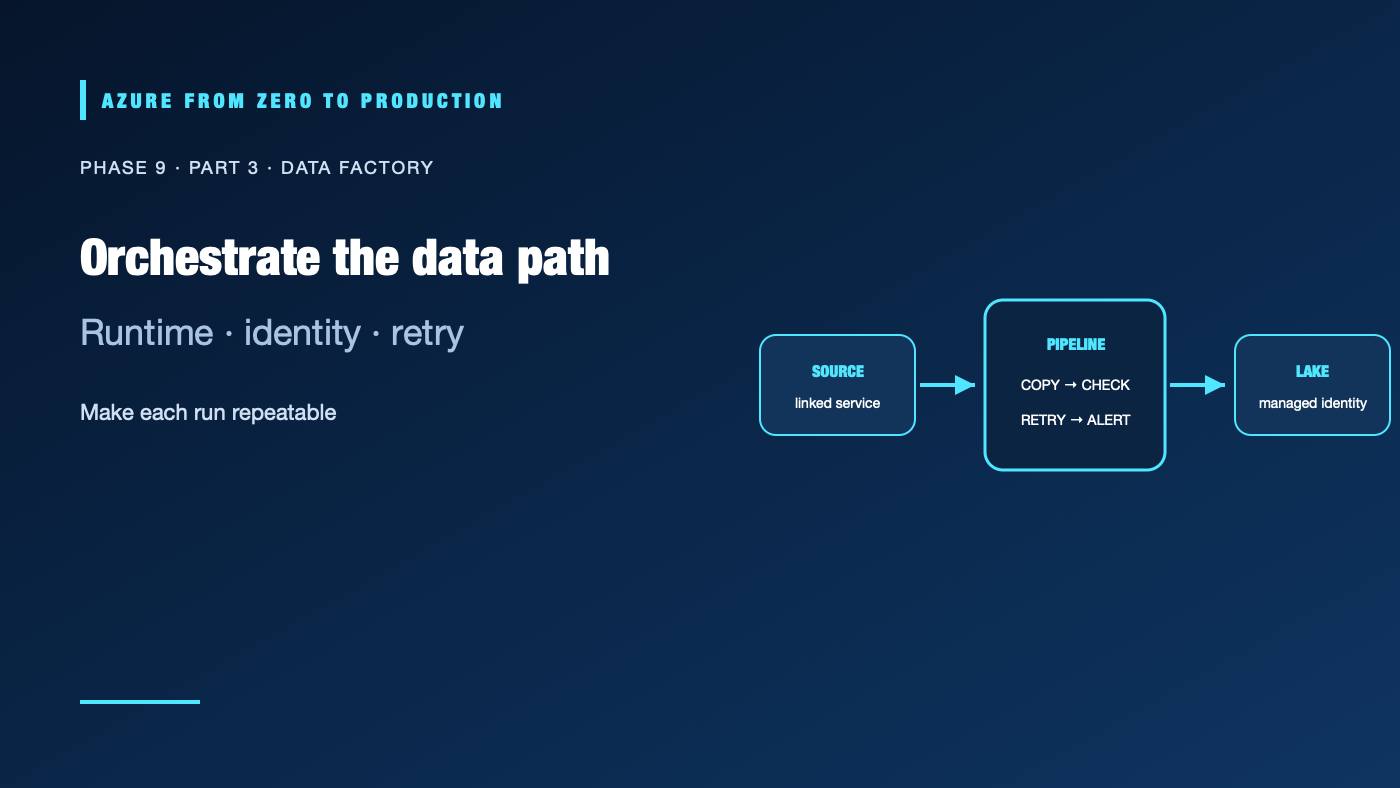
Azure Data Factory (ADF) can orchestrate data movement and transformation across cloud and hybrid sources. A pipeline that starts successfully is not necessarily reliable: its identity might be too broad, a private source might be unreachable from the chosen runtime, or a retry might duplicate output. Understand the components and the execution path before wiring up a schedule.
What you’ll learn
- Distinguish ADF pipelines, activities, datasets, linked services, and triggers.
- Choose an integration runtime for public cloud, private network, or self-hosted connectivity.
- Configure parameters and managed identity without embedding credentials.
- Select copy versus transformation patterns and design safe retries.
- Distinguish Azure Data Factory from Data Factory in Microsoft Fabric.
Prerequisites
- Basic Azure Storage, identity, network, and ETL/ELT concepts.
- An Azure subscription is optional for the conceptual exercise; a real pipeline can incur orchestration and data movement charges.
- Private data sources may require network and integration-runtime administration.
Understand the pipeline objects
- A pipeline groups activities into an orchestrated workflow.
- An activity performs a step: copy, data flow, notebook execution, stored procedure, or control flow.
- A linked service describes a connection and authentication method to a data store or compute service.
- A dataset describes the data shape or location an activity reads or writes.
- A trigger starts a pipeline on a schedule, event, or manual request.
- Parameters provide values at run time, such as a source path or date window; use them instead of cloning pipelines for each table.
Keep credentials out of pipeline JSON, parameters, logs, and source control. Prefer the Data Factory managed identity or a supported credential store such as Azure Key Vault, and grant only the target data-plane permissions required. ADF control-plane permissions and storage data access are separate.
Select the integration runtime
The Azure integration runtime handles supported cloud data movement and dispatches supported activities. A self-hosted integration runtime (SHIR) runs on a host you manage and can reach private or on-premises data sources. A network-isolated managed runtime can provide managed network access in supported configurations. Exact capabilities depend on the activity, connector, region, and source.
Before deploying, map the data path: source, runtime, target, DNS, firewall, private endpoint, identity, and outbound route. A private endpoint is not sufficient if the runtime cannot resolve or route to it. Treat SHIR hosts as production infrastructure: patch them, restrict administrator access, monitor availability, and avoid using a general-purpose shared server.
Choose copy or transform
Use Copy activity for supported source-to-sink movement and straightforward format conversion. Use mapping data flows, a notebook, SQL engine, or another compute service when transformation needs more control or scale. Transformation choices change where data is processed, how it is charged, how it is secured, and what skills operate it.
For each pipeline, define:
- A stable source boundary and incremental watermark or partition.
- A destination naming and schema convention.
- A success condition based on data, not only activity status.
- Retry and timeout settings matched to the source’s throttling behavior.
- A duplicate-safe write strategy and a quarantine path for invalid data.
- A run identifier and source/output counts for reconciliation.
ADF can retry transient failures, but it cannot make a non-idempotent destination operation safe by itself. A timeout after a successful write can lead to a retry. Use staging and atomic promotion, deterministic partition replacement, deduplication keys, or another approach that makes a repeated run predictable.
Operate and monitor runs
Publish changes through the team’s source-control and deployment process. Use debug runs against representative, non-production data; then monitor pipeline runs, activity details, integration-runtime health, queue time, throughput, retries, and output counts. Alert on missed freshness targets and repeated failure patterns. Redact sensitive values from diagnostic output.
Keep schedules in UTC unless the business requirement is explicitly tied to a local calendar. Define how daylight-saving changes, late-arriving data, and upstream delays affect the run. A “daily” schedule without a late-data policy is not a complete ingestion contract.
Azure Data Factory and Fabric Data Factory
Azure Data Factory is an Azure service with its own resource, billing, identity, runtime, and integration model. Data Factory in Microsoft Fabric is part of the Fabric SaaS analytics experience and uses Fabric workspaces, capacities, and governance. Similar names and pipeline concepts do not mean identical connectors, network paths, deployment boundaries, feature sets, or pricing. Choose based on where the data and compute live, required connectivity, existing governance, and operational ownership.
✅ Checkpoint: For one pipeline, draw the source-to-sink path and mark the activity, linked service, runtime, identity, private route, watermark, duplicate-handling strategy, and freshness alert.
Next: Query lake files with Synapse serverless SQL.
Series navigation: Previous: ADLS Gen2 · Current: Phase 9, Part 3 · Next: Synapse serverless SQL