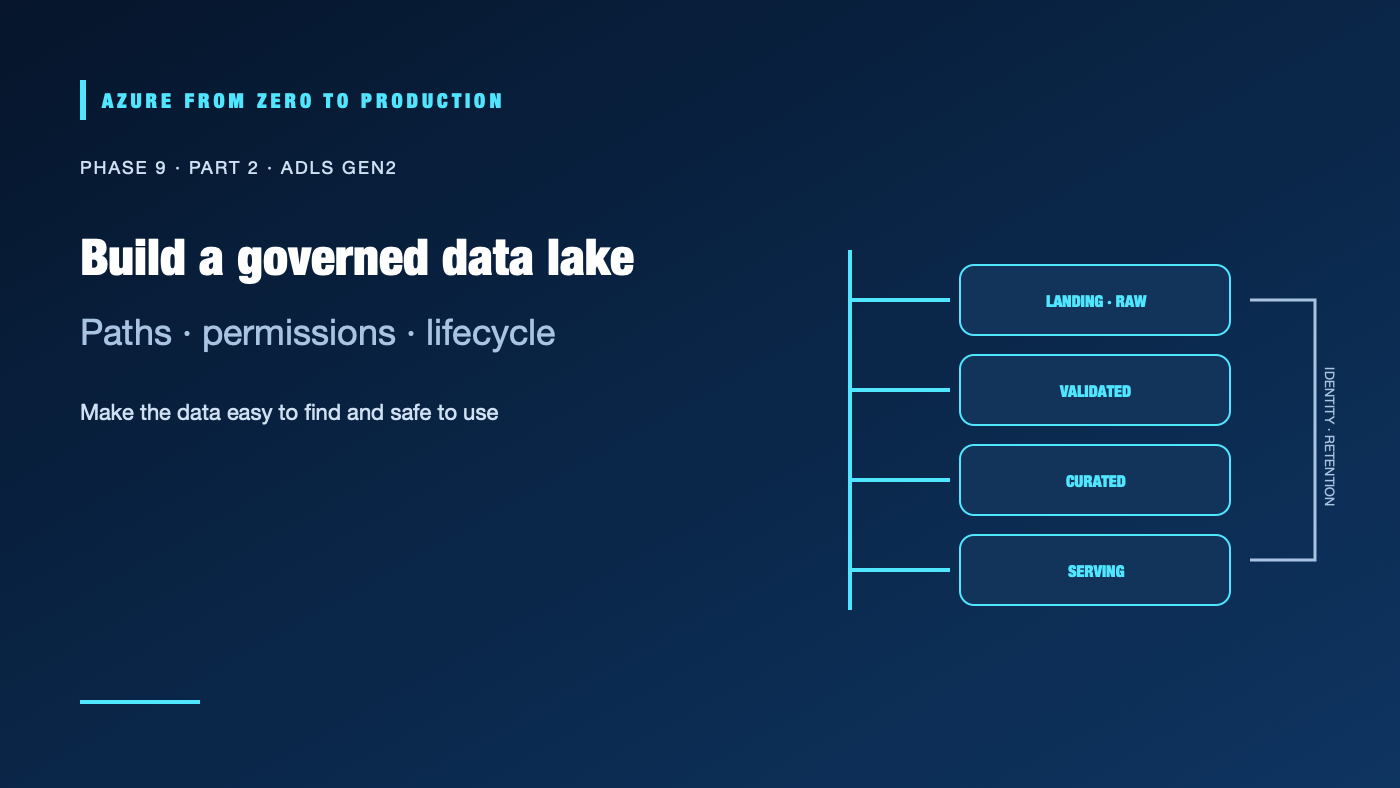
ADLS Gen2 is Azure Blob Storage configured with a hierarchical namespace for analytics workloads. It supports directory-oriented operations and access control lists (ACLs) while retaining Blob Storage capabilities. Enabling a storage account does not create a useful lake by itself: unclear ownership, overly broad access, tiny files, and undocumented paths can make a lake hard to govern and expensive to query.
What you’ll learn
- Explain containers, directories, and the hierarchical namespace.
- Distinguish Azure role-based access control (RBAC) from filesystem ACLs.
- Organize raw, validated, and serving data without confusing names for controls.
- Choose Parquet, partition keys, and lifecycle rules based on query behavior.
- Account for private connectivity, transactions, scan volume, and operational ownership.
Prerequisites
- Basic Azure Storage, Entra ID, and data lake concepts.
- No subscription is required for the design exercise.
- Storage capacity, read/write transactions, replication, data retrieval, and network transfer can incur costs.
Hierarchical namespace changes the storage experience
An ADLS Gen2 account is a general-purpose v2 storage account with hierarchical namespace (HNS) enabled. HNS makes directories first-class for analytics operations and enables filesystem ACLs. Data is still stored in the Blob service; APIs, permissions, tooling, and feature compatibility should be checked for the services you plan to use.
Containers provide a top-level boundary. Directories and files organize data within a container. Agree on stable path conventions such as:
landing/<source>/<entity>/ingest_date=YYYY-MM-DD/
raw/<source>/<entity>/...
curated/<domain>/<dataset>/...
serving/<consumer>/<dataset>/...
Treat paths as an interface. Include source, dataset, event or ingestion date, and schema version where those details help consumers. Do not encode secrets, personal identifiers, or a changing business rule into a path that consumers assume is stable.
Choose RBAC and ACLs deliberately
Azure RBAC data roles grant permissions at an account, container, or other supported scope. ACLs provide directory/file-level permissions for identities that need filesystem-style access. RBAC is evaluated before ACLs: a broad data role can grant access regardless of a more restrictive ACL. Use RBAC for broad administrative or container-level access; use ACLs when a workload needs narrower path-level access without a broader data role.
For ACL-based access, verify execute (x) permission on each parent directory, the target file/directory permissions, and default ACLs for new children. Existing data and future-created paths may need different updates. Test as the actual workload identity, not only as a storage administrator whose privileges bypass the intended boundary.
Prefer managed identities and scoped role assignments over account keys or shared secrets. Keep control-plane permissions separate from data-plane permissions. A person who can manage storage configuration does not automatically need to read every data object, and an analytics identity does not need permission to change the account firewall.
Keep zones and formats useful
Separate source-aligned landing/raw data from validated and serving datasets. Document whether raw files are immutable, how corrections are captured, who owns each dataset, and when old partitions are removed. A “curated” directory is not evidence that quality tests passed; record schema, run ID, counts, and validation status.
For analytical scans, columnar formats such as Parquet can reduce bytes read when consumers select a subset of columns. Choose compression and row-group sizing to match the engines and access patterns. Avoid huge numbers of tiny files: metadata and scheduling overhead can dominate the useful work.
Partition by fields commonly used to filter, often a date or bounded tenant/domain value. High-cardinality partition keys can create many small directories and files. Partitioning too coarsely forces large scans; too finely increases metadata and transaction overhead. Test representative queries before committing a layout.
Protect the network and contain operating cost
Use private endpoints and storage firewalls when the workload’s network design requires private data paths. Private connectivity does not replace identity authorization; test DNS, routing, endpoint approval, and data-plane permissions independently. Document the approved producer and consumer paths.
Estimate capacity, read/write/list transactions, replication, lifecycle transitions, data retrieval, and egress. Serverless query engines may charge by data scanned, so partition pruning and column selection matter. Lifecycle policies should reflect recovery, legal retention, and reprocessing needs; deleting raw data too early can make a bad transformation unrecoverable.
✅ Checkpoint: For one container, identify its owner, producer, consumer identity, RBAC scope or ACL path, partition convention, retention rule, network path, and restore/reprocessing requirement.
Next: Azure Data Factory pipelines.
Series navigation: Previous: Data engineering fundamentals · Current: Phase 9, Part 2 · Next: Azure Data Factory