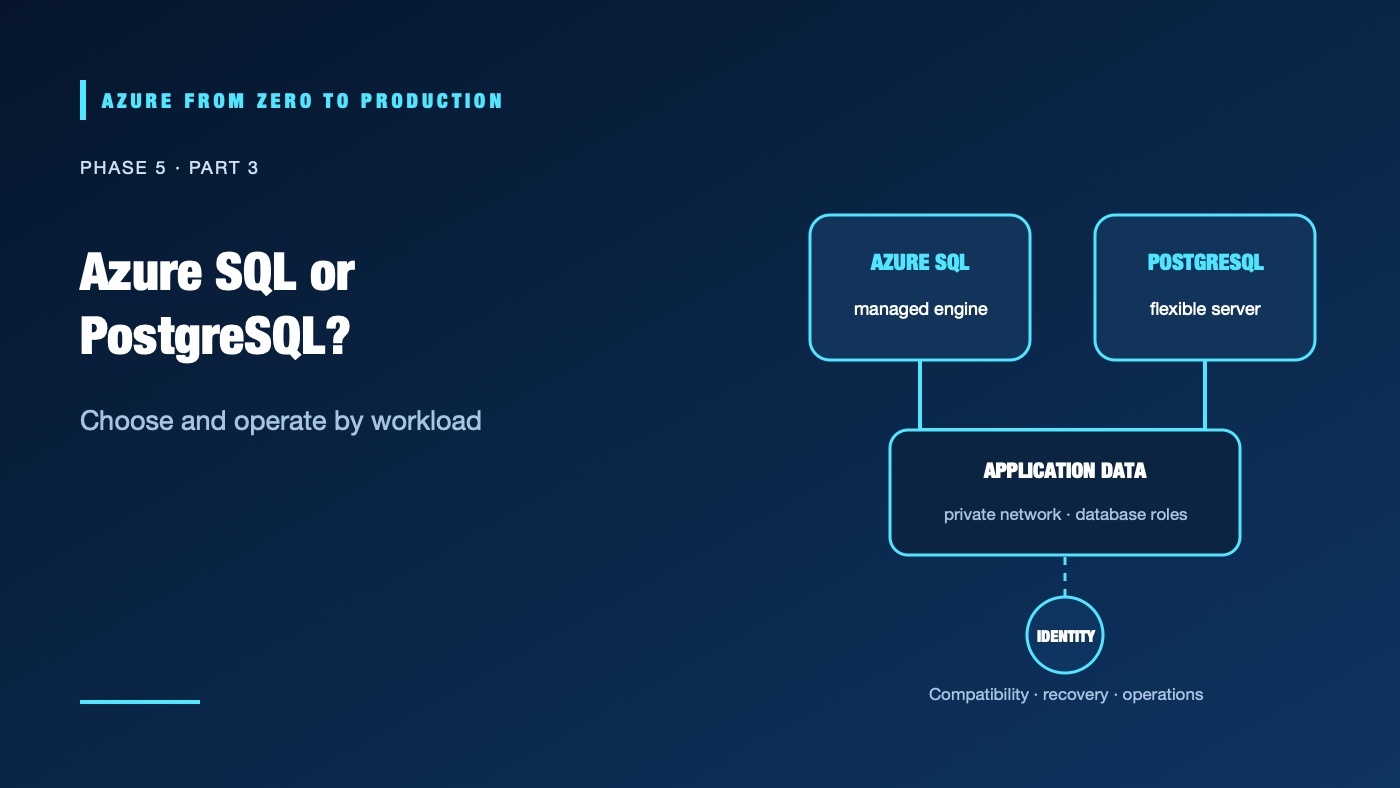
A team moves a line-of-business database to the cloud and discovers that “managed” does not mean “the provider understands our schema, access model, or recovery objective.” The first decision—Azure SQL or Azure Database for PostgreSQL—shapes compatibility, operations, identity, and cost.
What you’ll learn
- Distinguish Azure SQL Database, SQL Managed Instance, SQL Server on Azure VMs, and PostgreSQL Flexible Server.
- Match service choice to compatibility and operational requirements.
- Separate Azure RBAC permissions from database roles.
- Explain private networking and Microsoft Entra authentication for PostgreSQL.
- Inventory existing managed database servers with read-only Azure CLI commands.
Where this fits
Module 21, Phase 5, Part 3. Continue from Disks, Files, and Backups; next: Cosmos DB and Caching.
Prerequisites
- Familiarity with relational tables, queries, and transactions.
- Azure CLI 2.91.0+ and Reader access for the inventory exercise.
- No resources are created; cost is none.
Start with the workload, not the SKU
- Azure SQL Database is a managed database service for application databases that benefit from SQL Server compatibility without managing an instance operating system.
- Azure SQL Managed Instance provides broader SQL Server instance-level compatibility for workloads that need more instance features, while Microsoft operates the underlying platform.
- SQL Server on Azure Virtual Machines offers the most OS and instance control; the team remains responsible for more patching, availability, backup, and configuration work.
- Azure Database for PostgreSQL Flexible Server is a managed PostgreSQL service for applications that need PostgreSQL behavior, extensions, and ecosystem compatibility.
These are not interchangeable. Inventory extensions, SQL dialect, drivers, stored procedures, linked-server behavior, collation, latency, throughput, backup retention, and high-availability requirements. Run a compatibility assessment and representative performance tests before migration.
Managed service does not remove database operations
The cloud provider operates much of the host and service platform. Your team still owns schema changes, query quality, connection pooling, authorization, data classification, application retries, maintenance planning, and restore validation. High availability is not a substitute for backup, and a backup is not a substitute for tested failover.
Identity crosses two authorization planes
Azure RBAC governs management operations such as creating or changing a server. Database roles authorize SQL operations and data access. A user with Azure Contributor does not automatically receive SELECT access to application tables.
PostgreSQL Flexible Server supports Microsoft Entra authentication, including managed identities. A Microsoft Entra administrator enables identity provisioning, but applications still need database principals and least-privilege database roles. Password authentication may be disabled only after administrators and applications have verified identity-based connections and recovery access.
Private connectivity requires DNS too
PostgreSQL private access (VNet integration) places the service in a delegated subnet and does not expose a public endpoint. The application still needs a route to that VNet and a working private DNS resolution path. Peered networks must be configured for DNS as well as network reachability. Public access with firewall rules and private endpoint is a different networking choice; do not combine the models by assumption.
Hands-on: inspect current database servers
RESOURCE_GROUP="<EXISTING_RESOURCE_GROUP>"

az postgres flexible-server list --resource-group "$RESOURCE_GROUP" \
  --query "[].{name:name, location:location, version:version, state:state}" \
  --output table

az sql server list --resource-group "$RESOURCE_GROUP" \
  --query "[].{name:name, location:location, state:state}" \
  --output table
These commands list management-plane resources only. They neither enumerate databases nor test database authentication.
✅ Checkpoint: Record service type, engine version, network model, HA configuration, backup retention, and the identity that can connect. Do not copy sensitive endpoint details into a public report.
Security, cost, and production choices
Use managed identity or Microsoft Entra authentication where supported; avoid embedding database passwords in application settings. Restrict network paths and use TLS. Give application identities database roles that match actual queries rather than administrator rights. Store schema changes in reviewed migrations and test them against representative data.
Costs can include compute, storage, backup retention, high availability, replicas, networking, licenses, and data transfer. The cheapest compute tier may not meet the latency or availability requirement. Compare total operating cost and verify current regional pricing, service limits, and feature compatibility.
Troubleshooting
- Azure portal access works but SQL login fails: Azure RBAC does not grant database permissions; create and grant the relevant database principal.
- Connection times out: Check subnet/VNet route, firewall, private DNS resolution, NSGs, and client egress.
- Host resolves publicly when private access was expected: Verify the private DNS zone, VNet link, and resolver path; do not bypass TLS or pin an IP.
- Entra authentication fails for a managed identity: Confirm Entra auth is enabled, identity principal exists in the database, token audience is correct, and role grants are present.
- Migration passes schema checks but performs poorly: Test real query plans, indexes, connection counts, data size, and peak workload.
- Failover disrupts clients: Use resilient connection handling, retry transient errors safely, and validate DNS/client behavior during a controlled test.
- Restore point is unusable: Verify retention and restore permissions, then rehearse point-in-time restore and application checks.
Five-pillar readiness checklist
- Reliability: Set RPO/RTO, enable suitable HA, and test restore and failover.
- Security: Separate Azure control-plane access from database roles; use identity and TLS.
- Cost Optimization: Compare compute, storage, HA, backup, and transfer costs against workload demand.
- Operational Excellence: Automate schema migration, patch review, alerts, and recovery drills.
- Performance Efficiency: Measure representative query latency, concurrency, indexes, and connection pooling.
Cleanup
No Azure resources were created. No cleanup is needed.
Key takeaways
- Match database compatibility and operations to the workload.
- Azure SQL and PostgreSQL are managed platforms, not self-managing application databases.
- Azure RBAC and SQL/database roles answer different authorization questions.
- Private connectivity depends on routing and DNS.
- Validate migration, failover, backup, and restore with the application.
Next: Cosmos DB and Caching: Model Access Before Scaling.
Series navigation: Previous: Disks, Files, and Backups · Current: Phase 5, Part 3 · Next: Cosmos DB and Caching