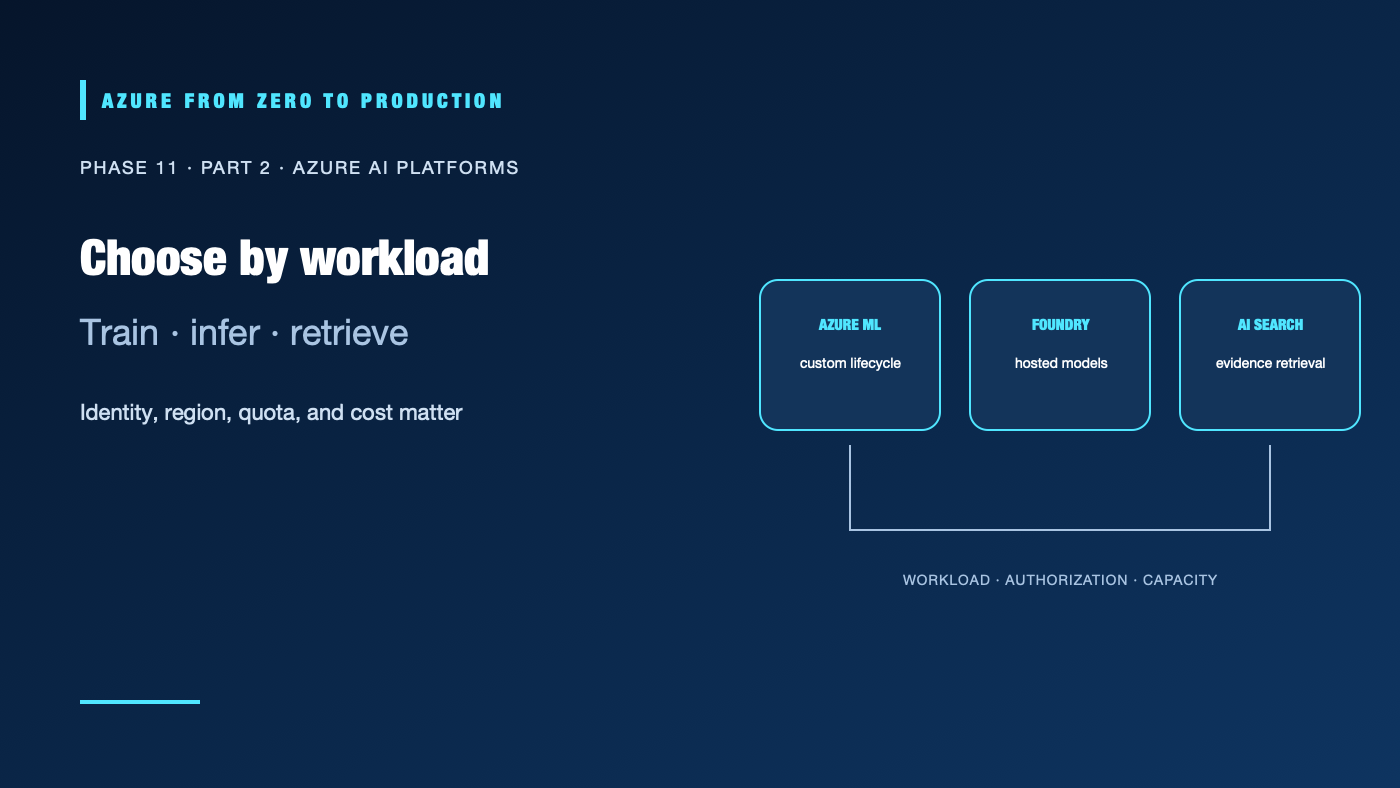
Azure AI workloads can involve custom training, hosted foundation models, prebuilt AI APIs, search, or several of these together. Azure Machine Learning, Microsoft Foundry, and Azure AI Search have different jobs. The right design may use one service—or none—depending on the workload and its constraints.
What you’ll learn
- Choose Azure Machine Learning for custom training and model lifecycle needs.
- Use Microsoft Foundry to explore and deploy supported hosted models and AI capabilities.
- Use Azure AI Search when an application needs searchable, permission-aware retrieval.
- Plan model access, quotas, regions, networking, and cost before deployment.
- Separate control-plane access from runtime inference and search permissions.
Prerequisites
- Basic ML, API, Azure resource, and Microsoft Entra ID concepts.
- No subscription is required for the comparison.
- Model deployments, training compute, search units, and network integrations can incur charges.
Choose by workload
| Need | Starting point | Important boundary |
|---|---|---|
| Train, evaluate, register, and operate a custom ML model | Azure Machine Learning | You own the data, compute, model lifecycle, deployment design, and evaluation. |
| Explore and deploy supported foundation models or build model-powered applications | Microsoft Foundry | Model availability, deployment type, content controls, terms, endpoint shape, and quota vary. Verify the exact model and region. |
| Index, filter, rank, or vector-search business content | Azure AI Search | Search retrieves content; it is not a generative model and does not by itself authorize an end user to see a document. |
| Call a prebuilt capability such as speech, vision, or content safety | The relevant Azure AI service or Foundry tool | Feature, region, endpoint, and billing vary by capability. Confirm that it meets the task before adding a general-purpose model. |
Use the smallest composition that satisfies the acceptance criteria. For example, an internal policy assistant might use Azure AI Search to retrieve source passages and a Foundry-hosted model to compose a cited answer. A forecasting workload might use Azure Machine Learning without an LLM. A structured workflow may need only a prebuilt extraction service and validation rules.
Treat model deployment as a compatibility check
Before deploying, confirm the model’s:
- Availability in the intended resource, subscription, cloud, and region.
- Deployment type, input/output modalities, supported API, context limits, and lifecycle terms.
- Quota, provisioned capacity or rate limits, concurrency, and expected throughput.
- Data handling, abuse monitoring, content-filter behavior, and any restrictions relevant to the workload.
- Price for input, output, cached input, training, hosting, and supporting resources.
The model catalog is not a promise that every model can be deployed in every region or subscription. Preview labels, deployment paths, endpoint formats, and role names can change. Run a small compatibility test against the exact deployed model and API before building application logic around it.
Use search for evidence, not as an authorization shortcut
Azure AI Search supports text, vector, and hybrid retrieval patterns. Index the source text with stable document identifiers, useful metadata, and the fields needed for filtering and citations. Measure retrieval quality on representative queries. A relevant nearest neighbor is not necessarily a correct answer.
If documents have different access policies, enforce them at the retrieval boundary. Use the supported document-level access controls or a trusted authorization design; do not trust a client-supplied filter or a model instruction to protect restricted content. A single shared application identity that can read every document must not return all retrieved content to every caller.
Design identity and network boundaries
Use Microsoft Entra ID and managed identities where supported. Separate:
- Resource administration and role assignment.
- Model deployment and project configuration.
- Runtime model inference.
- Search index creation and document ingestion.
- Search query/read access for the running application.
Give the app only the roles needed to invoke its model endpoint and query its index. Microsoft Foundry’s current role guidance uses Foundry User for day-to-day project access; older guidance or portals might still display Azure AI User. Confirm the role and scope against the selected resource type. Keep deployment and indexing privileges out of the request-serving identity. Disable or tightly govern key-based access when Entra ID is the intended control. Private networking must include the application’s actual DNS and outbound route; a private endpoint alone does not grant authorization.
Estimate total cost and capacity
Model charges are only one part of an AI feature. Include search replicas and partitions, storage, embedding generation, data transfer, telemetry, evaluation, training, and idle deployments. Estimate a representative unit such as cost per answered request or document indexed. Test concurrency and rate limits with the expected prompt and context sizes.
Use budgets and alerts for visibility, but do not describe them as hard spending caps. Set application-level request and token limits, bound retries, monitor quota and throttling, and define a stop condition for experiments. For production, establish a fallback or user-visible degradation path when a model or retrieval dependency is unavailable.
✅ Checkpoint: For a proposed feature, list the model and deployment type, search or training need, region, quota owner, data classification, runtime identity, authorization boundary, capacity target, cost per useful result, and fallback.
Next: Build and evaluate a small RAG application on Azure.
Series navigation: Previous: AI, ML, embeddings, and RAG fundamentals · Current: Phase 11, Part 2 · Next: RAG application lab
References
- What is Azure Machine Learning?
- What is Microsoft Foundry?
- Get started with Microsoft Foundry SDKs and endpoints
- Role-based access control for Microsoft Foundry
- Feature availability across Microsoft Foundry regions
- Azure AI Search overview
- Azure AI Search role-based access control
- Document-level access control in Azure AI Search